CS 3500 User and Installation Guide (9H4853)_Ed07 49
7 Acquiring a 3D Model for
Orthodontics
You can use the CS 3500 to scan a full arch to create a 3D model. You then export this model to the
CS Model software, where you can use the electronic model to take basic distance measurements,
eliminating the need for taking impressions and working with or storing stone models. You should
acquire images of the upper jaw, lower jaw, and the buccal bite registration. The software combines
these images to create the 3D model.
To acquire a 3D model for orthodontic use, follow these procedures:
• Scan the upper and lower jaw.
• Scan the buccal bite registration.
• Refine the image.
• Complete the preparation check and export the image.
Scanning Teeth on the Upper and Lower Jaw
To acquire images using auto acquisition, follow these steps:
1 Dry the teeth thoroughly before starting an acquisition.
2 Access the CS 3500 Acquisition interface by clicking in the imaging software.
3 Select in the Select Acquisition Type window, and click OK.
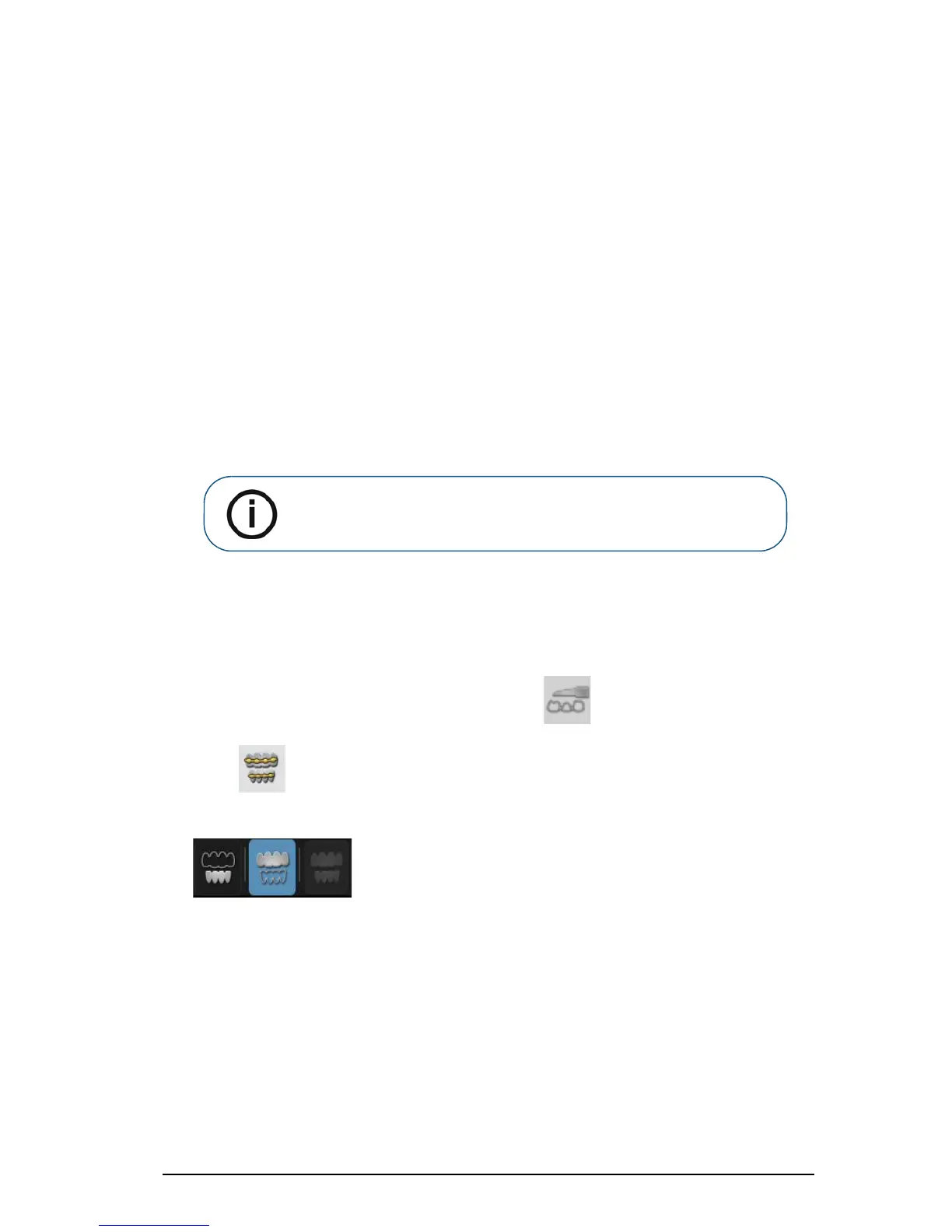
4 On the Acquisition interface, select the Upper Jaw acquisition mode.
OR
Note: In some cases, you can acquire images of a single arch (partial or
full) and not obtain a buccal bite registration (for example, if there are no
teeth in the opposing arch), but it is recommended that you acquire both
arches and a buccal bite registration when possible.











 To Next Page