66 Chapter 8 Acquiring a 3D Model for Implants
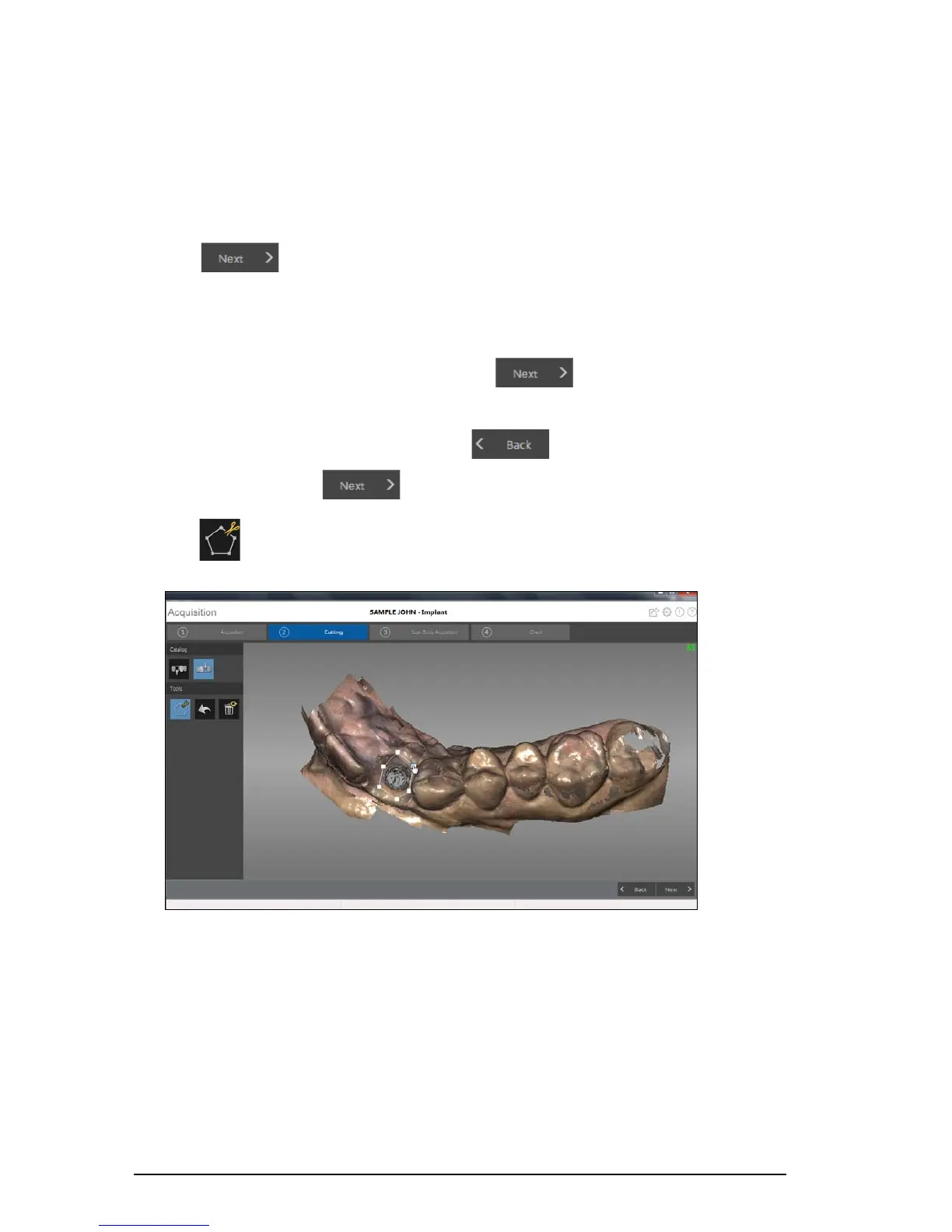
Using the Free Cut Tool to Cut Out the Implant Area
The Free Cut tool enables you to remove the section of the image containing the implant so it can be
replaced with the scan body image.
To cut the implant area from the 3D image, follow these steps:
1 Click .
Note: If you selected the Enable Refinement Check option in the Preferences window, the
software will refine the image before you perform the cutting step.
• If you are satisfied with the refined image, click and continue with the cutting
process.
• If you are not satisfied with the image, click and re-scan the area until the holes
are filled. Then click to proceed with the cutting process.
2 Click . Click the mouse at several points around the implant to form a circle big enough to
surround the emergence profile.











 To Next Page