44 Chapter 6 Acquiring a 3D Model for Restoration
Drawing Margin Lines
If you are exporting the 3D model to a dental lab, you can have the software automatically draw a
margin line on the 3D model, or you can manually draw the margin line.
Automatically Drawing a Margin Line
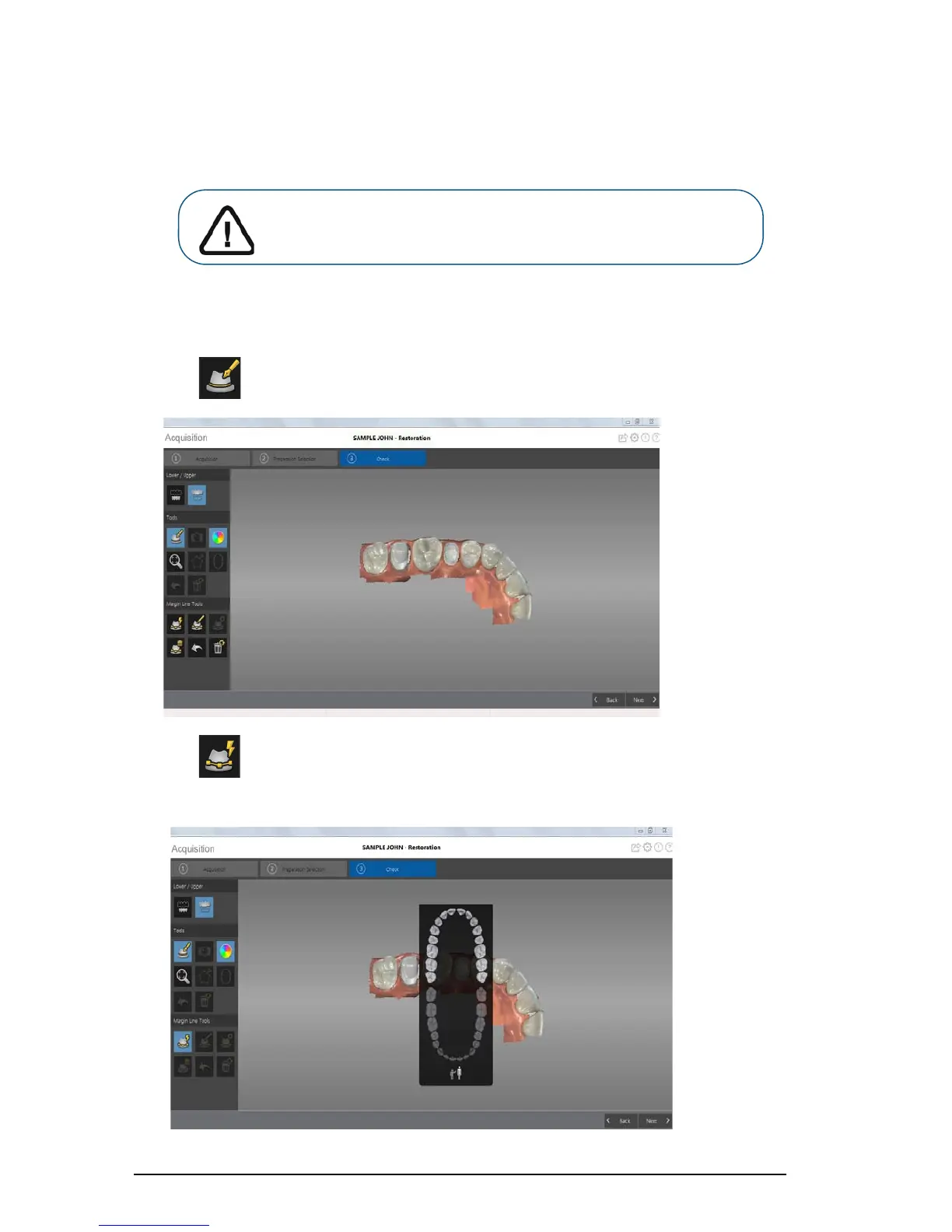
To automatically draw a margin line, follow these steps:
1 Click . The Margin Line Tools are displayed on the toolbar.
2 Click .
3 Click on the preparation area. The tooth number selection arch diagram is displayed.
Important: The Auto Margin Line feature can be used only with
crowns. For cases involving inlays or onlays, you must manually
draw the margin line.











 To Next Page