CS 3500 User and Installation Guide (9H4853)_Ed07 63
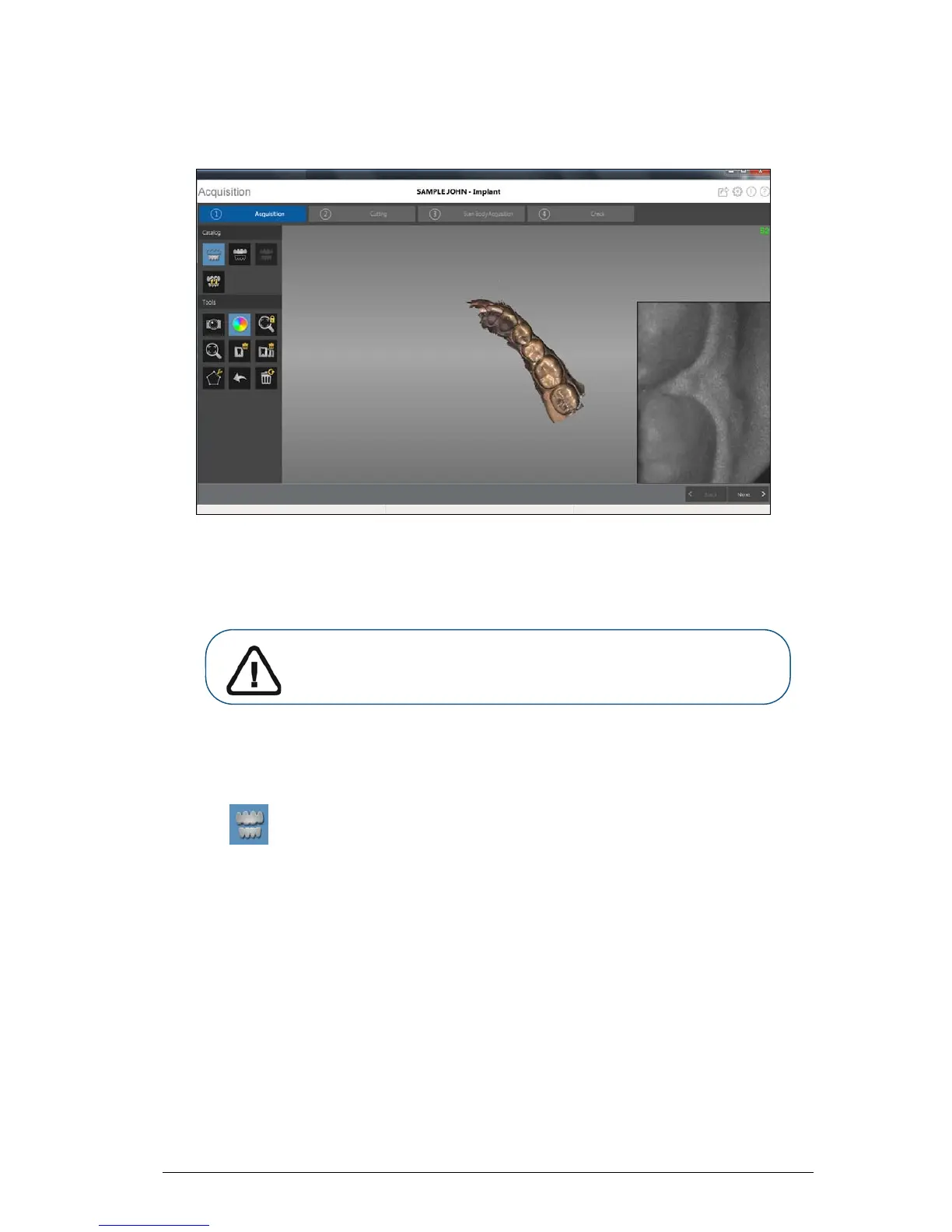
The example below shows a 3D model of the lower jaw when the occlusal, lingual, and buccal
surfaces have been completely scanned.
10 Visually inspect the 3D model for any holes. If holes are present near the implant area, re-scan the
area until the holes are filled.
11 When you are satisfied with the 3D model, continue with the buccal bite registration acquisition.
Scanning the Buccal Bite Registration
To acquire a buccal bite registration using auto acquisition, follow these steps:
1 Click .
2 Have the patient bite down.
3 Position the CS 3500 at a 90-degree angle to the buccal surface of the implant area, and align the
point where the upper and lower teeth meet in the middle of the video preview screen. Rest the tip
on the tooth surface to help steady the CS 3500.
When the CS 3500 is stable and the image is clear, the acquisition begins.
Important: If you acquire images of teeth from both the upper and
lower jaw, you must also acquire the buccal bite registration.











 To Next Page