64 Chapter 8 Acquiring a 3D Model for Implants
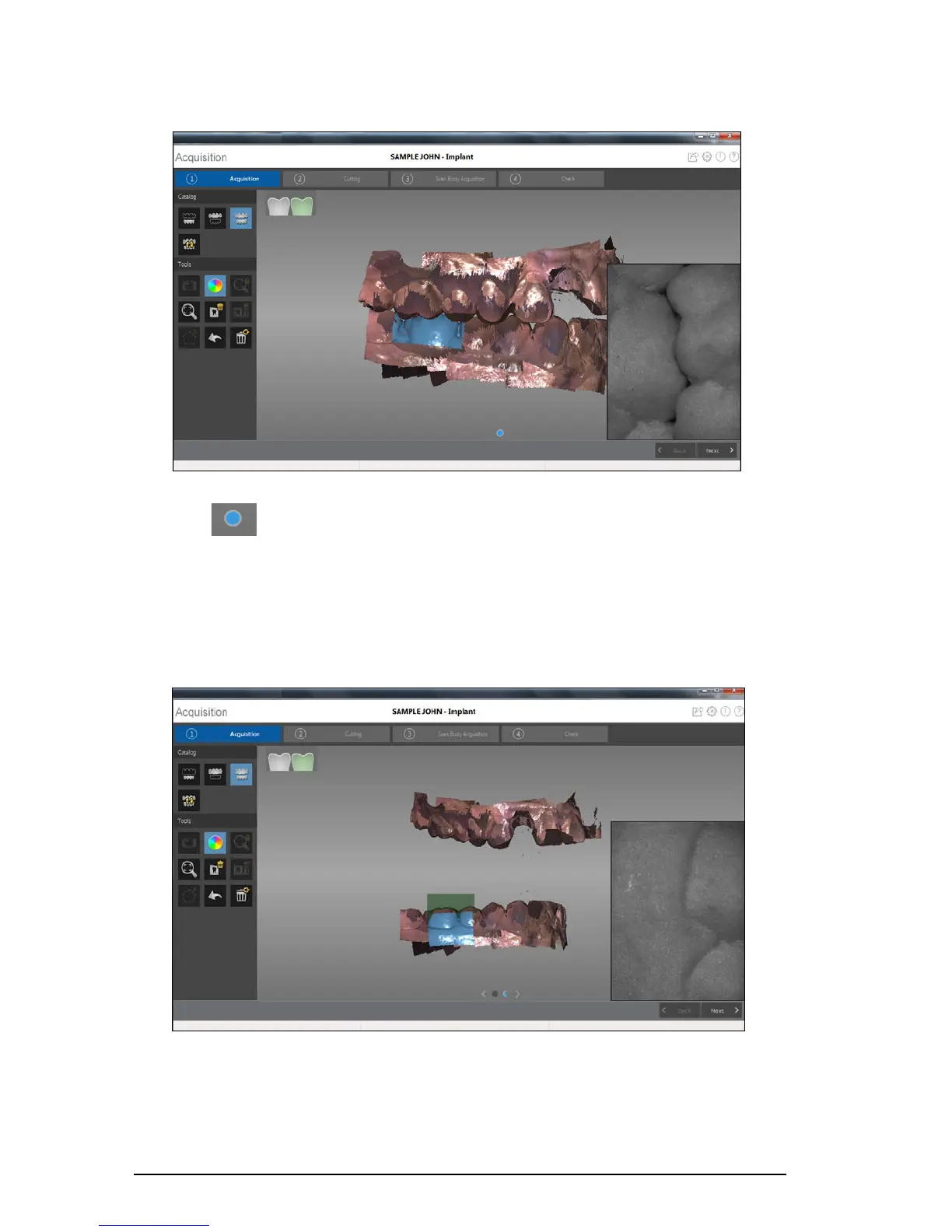
The example below shows a buccal bite registration.
A dot is displayed at the bottom of the window to indicate the capture was successful. A
successful bite image includes both the upper and lower arch.
Half of a dot (only one arch, upper or lower) indicates a partial buccal bite. The example below
shows that one complete buccal bite image and one-half of a buccal bite image have been
acquired. Note the green box on the teeth on the lower jaw. To complete the bite, acquire the teeth
on the opposing jaw, directly opposite of the green box.











 To Next Page