CS 3500 User and Installation Guide (9H4853)_Ed07 17
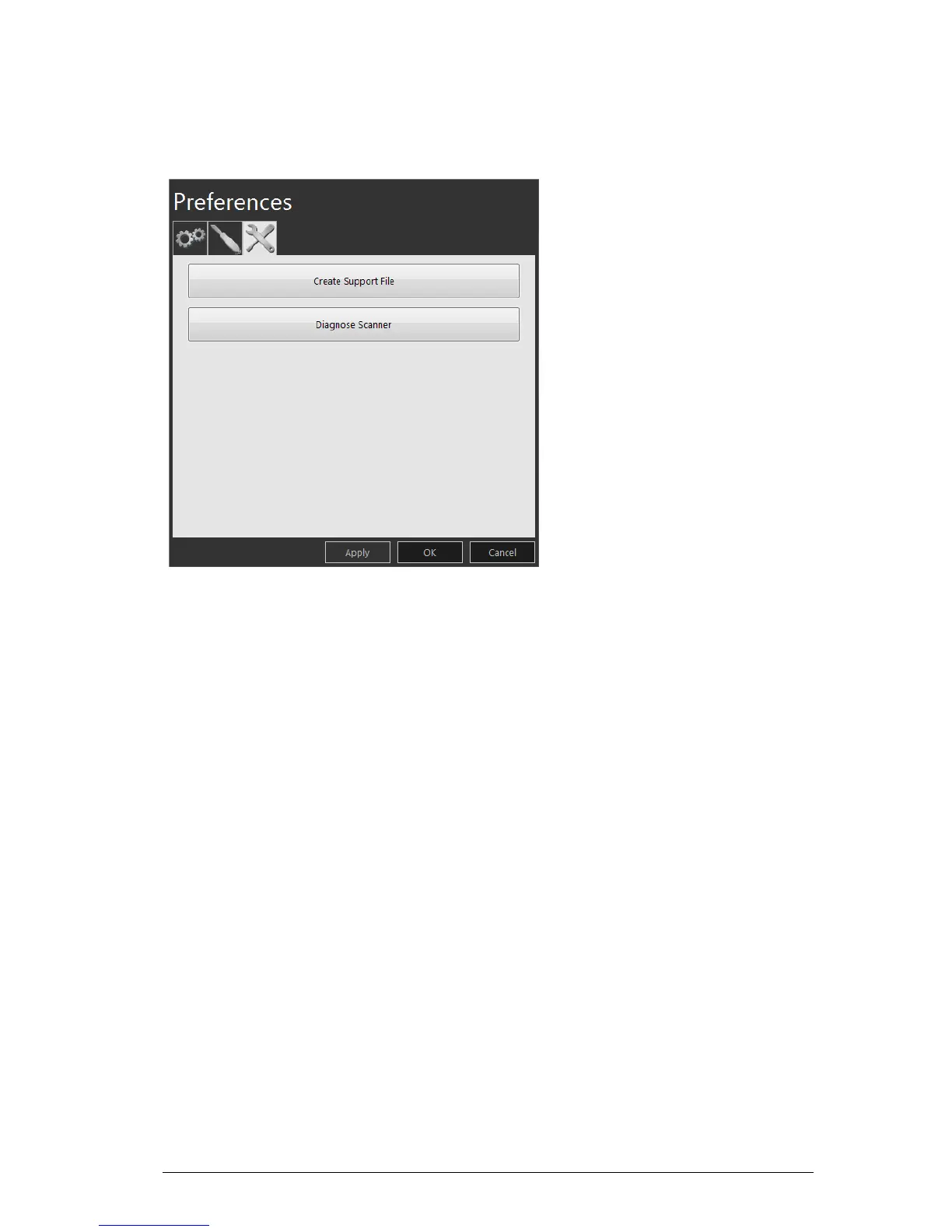
Tools Preferences
Figure 9 Tools Preferences
The Tools Preferences window enables you to select these options:
• Create Support File: Click to select the folder where the log files for service information are
saved.
• Diagnose Scanner: After attaching the service calibration diagnostic tip, click to run a
diagnostic test to verify the accuracy of the CS 3500. See
“Testing Image Quality and
Accuracy” on page 21 for more information.











 To Next Page