CS 3500 User and Installation Guide (9H4853)_Ed07 69
Check
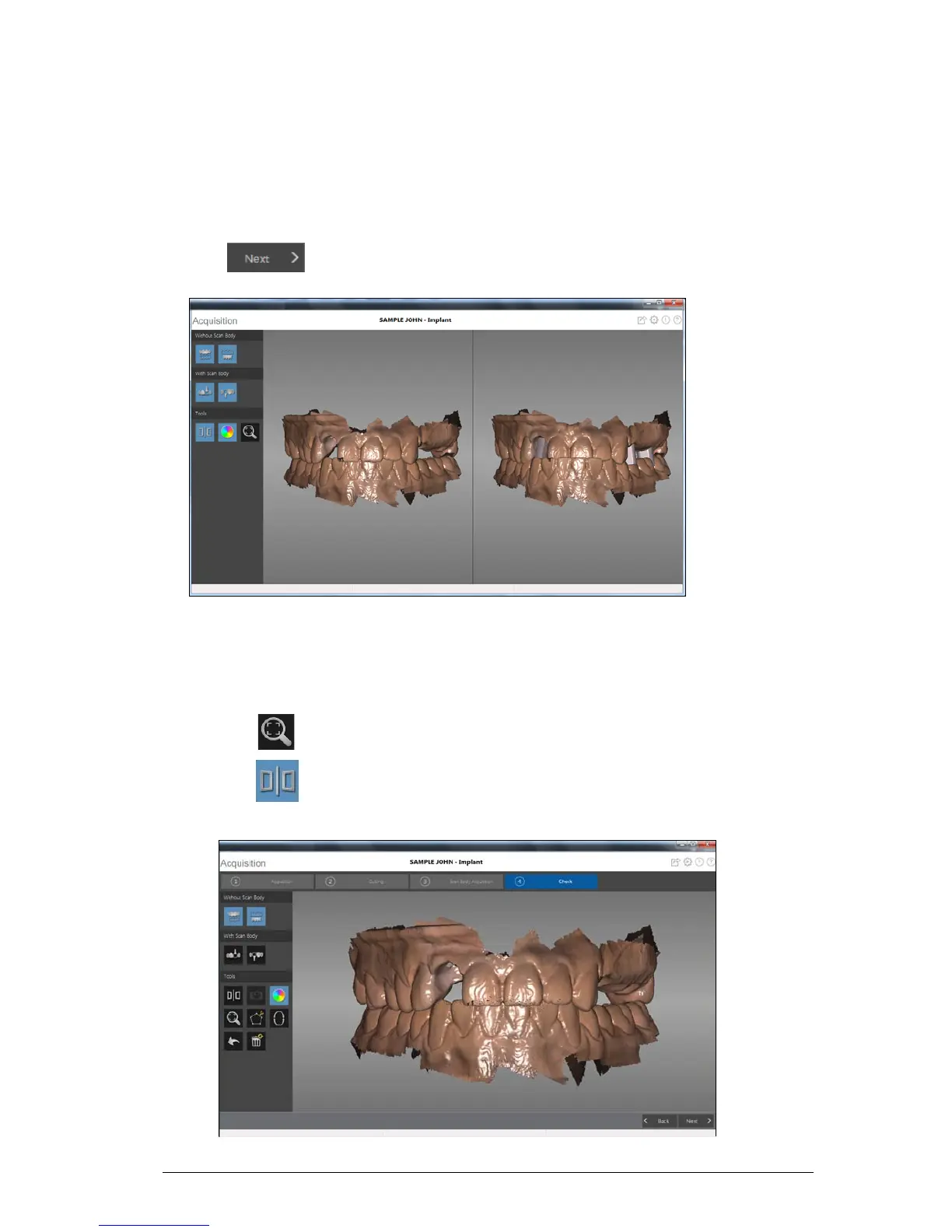
The check step combines the implant image and the scan body image and enables you to further
process the 3D image to obtain the highest accuracy.
To check the 3D model and further examine it, follow these steps:
1 Click to refine the image.
2 Manipulate both images in the split-screen view at the same time using the following methods:
• Right-click and hold on a 3D model to move both models in the window.
• Left-click and hold on a 3D model to rotate both models.
• If your mouse has a scroll wheel, use the wheel to zoom in or zoom out on the 3D models.
• Click to scale the models to their best view.
• Click to leave the split-screen view, which enables you to modify the 3D model.
Images in the split-screen view cannot be modified.











 To Next Page