70 Chapter 8 Acquiring a 3D Model for Implants
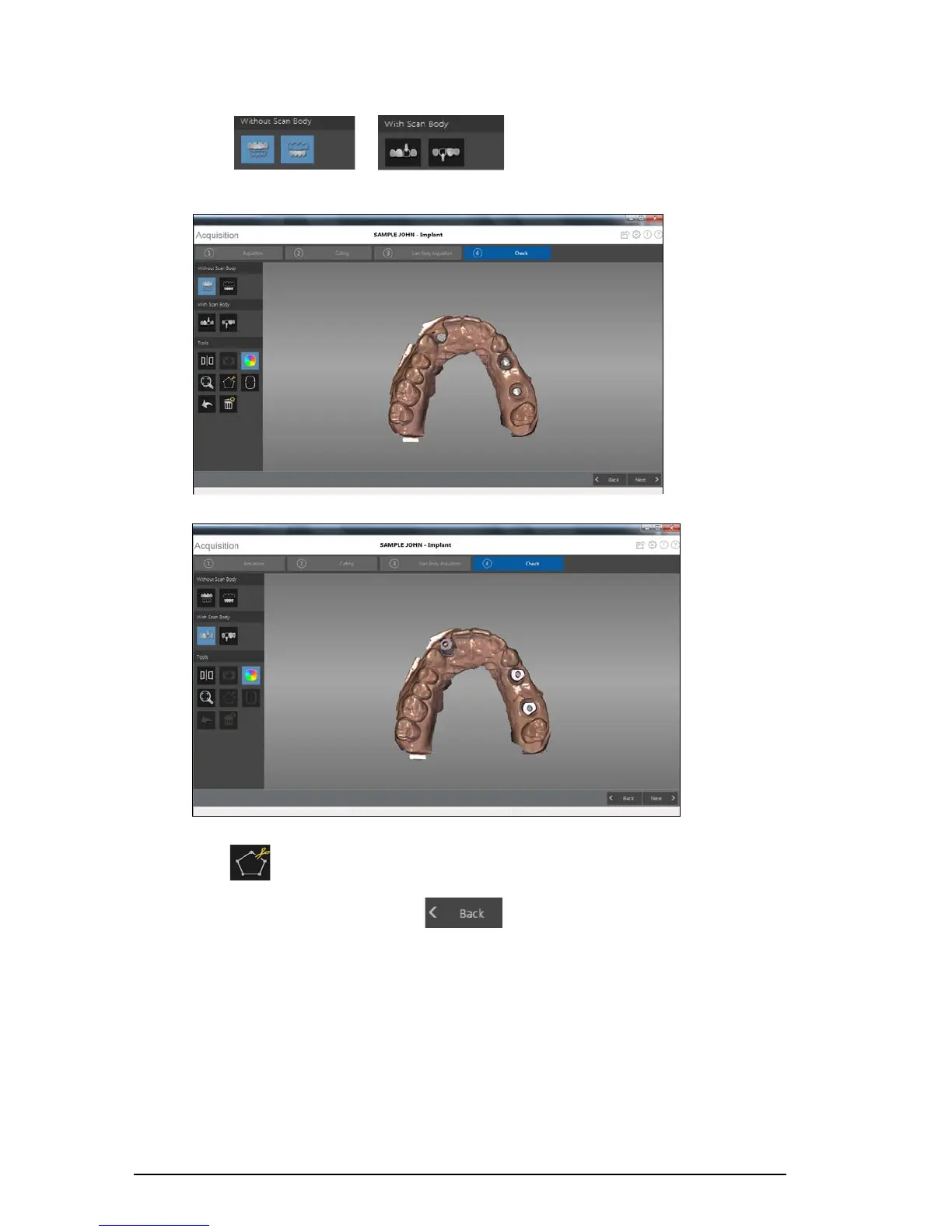
• Click or to view the image without the scan body or
with the scan body.
• Click to select and delete excess soft tissue in the image.
3 If you find holes in the implant area, click and re-scan the teeth that are missing data.
4 Repeat steps 1 through 3 until you are satisfied with the 3D model.











 To Next Page