CS 3500 User and Installation Guide (9H4853)_Ed07 19
4 Setting Up the CS 3500
Setting Up the CS 3500
To set up the CS 3500, follow these steps:
1 Install the imaging software on the computer. To install the CS Imaging software, CS Orthodontic
Imaging software, or CS OMS Imaging software, see the relevant installation and quick user
guides.
2 Insert the CS 3500 Installation Wizard flash drive into the USB drive. The AutoPlay
window is displayed.
3 Select Run wizard.exe. The Autorun window is displayed.
4 Select a language from the drop-down list, select CS 3500, and click Run Installation. The
Installation Wizard window is displayed.
5 Follow the on-screen instructions to complete the installation.
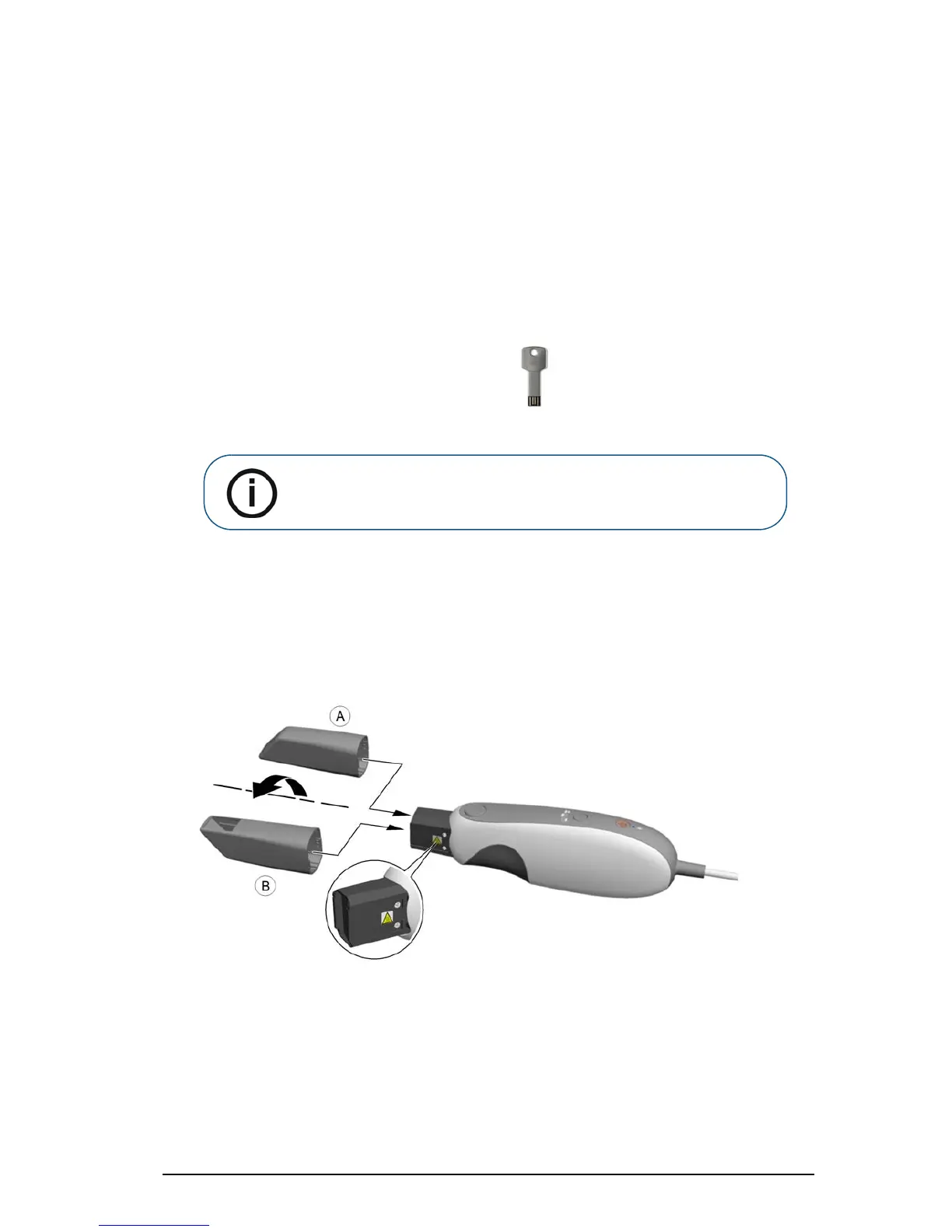
6 Firmly slide the tip onto the end of the CS 3500.
Note: If the AutoPlay window does not automatically display, navigate to
the CS 3500 flash drive in Windows Explorer and double-click
wizard.exe.











 To Next Page