68 Chapter 8 Acquiring a 3D Model for Implants
Acquiring the Scan Body on the Implant Jaw
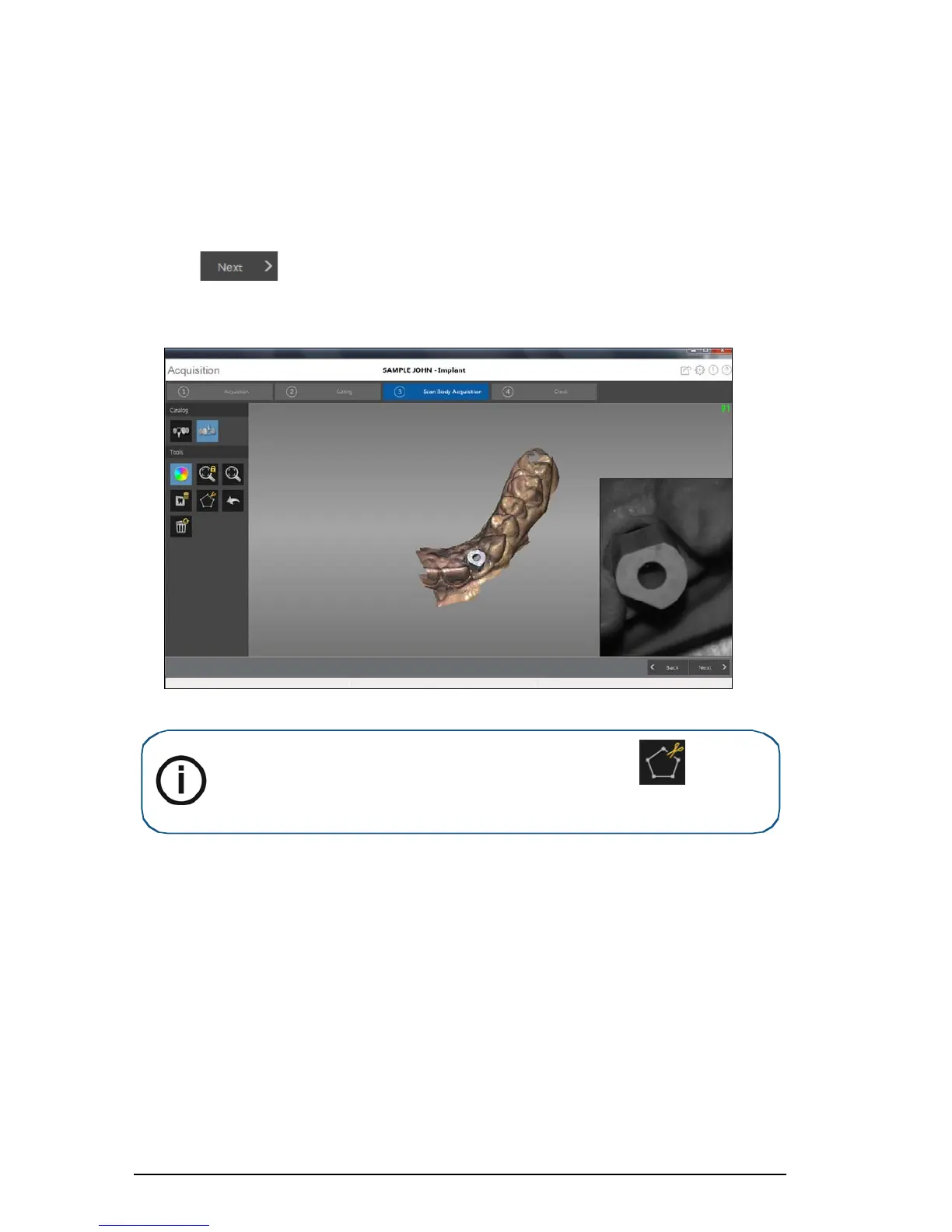
After you install the scan body, scan the jaw to incorporate the scan body into the 3D image.
To acquire an image of the jaw with the scan body in position, follow these steps:
1 Install the scan body.
2 Click .
3 Re-scan the jaw, concentrating on the area containing the scan body. Repeat the steps for
acquiring an image as described in
“Scanning Teeth on the Upper and Lower Jaw” on page 60.
4 After you acquire the scan body, proceed to the check step.
Note: If there is excessive soft tissue around the scan body, click to remove it
before proceeding to the next step.











 To Next Page