26 Chapter 5 Getting Started
Setting Up Preferences
Set up your preferences before using the CS 3500.
To set up the preferences, follow these steps:
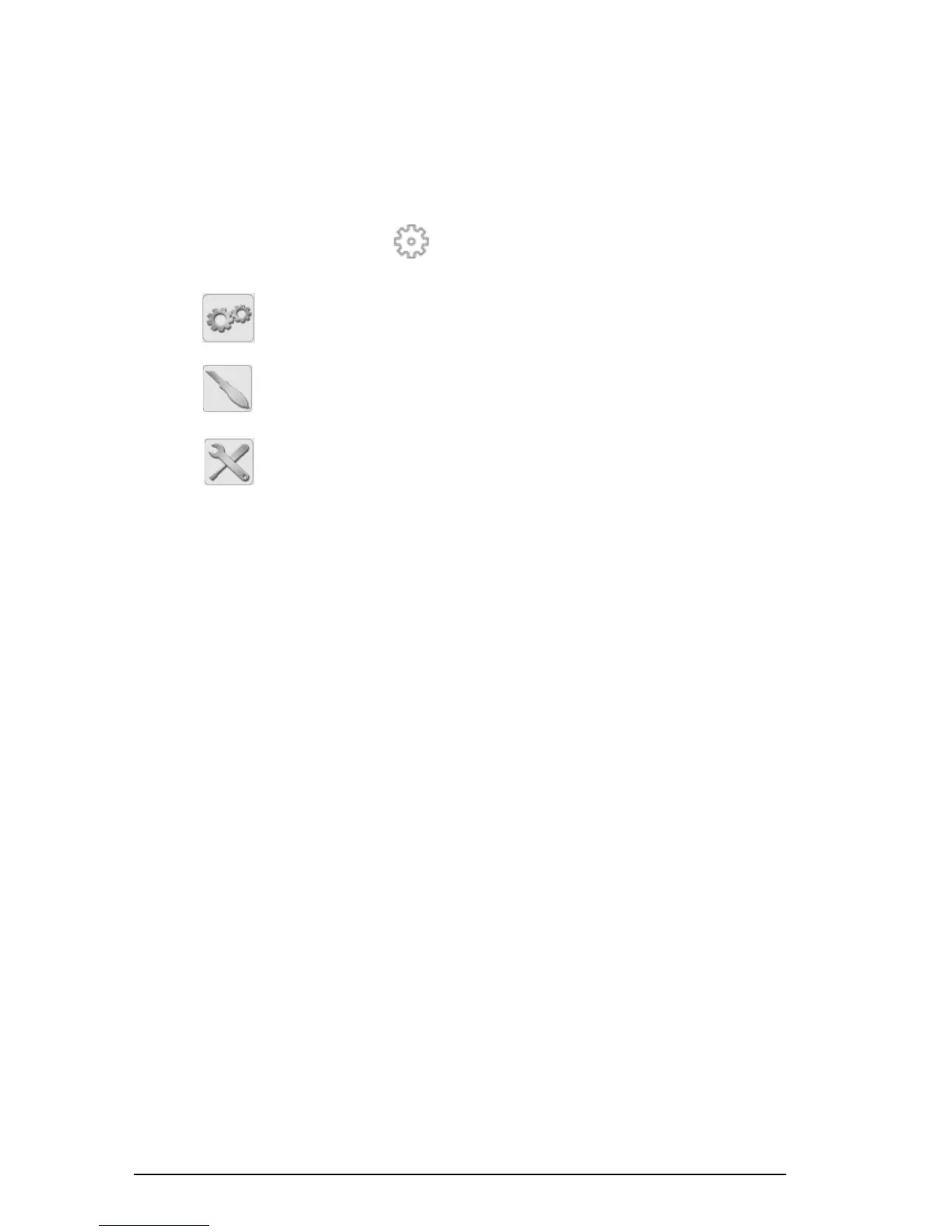
1 On the Acquisition interface, click . The Preferences dialog box is displayed.
2Click to set the general preferences.
3Click to set the CS 3500 preferences.
4Click to set the tools preferences.
You can now start acquiring 3D still images.











 To Next Page