CS 3500 User and Installation Guide (9H4853)_Ed07 39
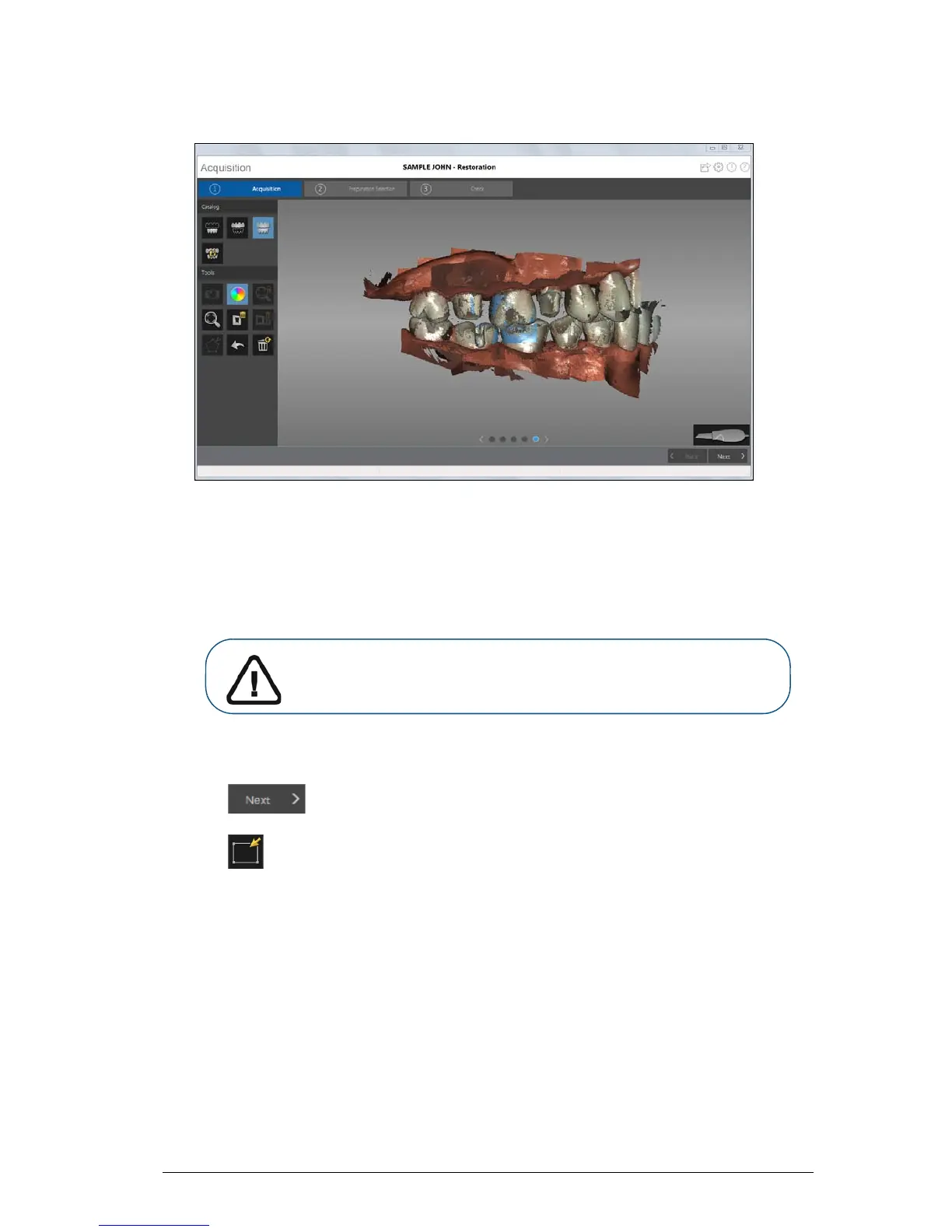
The example below shows several buccal bite registrations.
6 When you have finished acquiring the buccal bite registration, proceed to the preparation
selection step.
Preparation Selection
The preparation selection step enables you to select specific teeth in the 3D model display area that
will be refined at high resolution.
To select specific teeth on the 3D model for refinement, follow these steps:
1 Click to perform preparation selection.
2 Click .
3 Place the cursor over the area you want to refine, and left-click and drag the mouse to select the
teeth for refinement. You should include the preparation, the adjacent surfaces of neighboring
teeth, the teeth on the opposite arch, and at least one buccal bite registration acquisition in this
selection.
Important: If you have acquired fewer than five teeth, the software
skips preparation selection, and the entire image is refined. You
would then continue with Step 2 of the Check step.











 To Next Page