40 Chapter 6 Acquiring a 3D Model for Restoration
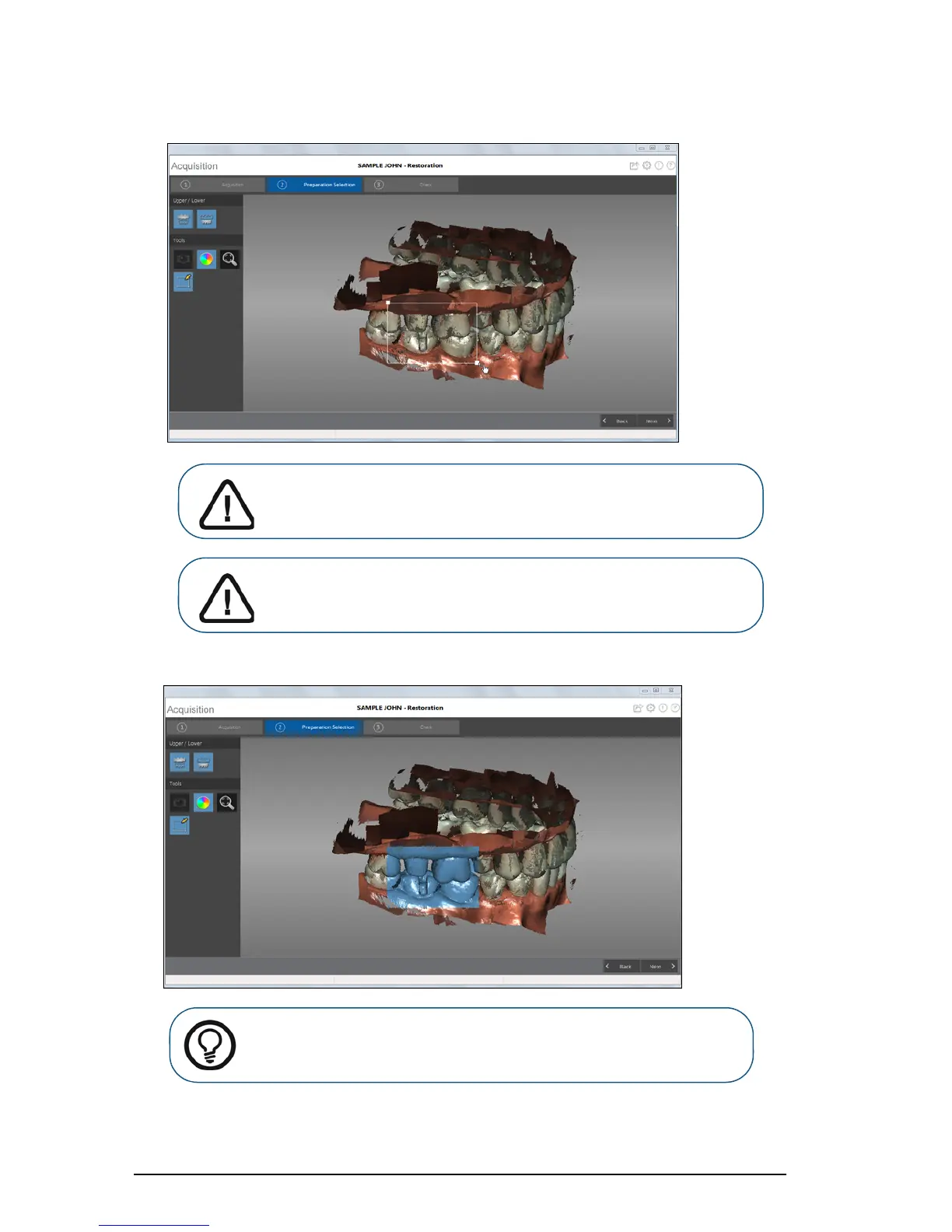
Release the mouse button. The selected teeth are highlighted in blue.
4 When you have successfully finished the preparation selection step, proceed to the check step.
Important: Use the mouse to angle the image, and select teeth from
above -- not from the side. This prevents teeth behind the target
teeth from being refined.
Important: You cannot select more than half an arch, or you will not
be able to continue with the refinement process.
Tip: If necessary, you can select additional areas for refinement. Press Ctrl,
place the cursor over the additional area to refine, and left-click and drag
the mouse to select the additional teeth.











 To Next Page