12 Chapter 3 CS 3500 Software Overview
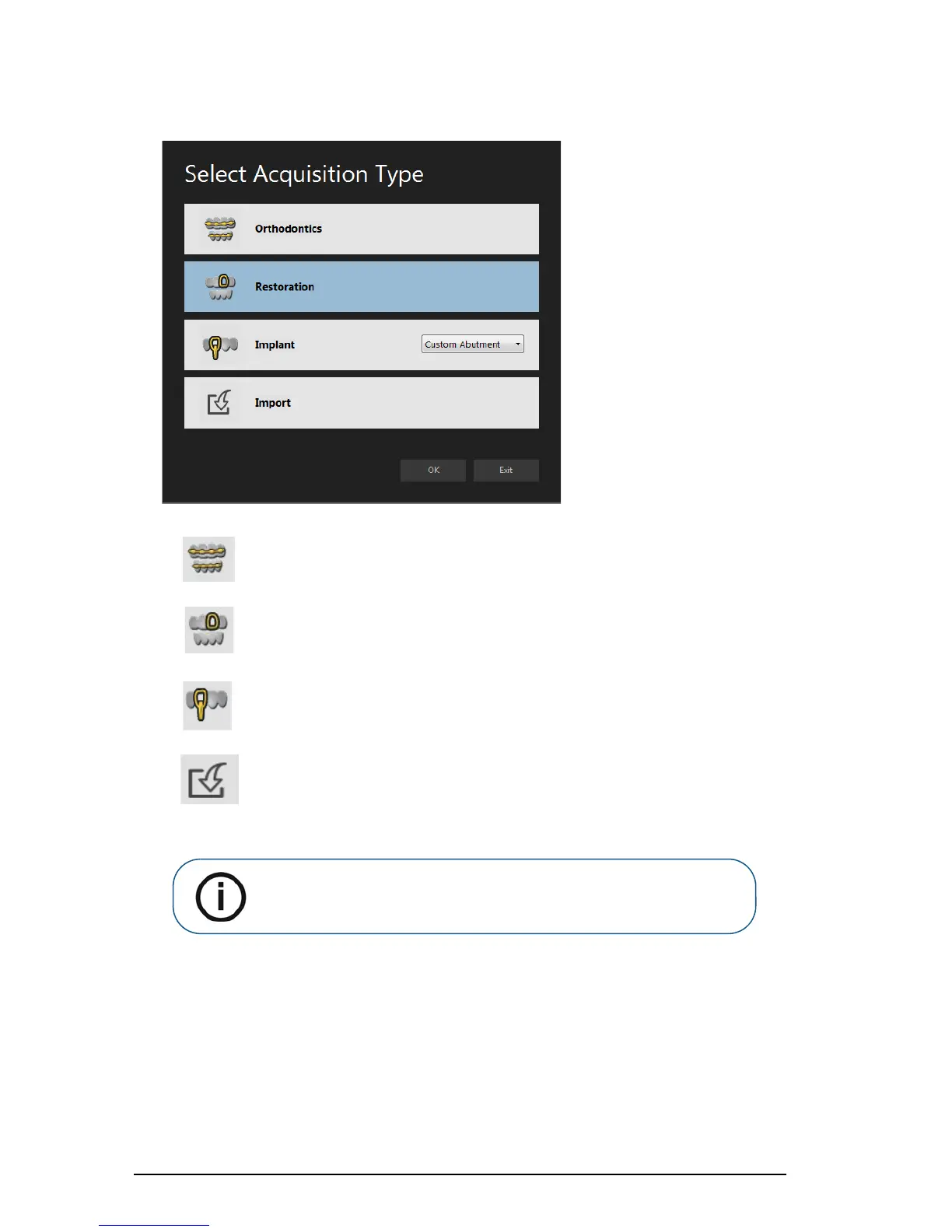
Select Acquisition Type Window
Orthodontics button: Select and click OK to make an orthodontic acquisition.
Restoration button: Select and click OK to make a restoration acquisition.
Implant button: Select and click OK to make an implant acquisition. Click the
drop-down button to select Standard Abutment or Custom Abutment.
Import button: Select and click OK to access the folder from which you want to
import an image file. Use the import feature to access an acquisition you have
previously saved.
Note: The acquisition type or folder path you select is selected by default
the next time you open the Acquisition interface.











 To Next Page