CS 3500 User and Installation Guide (9H4853)_Ed07 5
CS 3500 Holders Overview
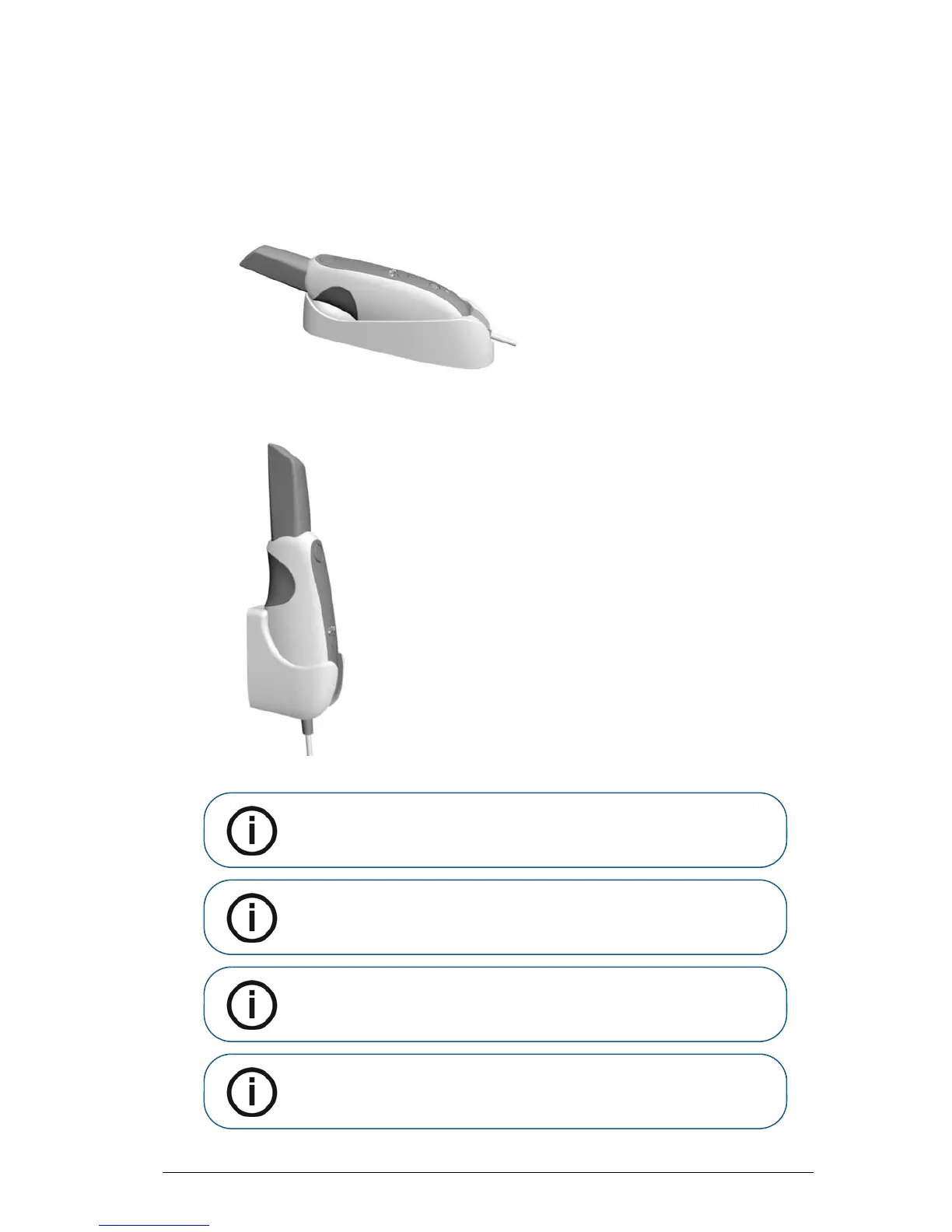
The CS 3500 has both a desktop and a wall mount holder. Place the CS 3500 in the holder when you
are not using it.
Figure 2 CS 3500 and Desktop Holder
Figure 3 CS 3500 and Wall Mount Holder
Note: The CS 3500 goes into inactive mode when inserted into the
holder. To use it again, take it out of the holder.
Note: The CS 3500 goes into inactive mode when left idle for one minute
(if set on a desk, for example). To use it again, pick it up or press the power
button.
Note: The CS 3500 Acquisition interface displays a No Tip icon when
the tip is removed. To use the CS 3500 again, put on the tip.
Note: When the CS 3500 is idle for more than an hour, it powers off.











 To Next Page