4 Chapter 2 CS 3500 Overview
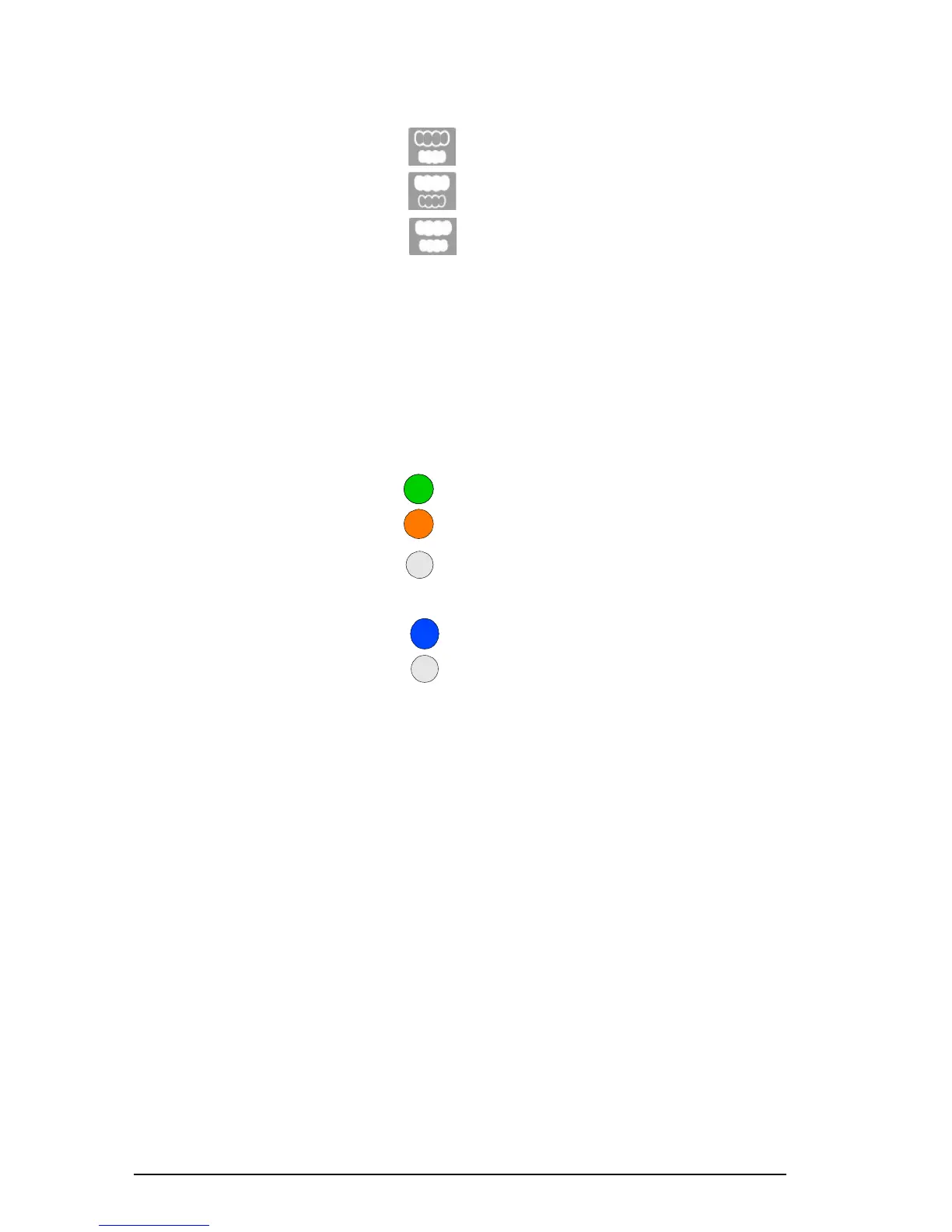
3 Mode indicators
• Lower jaw scan mode
• Upper jaw scan mode
• Buccal bite registration mode
Note: The mode indicators blink rapidly if the CS 3500 is
overheating. If the indicators are blinking rapidly and the
Overheating icon is displayed on the Acquisition interface, place
the CS 3500 in the holder for 5 to 10 minutes. The CS 3500 will
become inactive and cool down.
4 Mode button Press the button to switch between different modes.
5 Power button
• Press one second to power ON.
• Press three seconds to power OFF.
Power indicator LED:
• Indicates the CS 3500 is active.
• Indicates the CS 3500 is in inactive mode.
• Indicates the power is OFF.
6 USB connection indicator
• Indicates the connection is established.
• Indicates the connection is disconnected.
7 USB cable One end of the cable is hard-wired to the bottom of the CS 3500, and
the other end is inserted in the computer’s USB port.
8 Power adapter One end of the adapter is inserted in the jack on the USB plug, and
the other end is inserted in the power outlet.
9 Service Calibration
Diagnostic Tip
The service calibration diagnostic tip enables you to verify the
accuracy of the CS 3500.
10 Reusable Collar The collar is placed over the CS 3500 tip and can help you acquire
images of the anterior teeth. The collar is autoclavable for up to 20
times.











 To Next Page