CS 3500 User and Installation Guide (9H4853)_Ed07 41
Check
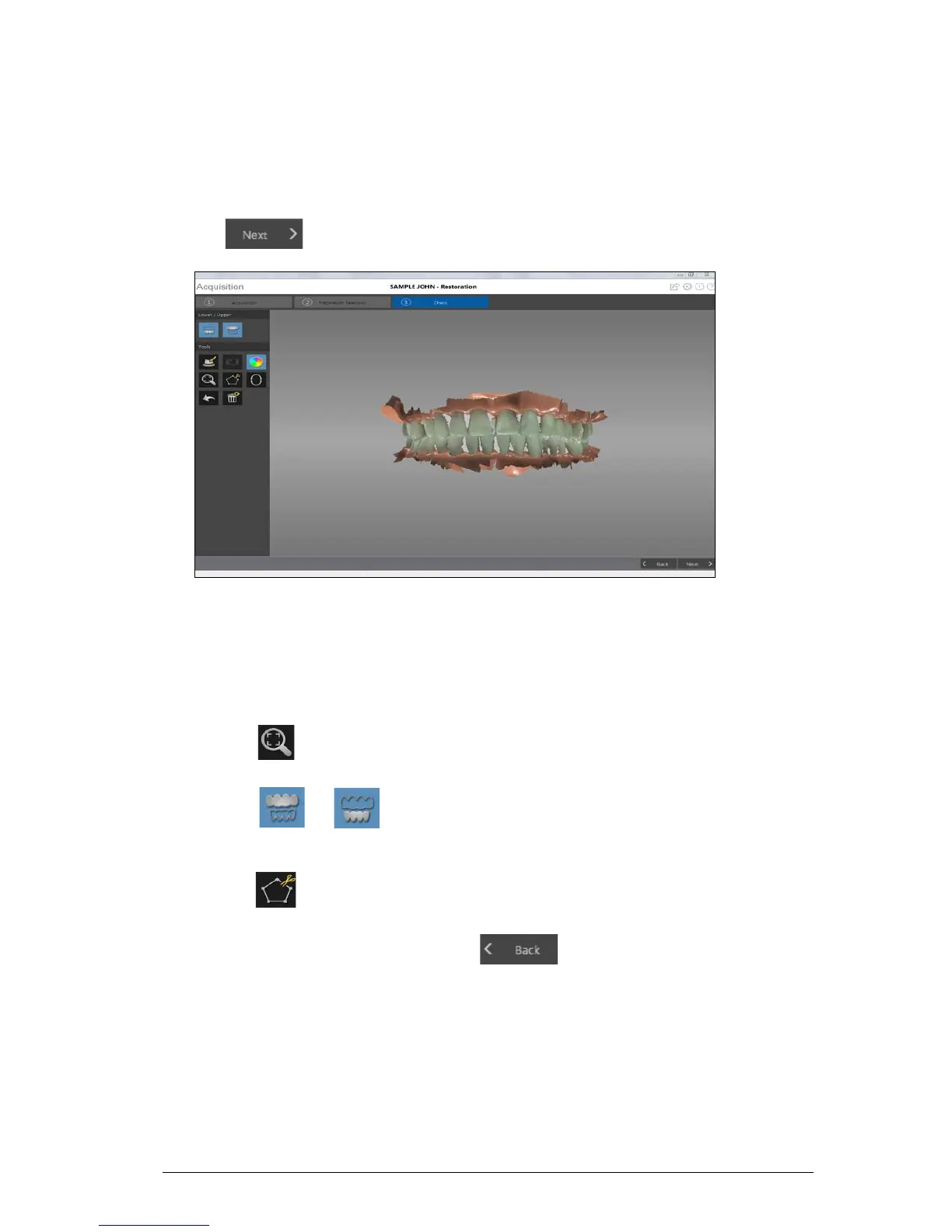
The check step enables you to further process the 3D image to obtain the highest accuracy.
To refine the 3D model and further examine it, follow these steps:
1 Click to refine the image.
2 Manipulate the refined 3D model using the following methods:
• Right-click and hold on the 3D model to move it in the window.
• Left-click and hold on the 3D model to rotate it.
• If your mouse has a scroll wheel, use the wheel to zoom in or zoom out on the 3D model.
• Click to scale the model to its best view.
• Click or to hide the upper or lower jaw. Click the button again to restore the
view of the jaw.
• Click to select and delete excess soft tissue in the image.
3 If you find holes in the preparation area, click and re-scan the teeth that are missing
data.
4 Repeat steps 1 through 3 until you are satisfied with the 3D model.











 To Next Page