CS 3500 User and Installation Guide (9H4853)_Ed07 73
Selecting 2D Images
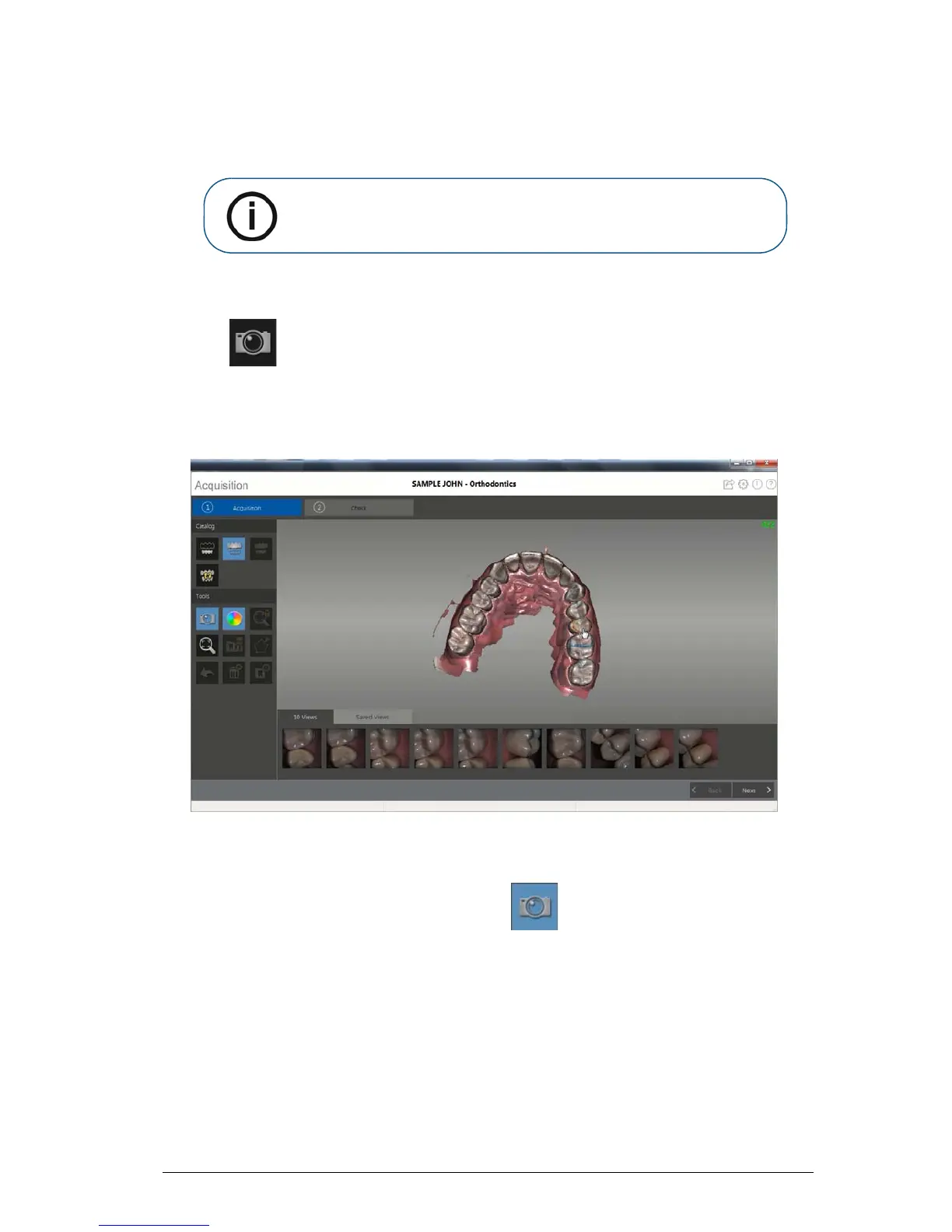
You can select 2D images from the 3D model to send to the dental lab along with the 3D model.
To select 2D images, follow these steps:
1 Click .
2 Manipulate the 3D model to the position you want to view.
3 Click on the areas of the 3D model for which you want 2D images. The images are displayed on
the Views tab.
4 Click the checkmark on the upper-right corner of an image on the Views tab to move the image to
the Saved Views tab.
5 When you are finished selecting 2D images, click to return to the Acquisition interface.











 To Next Page