CS 3500 User and Installation Guide (9H4853)_Ed07 45
4 Select the corresponding tooth on the tooth number selection arch diagram.
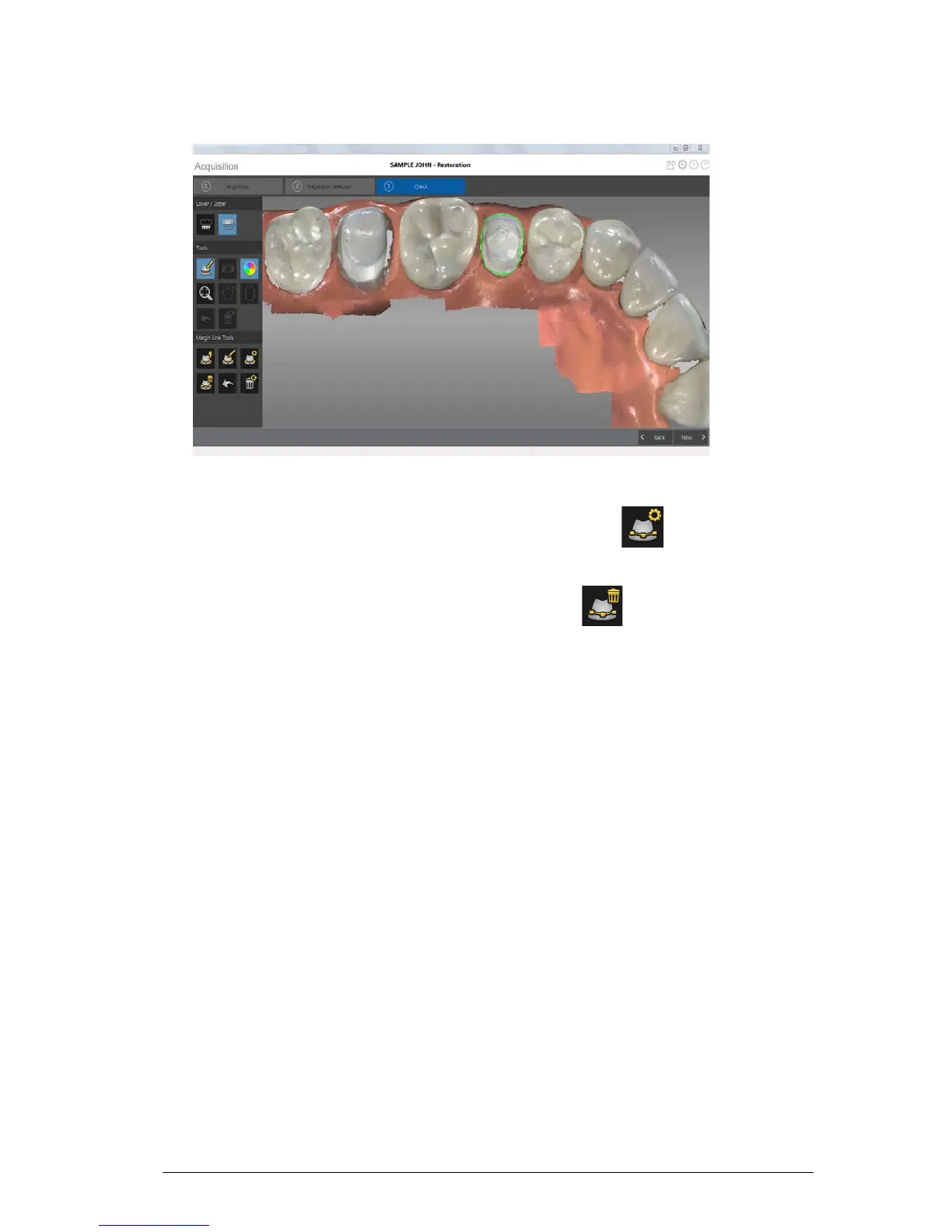
5 Examine the margin line on the 3D model and do any of the following:
• To edit the margin line, click on the margin line to select it. Click . Redraw the section of
the margin line you want to alter, and be sure it connects with the existing margin line.
• To delete the margin line, select the margin line and click .
6 To view margin line references outside of the CS 3500 Acquisition interface, use the CS Mesh
Viewer that was installed on your desktop.











 To Next Page