36 Chapter 6 Acquiring a 3D Model for Restoration
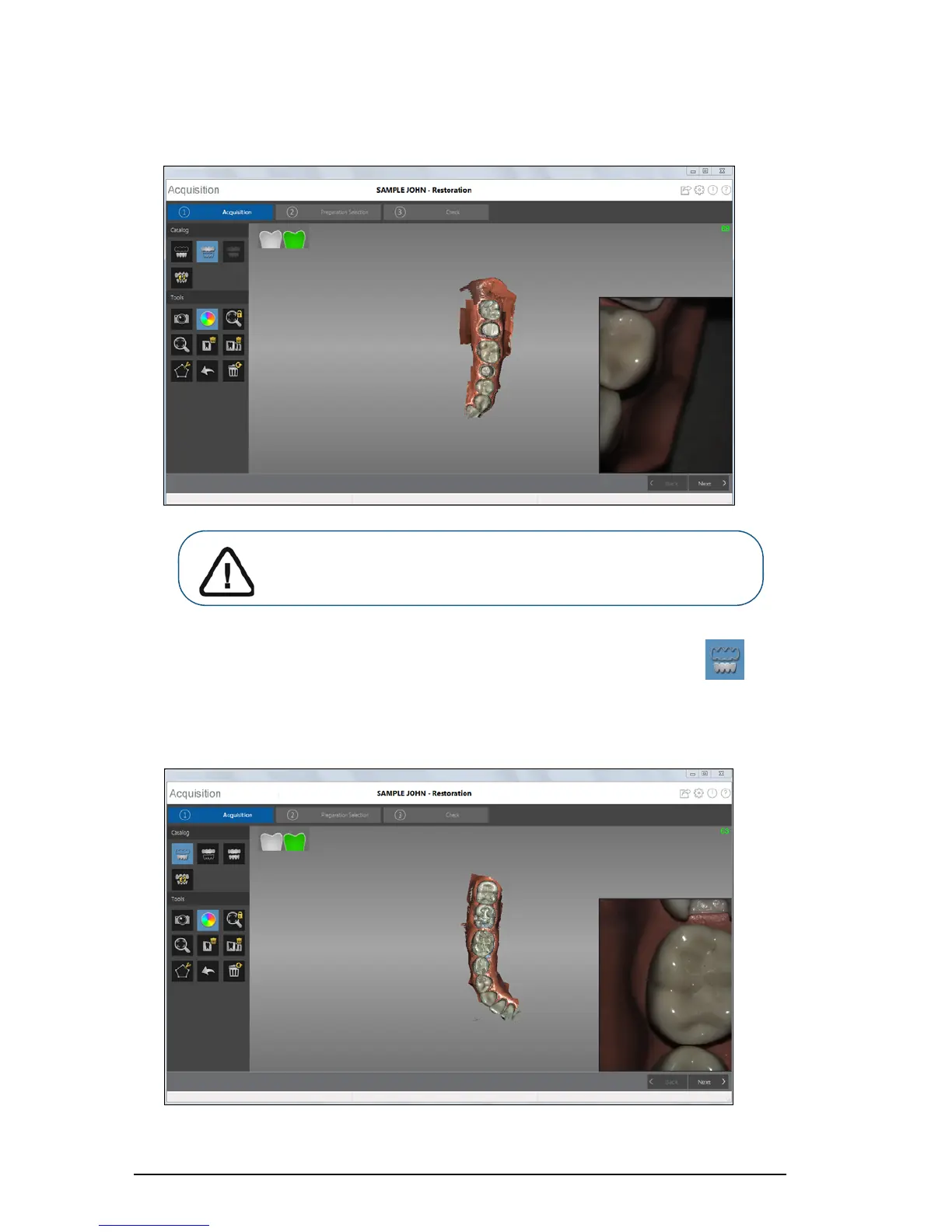
The example below shows a 3D model of the upper jaw when the occlusal, lingual, and buccal
surfaces have been completely scanned.
9 Once the upper jaw has been scanned, you can begin scanning the lower jaw. Click and
repeat steps 5 through 8 until the teeth in the area of restoration on the lower jaw are scanned.
The example below shows a 3D model of the lower jaw when the occlusal, lingual, and buccal
surfaces have been completely scanned.
Important: If holes are displayed in the scanned image on the
preparation area, re-scan the area until the holes are filled. Use the
mouse wheel to zoom in on the preparation area for a closer look.











 To Next Page