3-SETUP
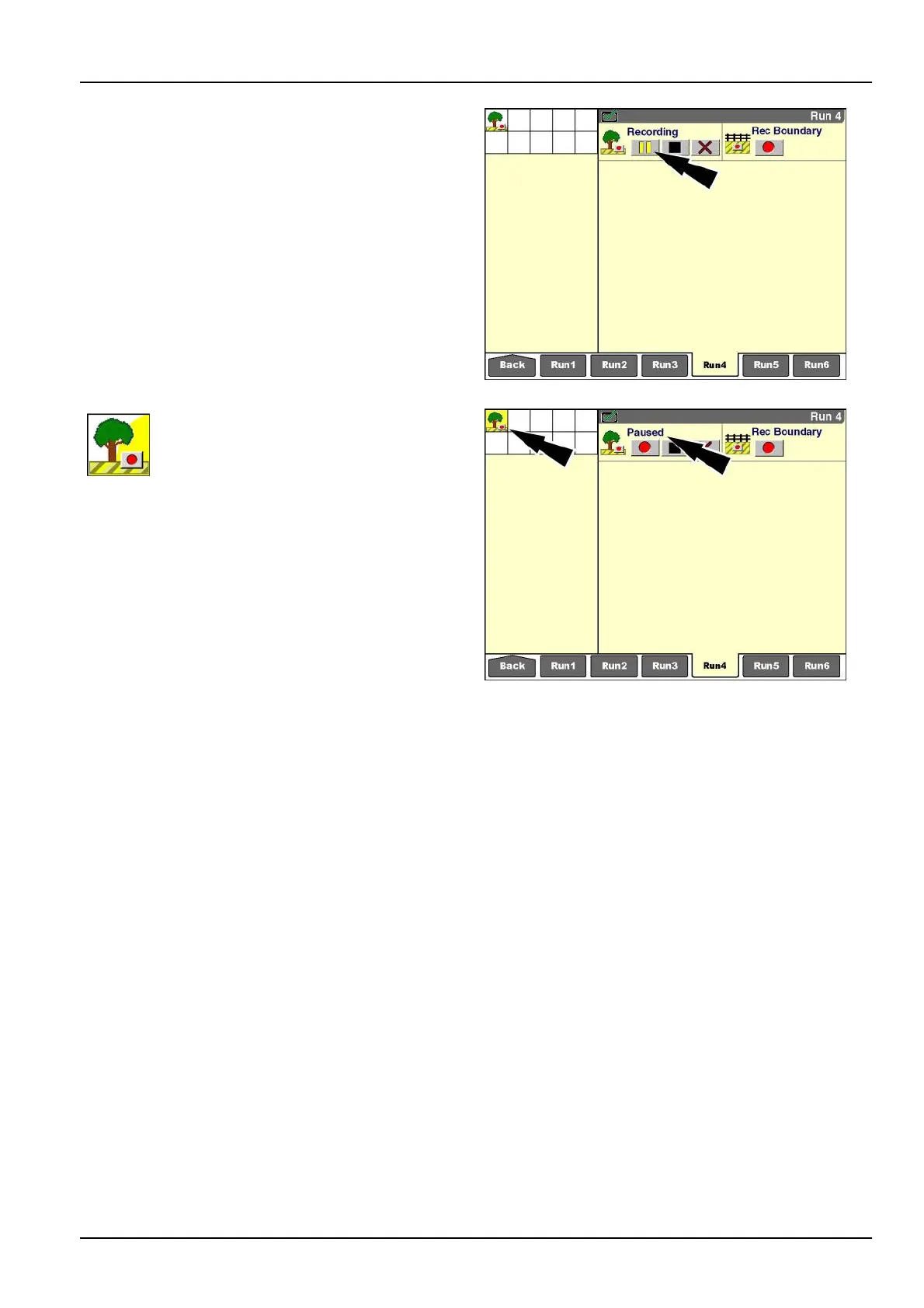
“Pause”button
The“Pause”buttonisusefulforanysectionofaclosed
oropenobstaclethatcanbedenedbyastraightline
segment.Anydistancetraveled,whileobstaclerecording
ispaused,isautomaticallyjoinedbyastraightlinewhen
recordingisresumed.Usingthepausefeature,anop-
eratorcanrecordsegmentsofanobstacleandallowthe
softwaretosupplyanyrequiredstraightlinesbetweenthe
segments.
RCIL11DSP064BBG22
Wheneverobstaclerecordingispaused,
the“RecordingObstacle”iconashesinthe
statusandwarningiconareaasareminder
totheoperatorthatrecordinghasbeen
paused.The“RecObstacle”windowalso
updatestoreectthatrecordingispaused.
RCIL11DSP065BBG23
3-135



 To Next Page