3-SETUP
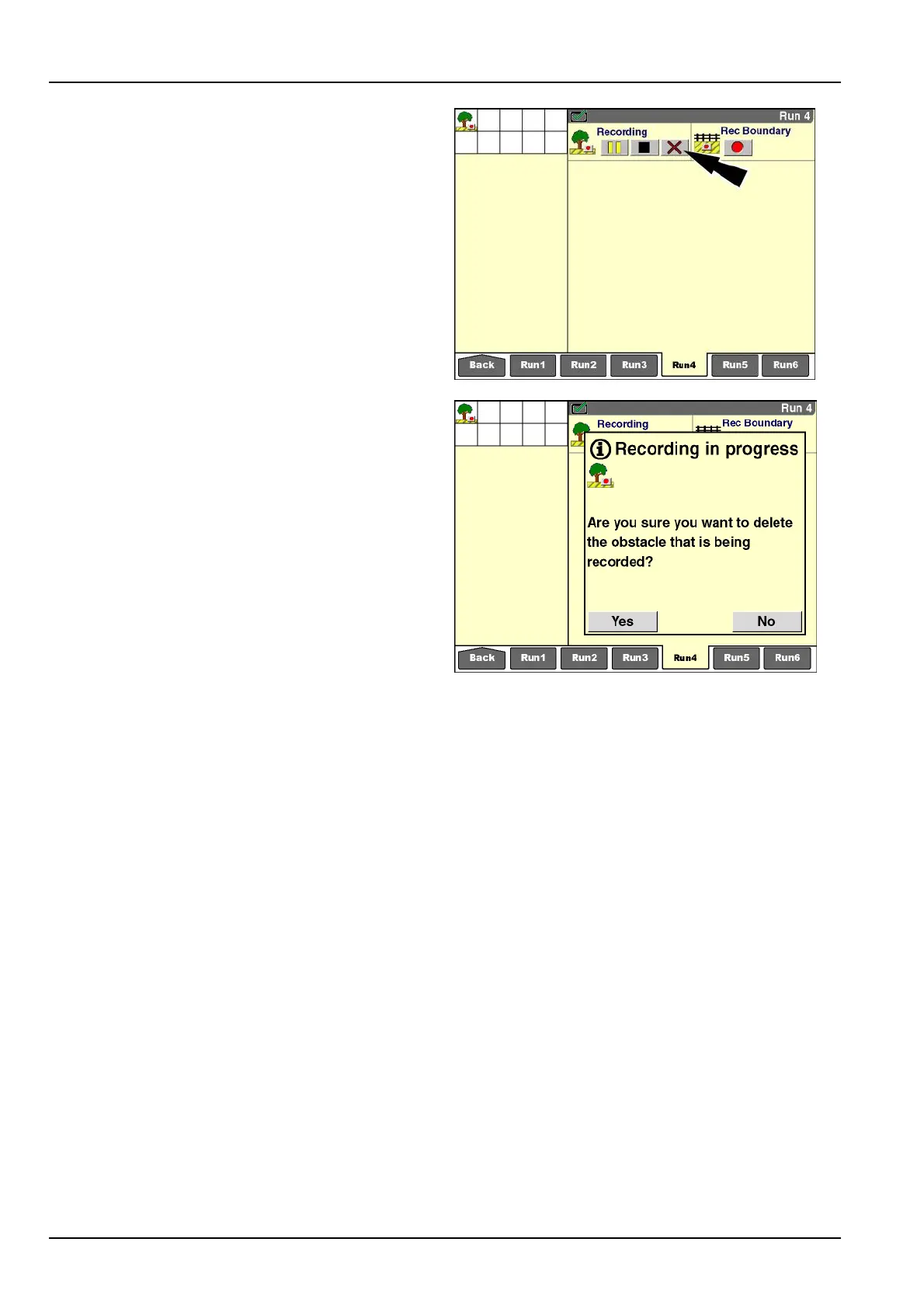
“Cancel”button
Pressthe“Cancel”buttontoexitobstaclerecordingat
anytime.Thisactiondeletestherecordinginprogress
fromdisplaymemoryandthememorystick.Aconrming
messagedisplaysimmediatelyafterthebuttonispressed:
“Areyousureyouwanttodeletetheobstaclethatisbeing
recorded?”
Pressthe“Yes”buttontocancelrecordinganddeletethe
obstacleinprogress.The“RecordingObstacle”icondis-
appears.
Pressthe“No”buttontocontinuetherecordingin
progress.The“RecordingObstacle”iconremainsinthe
statusandwarningiconarea.
RCIL11DSP064BBG24
RCIL11DSP066BBG25
3-136



 To Next Page