4-OPERATION
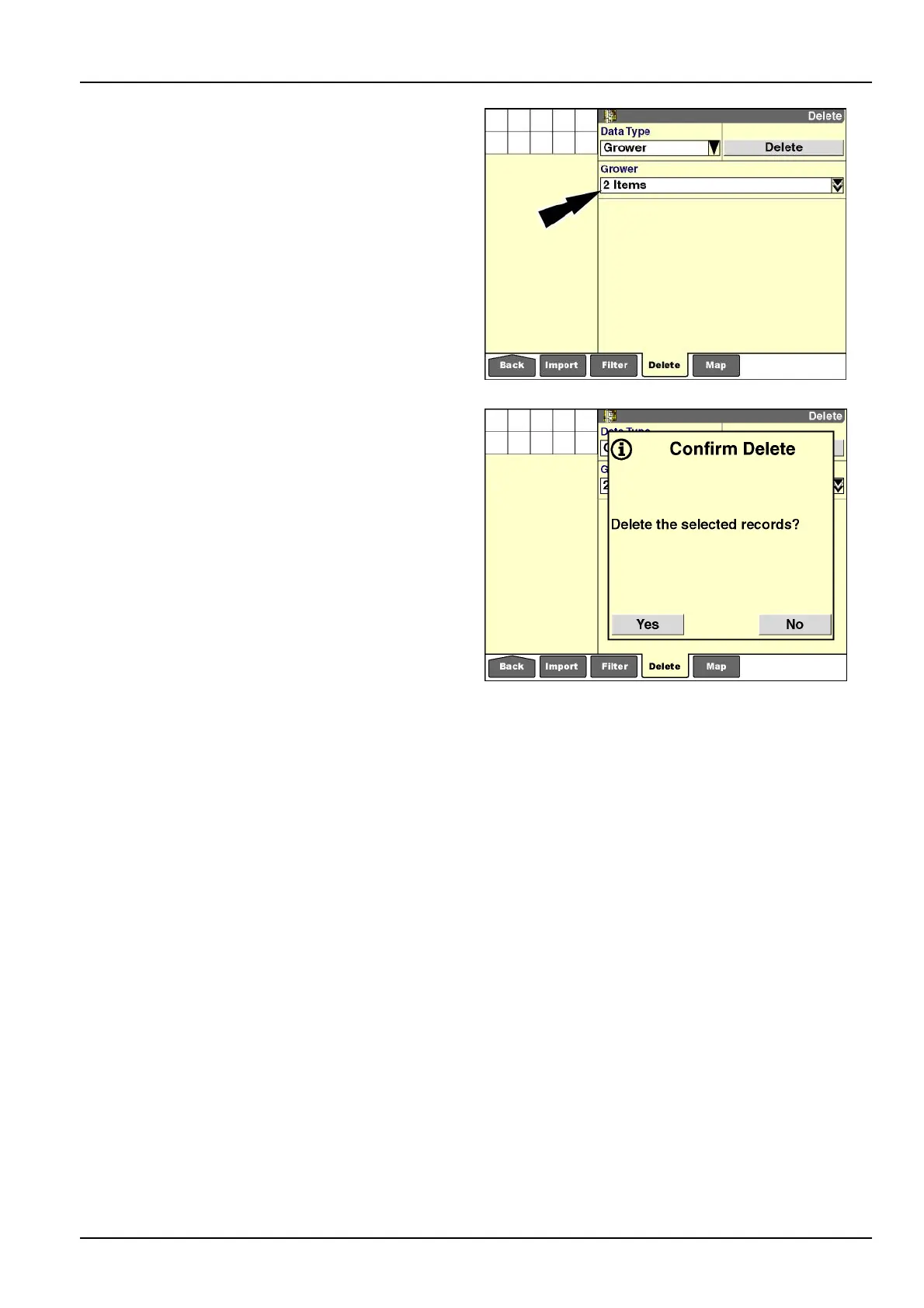
Ifmorethanonebutlessthanallgrowersareselected,
the“Grower”windowupdateswiththenumberofselected
items.Ifonlyonegrowerisselected,thegrower’sname
displays.
Pressthe“Delete”buttontodeletetheselection.
RCIL11DSP314BBG8
Aconrmationmessagedisplays:“Deletetheselected
records?”
Pressthe“Yes”buttontodeleteallgrowers.
Pressthe“No”buttontocancelthedeletion.
RCIL11DSP315BBG9
4-11



 To Next Page