4-OPERATION
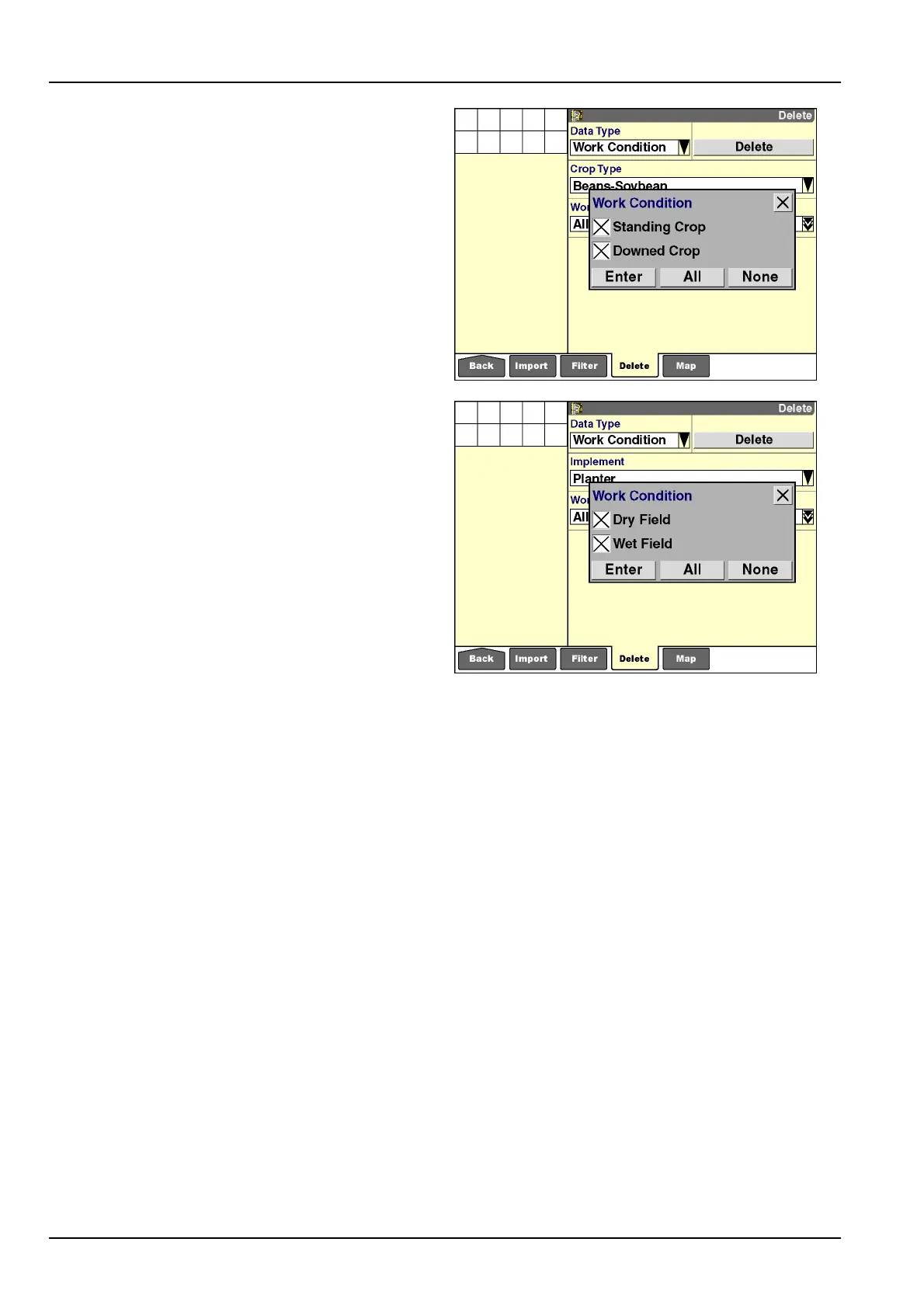
Toselectivelydeleteworkconditionsfromdisplay
memoryandthememorystick:
1.Select“WorkCondition”inthe“DataType”window.
2.Selectanimplementorcroptypeinthe“Implement”
windoworthe“CropType”window.
3.Pressthe“WorkCondition”windowtoaccessthe
pop-upoptionswindow.
4.Selecttheworkconditionstobedeleted.
5.Pressthe“Enter”buttontoconrmtheselection.
6.Pressthe“Delete”buttontodeletetheselectedwork
conditions.
7.PresstheYes”or“No”buttonattheconrmationmes-
sage.
RCIL11DSP323BBG18
RCIL11DSP324BBG19
4-16



 To Next Page