2-ICONSANDWINDOWS
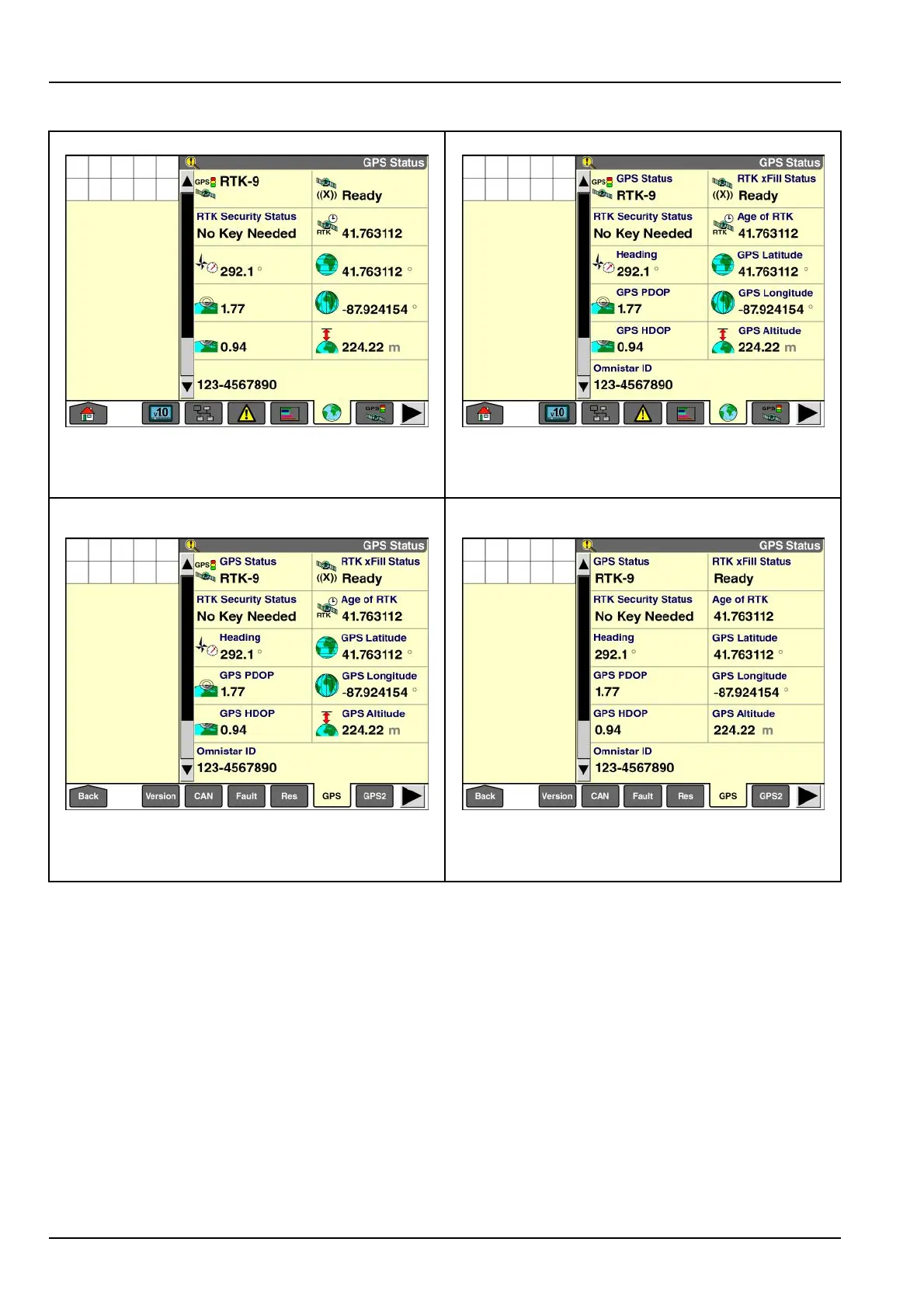
Displaymodes-"GPSStatus"screen
“Icon/Icon”mode“Mixed/Icon”mode
RAIL14DSP1600BA16RAIL14DSP1599BA17
In“Icon/Icon”mode,thenavigationbarandthewindows
displaywithiconsonly-thatis,withoutanytextlabels.
In“Mixed/Icon”mode,thenavigationbardisplayswith
iconsonly(notextlabels),andthewindowsdisplaywith
iconsandtextlabels.
“Mixed/Text”mode“Text/T ext”mode
RAIL14DSP1595BA18RAIL14DSP1601BA19
In“Mixed/Text”mode,thenavigationbardisplayswith
textlabels(noicons),andthewindowsdisplaywithicons
andtextlabels.
In“T ext/Text”mode,thenavigationandthewindows
displaywithtextlabels(noicons).
2-36



 To Next Page