3-SETUP
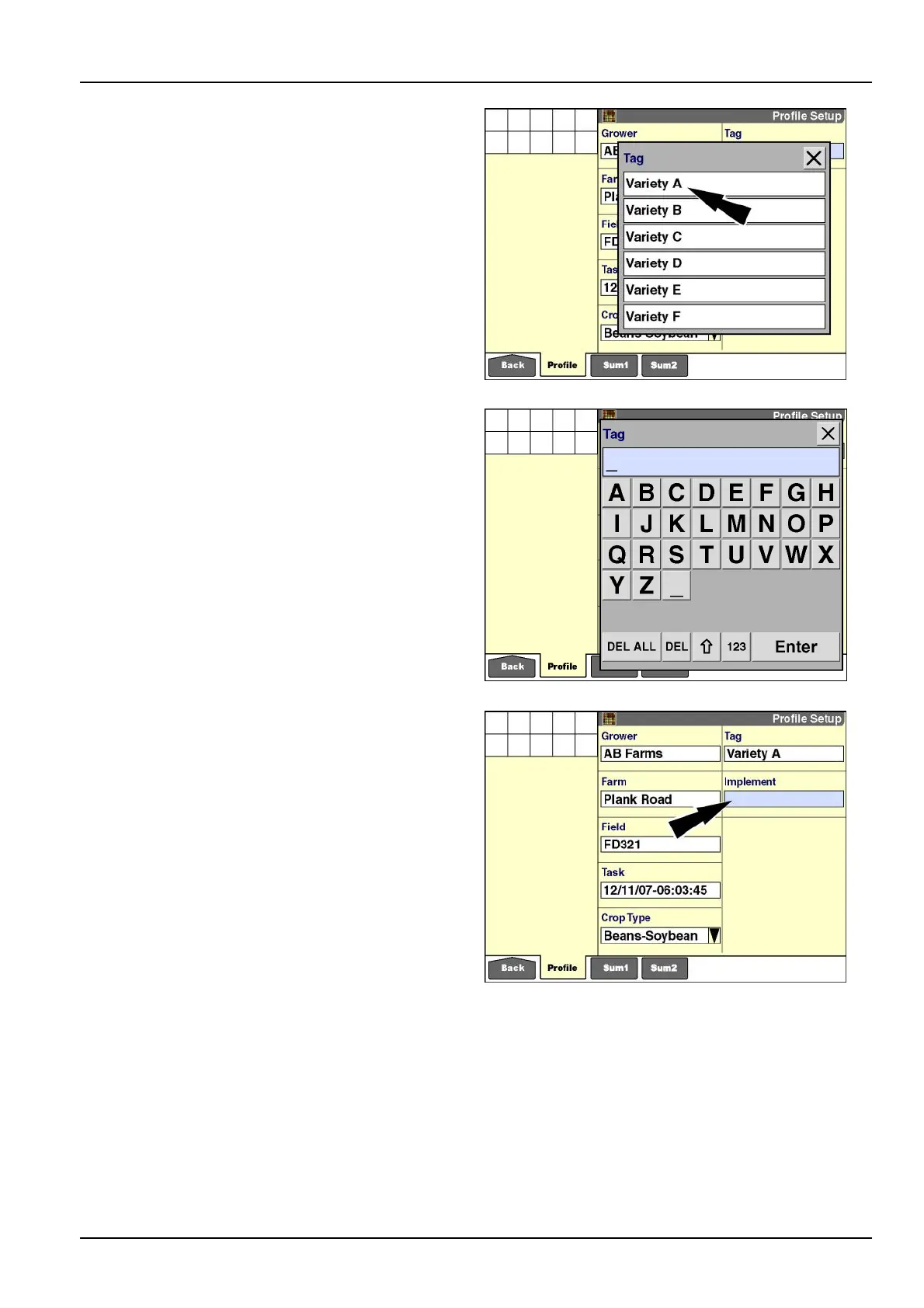
Press“Select”tochooseatagfromtheuser-denedlist.
RCIL11DSP217BBG29
Press“EditName”tochangethenameofatag.
Press“New”tocreateatag.
RCIL11DSP218BBG30
“Implement”(ifpresent)
The“Implement”windowisonlyavailableinfarmingap-
plicationsfortractors.Auniqueidenticationnumberis
assignedtoeachimplementthatiscreated.Whenusing
multiplevehicles,createimplementsononevehicleand
thentransferthemtotheothervehiclesviathememory
stick.Thisensuresthatimplementsareidentiedbya
uniformsetofidenticationnumbersacrossallvehicles.
Refertothetractorsoftwareoperatingguideforadditional
information.Insomecases,specicvehiclesettingsare
storedtotheimplementsothesettingsarerecalledwhen-
everthatimplementisused.
Animplementcanonlybecreatedorchangedwhenthe
vehicleisnotworking–thatis,nodataisbeingcollected.
PresstheImplementwindowtoaccessthepop-upoptions
window.
RCIL11DSP219BBG31
3-13



 To Next Page