9-ACCESSORIES
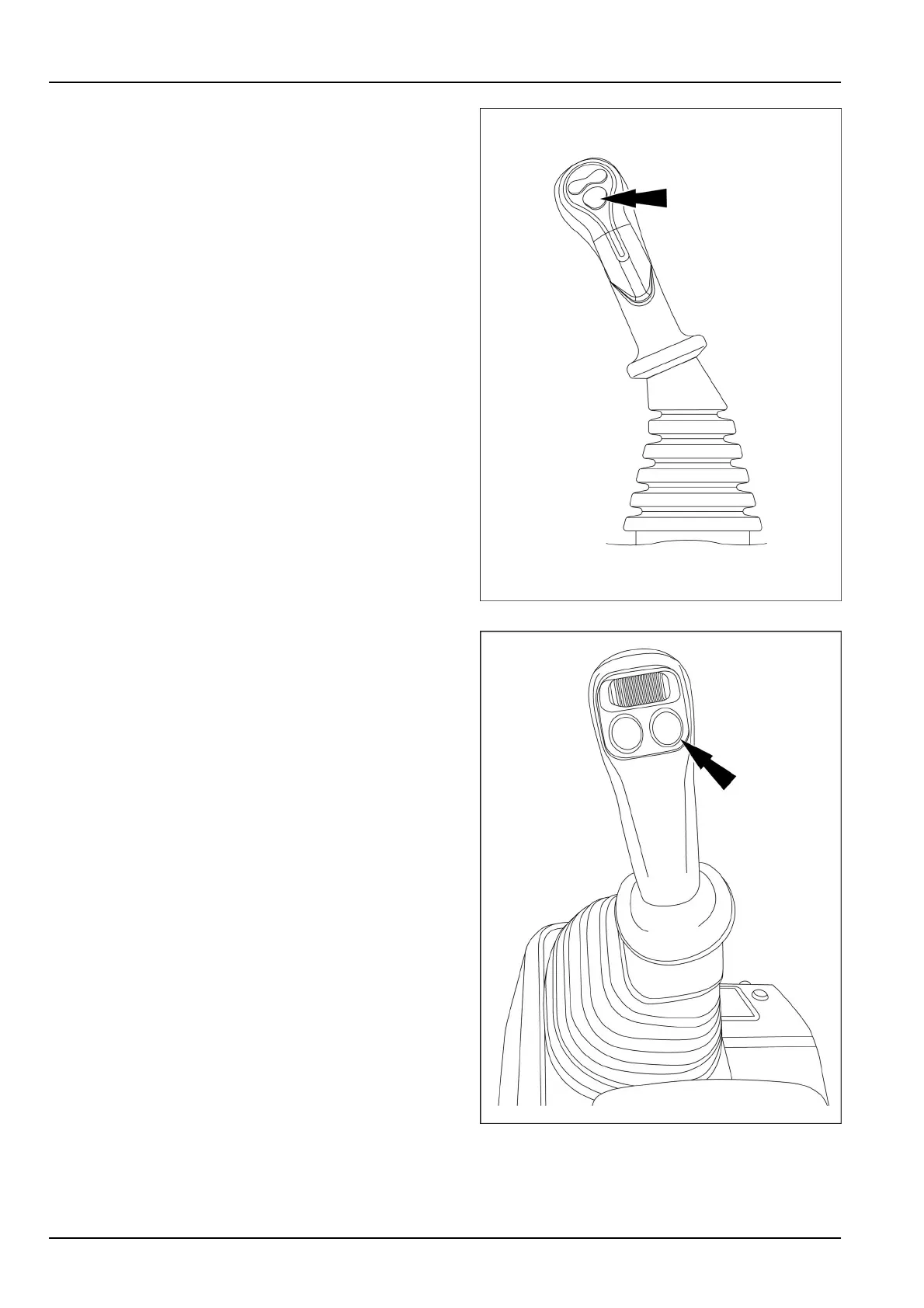
Pressandholdthebreakerpush–buttoninordertoop-
eratethehydraulicbreakerwiththecontinuousselected
owprovidingaconstantblowingfrequency.Releasethe
push-buttontostopthebreakeroperation.
SMIL18MEX0408BA22
NOTE:Ifthemachineisalsoequippedwithrstauxiliary
hydrauliccircuit(optional),thebuttontooperatethehy-
draulicbreakerislocatedontheright-handcontrollever
undertheproportionalswitch.
Ifthemachineisequippedwithright-handremotecon-
trolvalveoftherstauxiliaryhydrauliccircuit,pressand
holdthebuttontofullstrokeinordertooperatethehy-
draulicbreakerwiththecontinuousselectedowprovid-
ingaconstantblowingfrequency.Releasethebuttonto
stopbreakeroperation.
SMIL16MEX1265BA23
9-22



 To Next Page