To change the ratio expression type
1. While the Coefficient Editor is displayed, press
.
2. On the menu that appears, select the ratio expression type you want.
Calculation Example
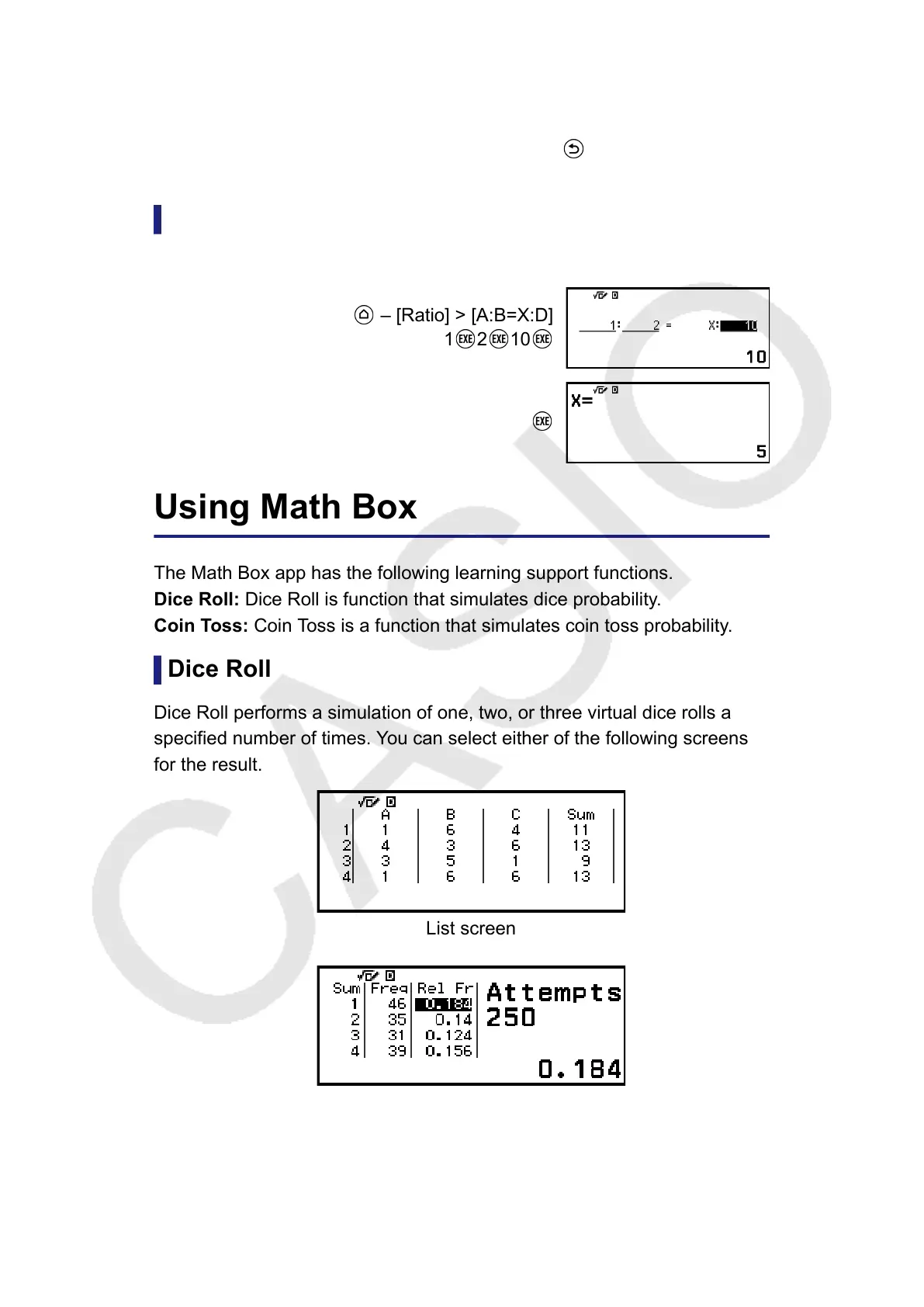
Example 2: To calculate X in the ratio 1 : 2 = X : 10
– [Ratio] > [A:B=X:D]
1 2 10
Using Math Box
The Math Box app has the following learning support functions.
Dice Roll: Dice Roll is function that simulates dice probability.
Coin Toss: Coin Toss is a function that simulates coin toss probability.
Dice Roll
Dice Roll performs a simulation of one, two, or three virtual dice rolls a
specified number of times. You can select either of the following screens
for the result.
List screen
Relative Freq screen
129



 To Next Page