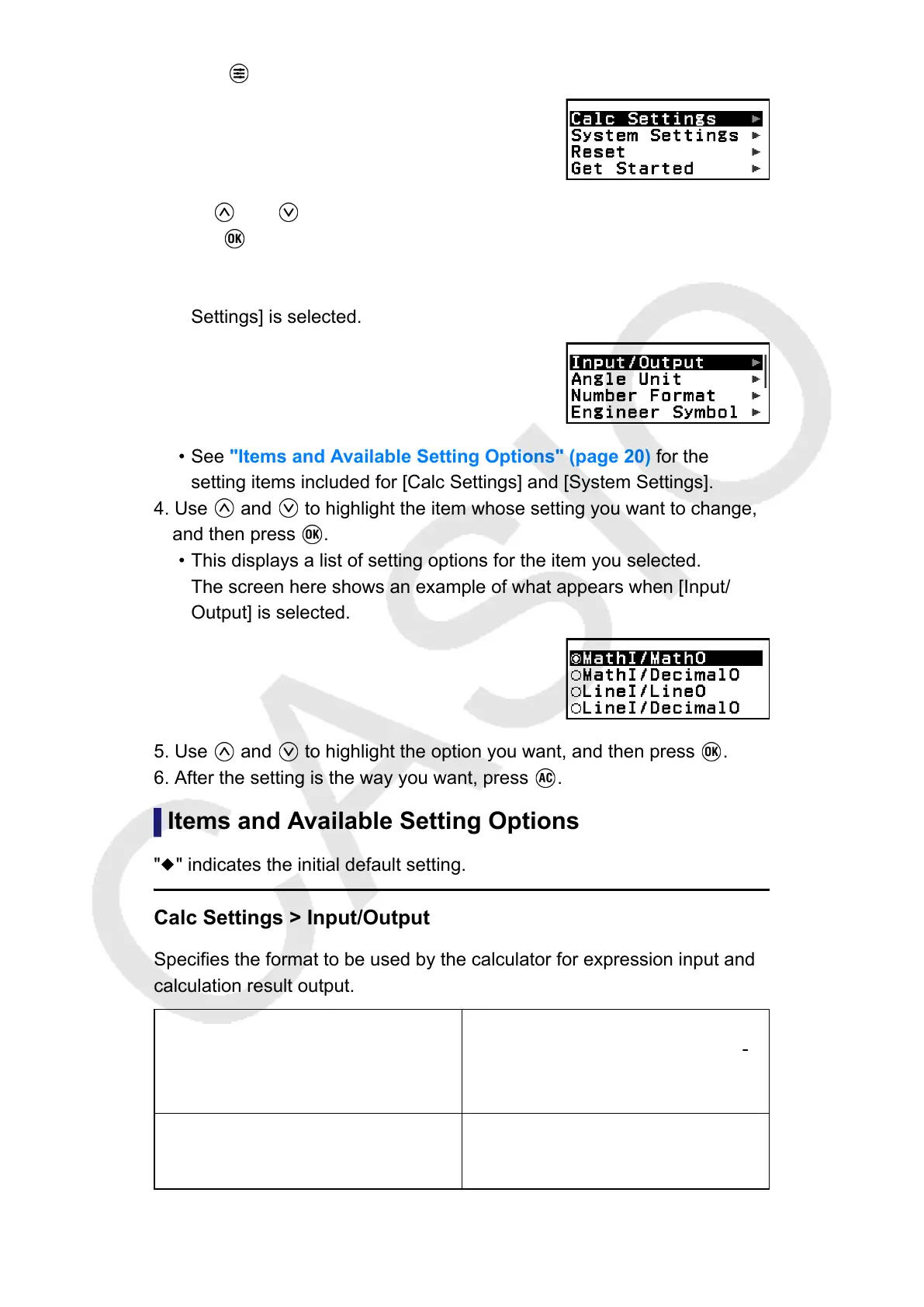
2. Press to display the SETTINGS menu.
3. Use and to select Calc Settings or System Settings, and then
press .
• This displays a list of setting items included on the selected menu.
The screen here shows an example of what appears when [Calc
Settings] is selected.
• See "Items and Available Setting Options" (page 20) for the
setting items included for [Calc Settings] and [System Settings].
4. Use and to highlight the item whose setting you want to change,
and then press .
• This displays a list of setting options for the item you selected.
The screen here shows an example of what appears when [Input/
Output] is selected.
5. Use and to highlight the option you want, and then press .
6. After the setting is the way you want, press .
Items and Available Setting Options
"◆" indicates the initial default setting.
Calc Settings > Input/Output
Specifies the format to be used by the calculator for expression input and
calculation result output.
MathI/MathO
◆
Input: Natural Textbook; Output:
Format that includes a fraction, √ ,
and/or π*
1
MathI/DecimalO
Input: Natural Textbook; Output:
Converted to decimal value
20



 To Next Page