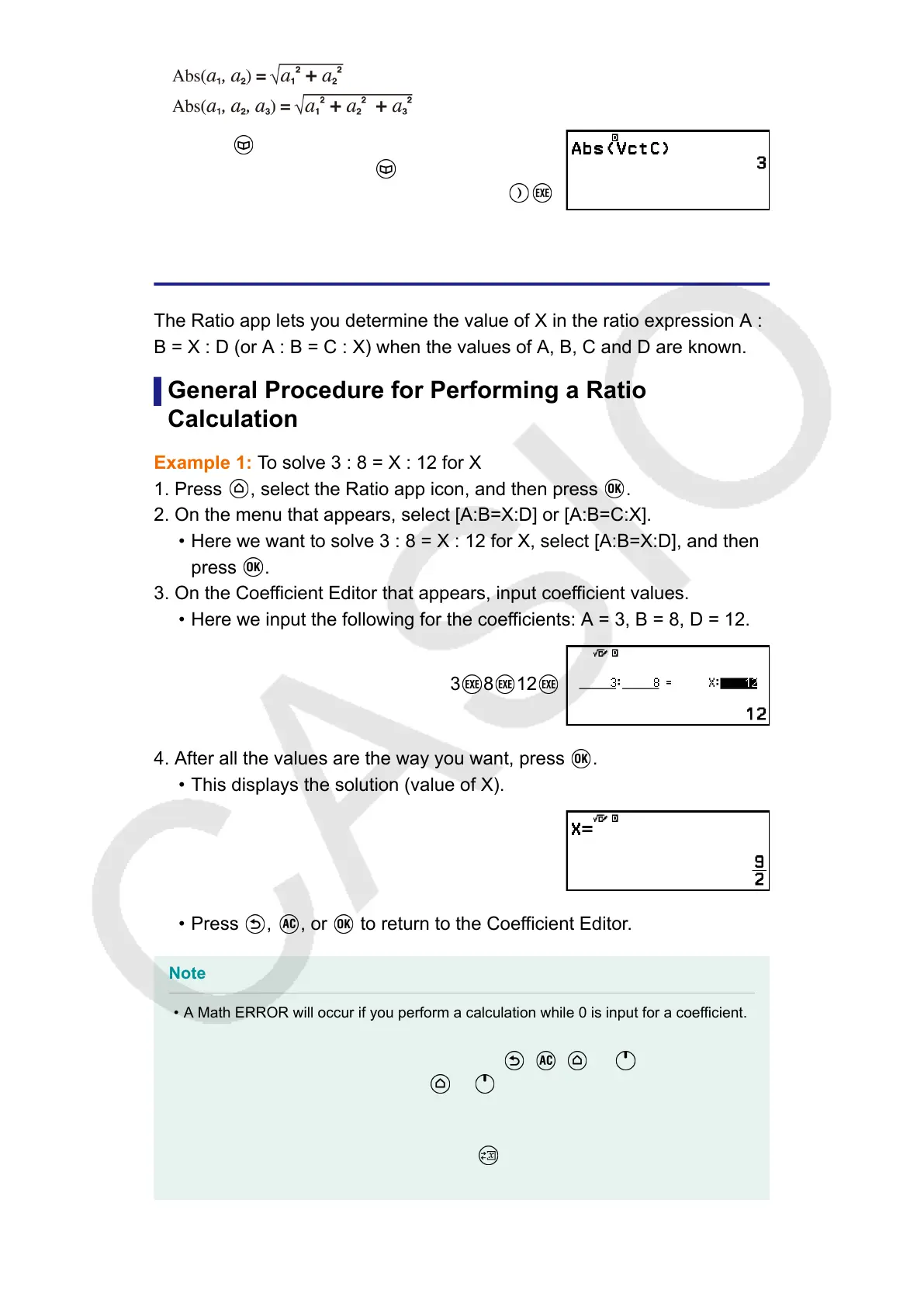
– [Numeric Calc] > [Absolute Value]
– [Vector] > [VctC]
Ratio Calculations
The Ratio app lets you determine the value of X in the ratio expression A :
B = X : D (or A : B = C : X) when the values of A, B, C and D are known.
General Procedure for Performing a Ratio
Calculation
Example 1: To solve 3 : 8 = X : 12 for X
1. Press
, select the Ratio app icon, and then press .
2. On the menu that appears, select [A:B=X:D] or [A:B=C:X].
• Here we want to solve 3 : 8 = X : 12 for X, select [A:B=X:D], and then
press .
3. On the Coefficient Editor that appears, input coefficient values.
• Here we input the following for the coefficients: A = 3, B = 8, D = 12.
3 8 12
4. After all the values are the way you want, press .
• This displays the solution (value of X).
•
Press , , or to return to the Coefficient Editor.
Note
•
A Math ERROR will occur if you perform a calculation while 0 is input for a coefficient.
• Performing the steps below resets all Coefficient Editor coefficients to 1.
- While the Coefficient Editor is displayed, press , , , or .
- While a solution is displayed, press or .
• You can store the currently displayed calculation result to a variable. For example,
performing the following operation while the screen in step 4 is displayed above
will store the calculation result to variable A: – [A=] > [Store]. For details about
variables, see "Variables (A, B, C, D, E, F, x, y, z)" (page 36).
128



 To Next Page