%
Inputting a value followed by % command causes the input value to
become a percent.
Note
• You cannot input % with the Complex app.
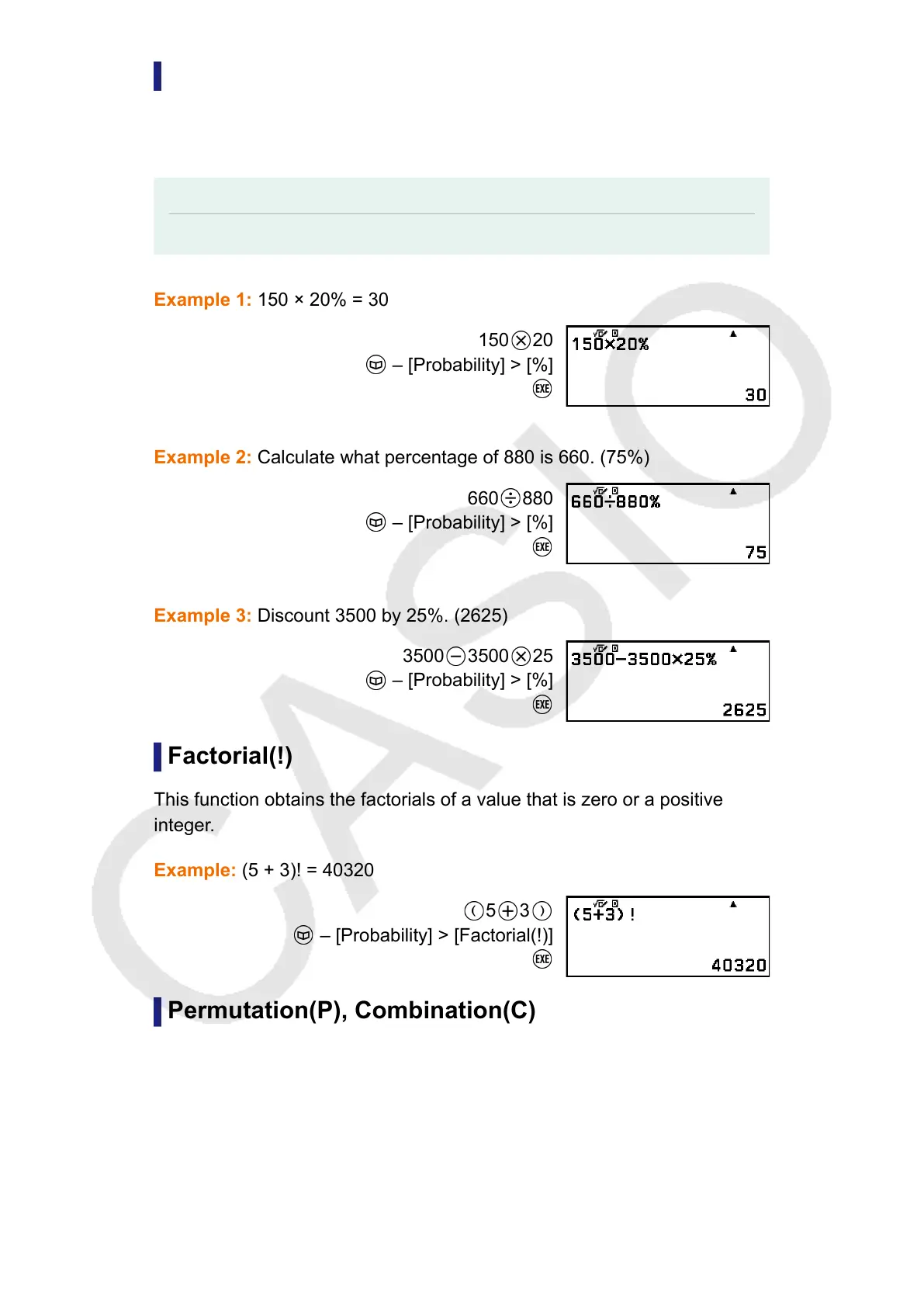
Example 1: 150 × 20% = 30
150 20
– [Probability] > [%]
Example 2: Calculate what percentage of 880 is 660. (75%)
660 880
– [Probability] > [%]
Example 3: Discount 3500 by 25%. (2625)
3500 3500 25
– [Probability] > [%]
Factorial(!)
This function obtains the factorials of a value that is zero or a positive
integer.
Example: (5 + 3)! = 40320
5 3
– [Probability] > [Factorial(!)]
Permutation(P), Combination(C)
Permutation (nPr) and combination (nCr) functions.
Example: To determine the number of permutations and combinations
possible when selecting four people from a group of 10
51



 To Next Page