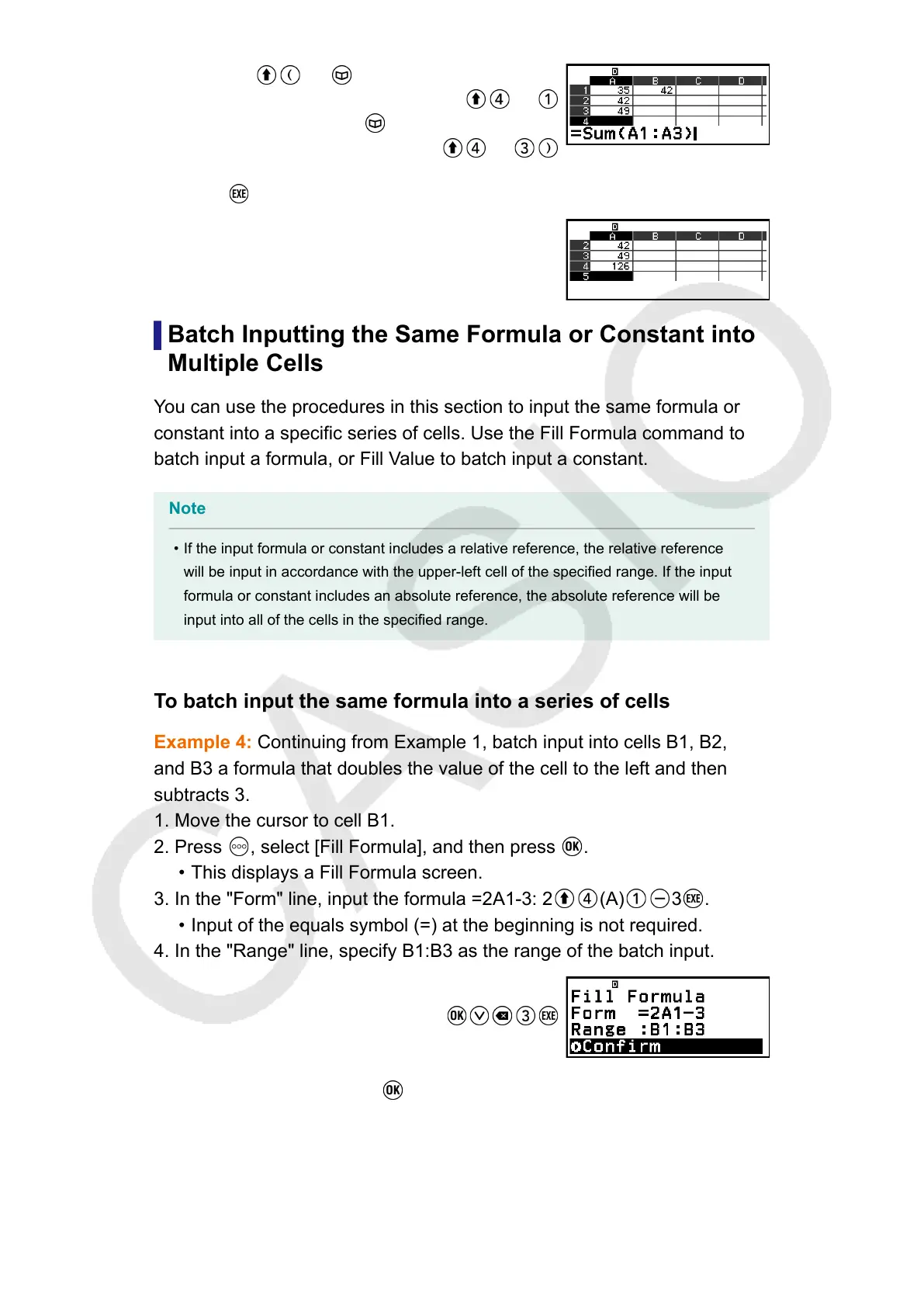
(=) – [Spreadsheet] > [Sum]
(A)
– [Spreadsheet] > [:]
(A)
3. Press .
Batch Inputting the Same Formula or Constant into
Multiple Cells
You can use the procedures in this section to input the same formula or
constant into a specific series of cells. Use the Fill Formula command to
batch input a formula, or Fill Value to batch input a constant.
Note
• If the input formula or constant includes a relative reference, the relative reference
will be input in accordance with the upper-left cell of the specified range. If the input
formula or constant includes an absolute reference, the absolute reference will be
input into all of the cells in the specified range.
To batch input the same formula into a series of cells
Example 4: Continuing from Example 1, batch input into cells B1, B2,
and B3 a formula that doubles the value of the cell to the left and then
subtracts 3.
1. Move the cursor to cell B1.
2. Press
, select [Fill Formula], and then press .
•
This displays a Fill Formula screen.
3. In the "Form" line, input the formula =2A1-3: 2 (A) 3 .
•
Input of the equals symbol (=) at the beginning is not required.
4. In the "Range" line, specify B1:B3 as the range of the batch input.
5. To apply the input, press .
•
This inputs =2A1-3 into cell B1, =2A2-3 into cell B2, and =2A3-3 into
cell B3.
93



 To Next Page