• The closer the (Left Side) − (Right Side) result is to zero, the higher
the accuracy of the solution.
9. Next, press the key that performs the operation you want.
To do this: Press this key:
Return to the screen in step 6. *
Store the input expression and return to the
screen in step 4.
or
* The initial value when you press this key becomes the initial value you
last used for the calculation.
Important!
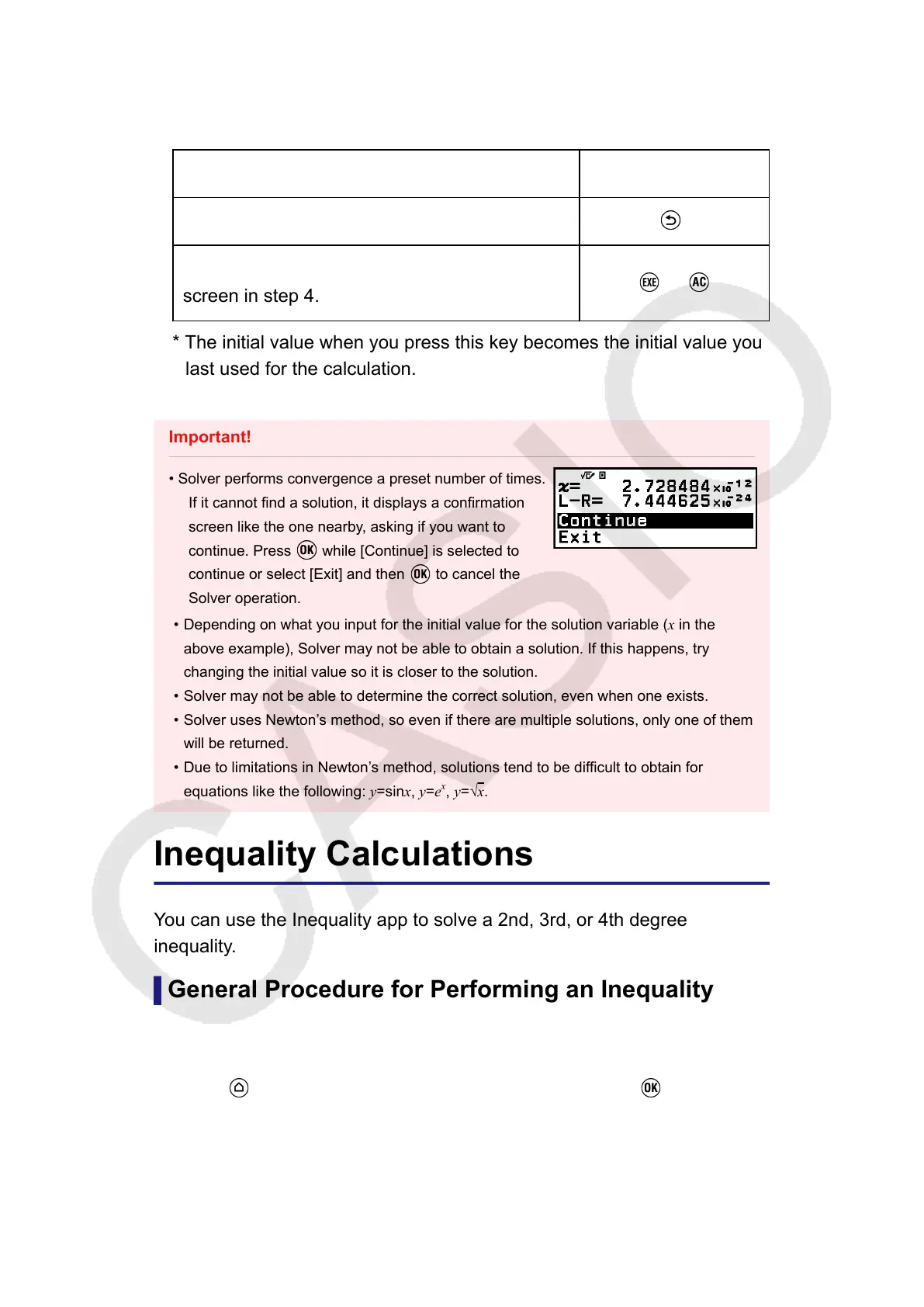
• Solver performs convergence a preset number of times.
If it cannot find a solution, it displays a confirmation
screen like the one nearby, asking if you want to
continue. Press while [Continue] is selected to
continue or select [Exit] and then to cancel the
Solver operation.
• Depending on what you input for the initial value for the solution variable (x in the
above example), Solver may not be able to obtain a solution. If this happens, try
changing the initial value so it is closer to the solution.
• Solver may not be able to determine the correct solution, even when one exists.
• Solver uses Newton’s method, so even if there are multiple solutions, only one of them
will be returned.
• Due to limitations in Newton’s method, solutions tend to be difficult to obtain for
equations like the following: y=sinx, y=e
x
, y=√x.
Inequality Calculations
You can use the Inequality app to solve a 2nd, 3rd, or 4th degree
inequality.
General Procedure for Performing an Inequality
Calculation
Example 1: To solve x
2
+ 2x - 3 ≥ 0
1. Press
, select the Inequality app icon, and then press .
• This displays the number of degrees menu.
107



 To Next Page