Complex Number Calculations
To perform complex number calculations, first launch the Complex app.
Press
, select the Complex app icon, and then press .
Inputting Complex Numbers
You can use either rectangular coordinates (a+bi) or polar coordinates
(r∠θ) to input complex numbers.
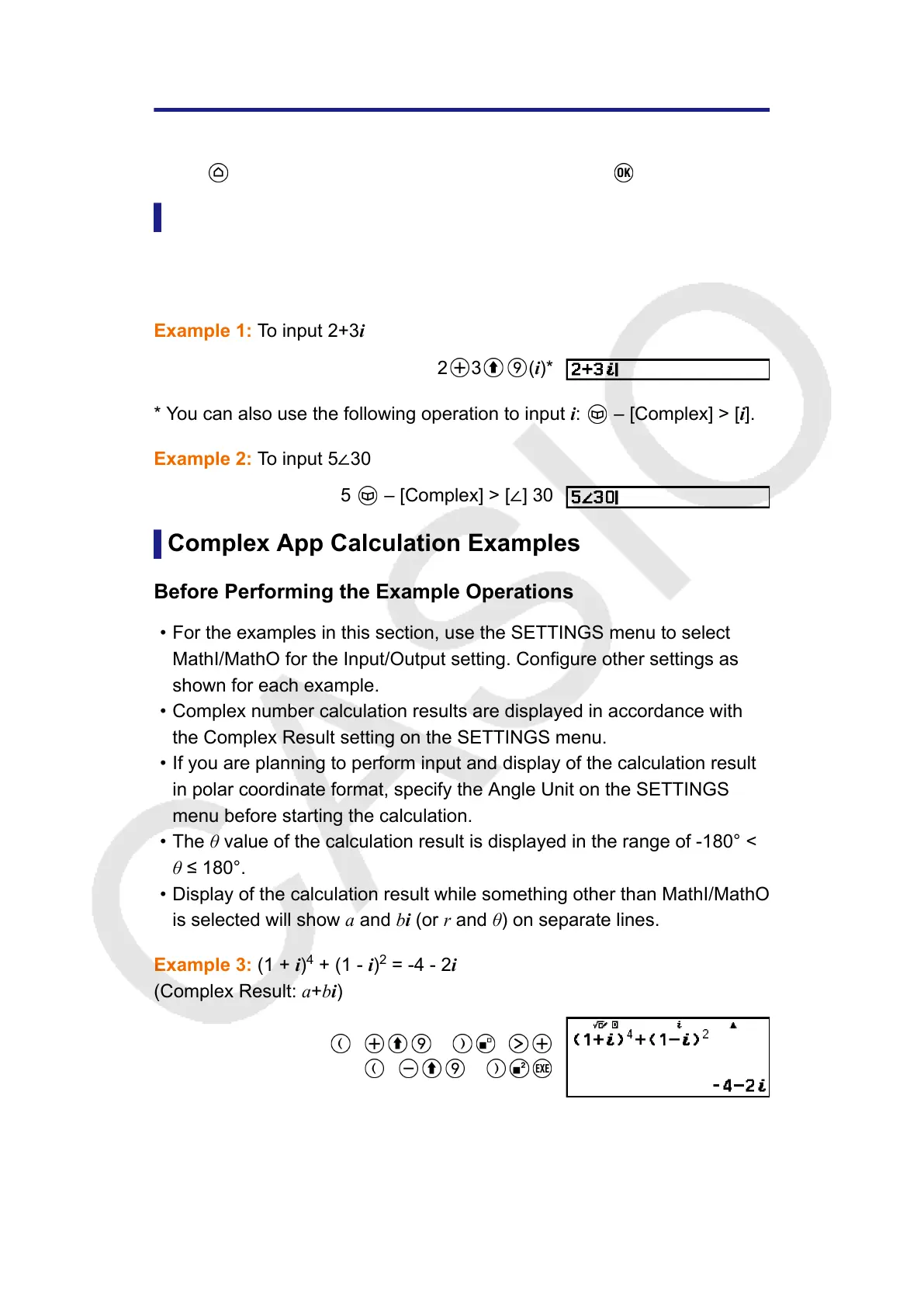
Example 1: To input 2+3i
2 3 (i)*
* You can also use the following operation to input i: – [Complex] > [i].
Example 2: To input 5∠30
5 – [Complex] > [∠] 30
Complex App Calculation Examples
Before Performing the Example Operations
• For the examples in this section, use the SETTINGS menu to select
MathI/MathO for the Input/Output setting. Configure other settings as
shown for each example.
• Complex number calculation results are displayed in accordance with
the Complex Result setting on the SETTINGS menu.
• If you are planning to perform input and display of the calculation result
in polar coordinate format, specify the Angle Unit on the SETTINGS
menu before starting the calculation.
• The θ value of the calculation result is displayed in the range of -180° <
θ ≤ 180°.
• Display of the calculation result while something other than MathI/MathO
is selected will show a and bi (or r and θ) on separate lines.
Example 3: (1 + i)
4
+ (1 - i)
2
= -4 - 2i
(Complex Result: a+bi)
1 (i) 4
1 (i)
109



 To Next Page