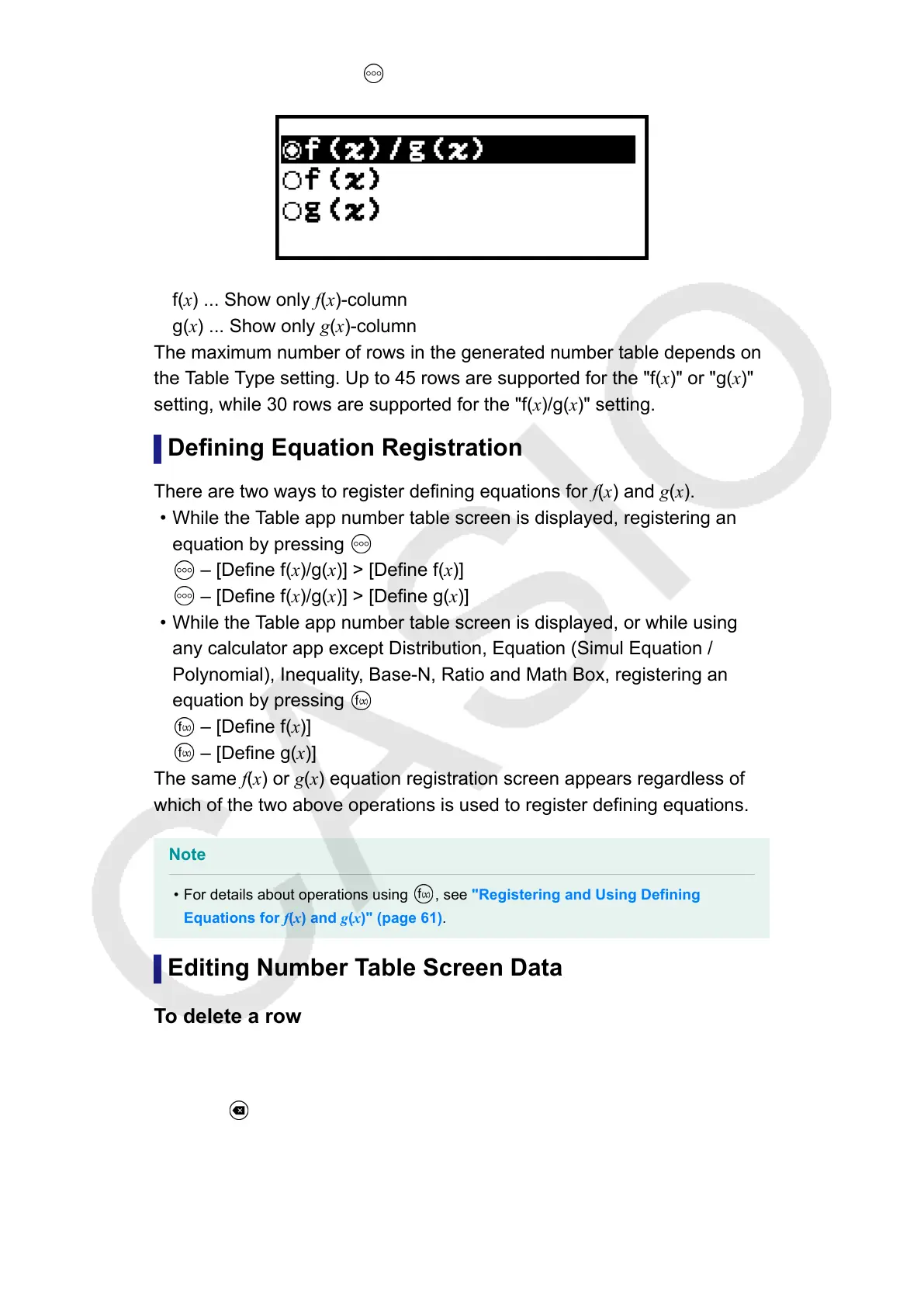
appears when you press – [Table Type] while the number table screen
is displayed.
f(x)/g(x) ... Show both f(x)- and g(x)-columns (initial default setting)
f(x) ... Show only f(x)-column
g(x) ... Show only g(x)-column
The maximum number of rows in the generated number table depends on
the Table Type setting. Up to 45 rows are supported for the "f(x)" or "g(x)"
setting, while 30 rows are supported for the "f(x)/g(x)" setting.
Defining Equation Registration
There are two ways to register defining equations for f(x) and g(x).
• While the Table app number table screen is displayed, registering an
equation by pressing
– [Define f(x)/g(x)] > [Define f(x)]
– [Define f(x)/g(x)] > [Define g(x)]
• While the Table app number table screen is displayed, or while using
any calculator app except Distribution, Equation (Simul Equation /
Polynomial), Inequality, Base-N, Ratio and Math Box, registering an
equation by pressing
– [Define f(x)]
– [Define g(x)]
The same f(x) or g(x) equation registration screen appears regardless of
which of the two above operations is used to register defining equations.
Note
• For details about operations using , see "Registering and Using Defining
Equations for f(x) and g(x)" (page 61).
Editing Number Table Screen Data
To delete a row
1. On the number table screen, move the cursor to the row you want to
delete.
2. Press
.
97



 To Next Page