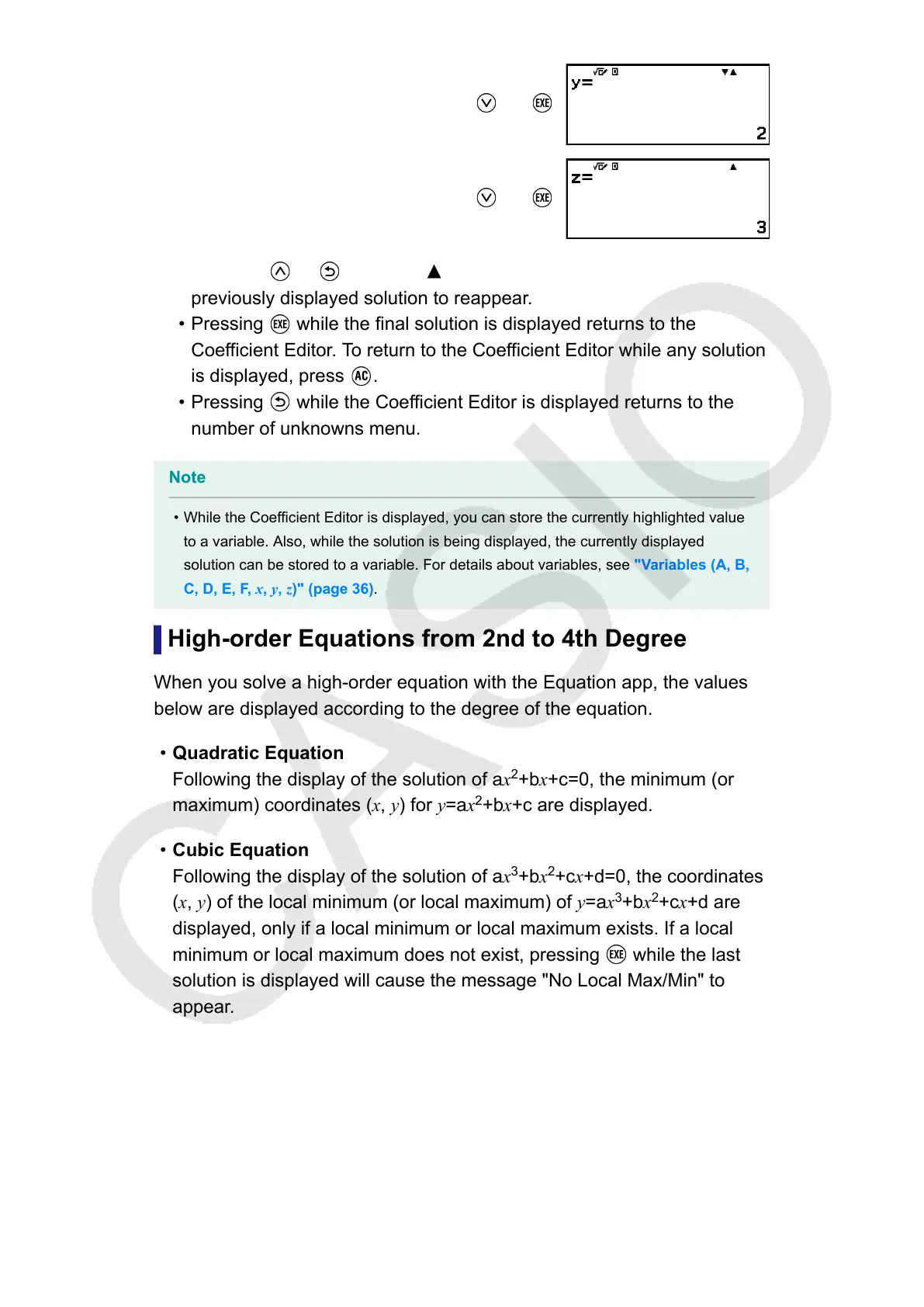
(or )
(or )
• Pressing or while the indicator is displayed causes the
previously displayed solution to reappear.
• Pressing while the final solution is displayed returns to the
Coefficient Editor. To return to the Coefficient Editor while any solution
is displayed, press .
• Pressing while the Coefficient Editor is displayed returns to the
number of unknowns menu.
Note
• While the Coefficient Editor is displayed, you can store the currently highlighted value
to a variable. Also, while the solution is being displayed, the currently displayed
solution can be stored to a variable. For details about variables, see "Variables (A, B,
C, D, E, F, x, y, z)" (page 36).
High-order Equations from 2nd to 4th Degree
When you solve a high-order equation with the Equation app, the values
below are displayed according to the degree of the equation.
• Quadratic Equation
Following the display of the solution of ax
2
+bx+c=0, the minimum (or
maximum) coordinates (x, y) for y=
ax
2
+bx+c are displayed.
•
Cubic Equation
Following the display of the solution of ax
3
+bx
2
+cx+d=0, the coordinates
(x, y) of the local minimum (or local maximum) of y=ax
3
+bx
2
+cx+d are
displayed, only if a local minimum or local maximum exists. If a local
minimum or local maximum does not exist, pressing
while the last
solution is displayed will cause the message "No Local Max/Min" to
appear.
•
Quartic Equation
The solution of ax
4
+bx
3
+cx
2
+dx+e=0 is displayed.
Here we will show an example of a quadratic equation to explain the
general procedure for solving a high-order equation.
Example 2: x
2
+ 2x − 2 = 0
101



 To Next Page