24
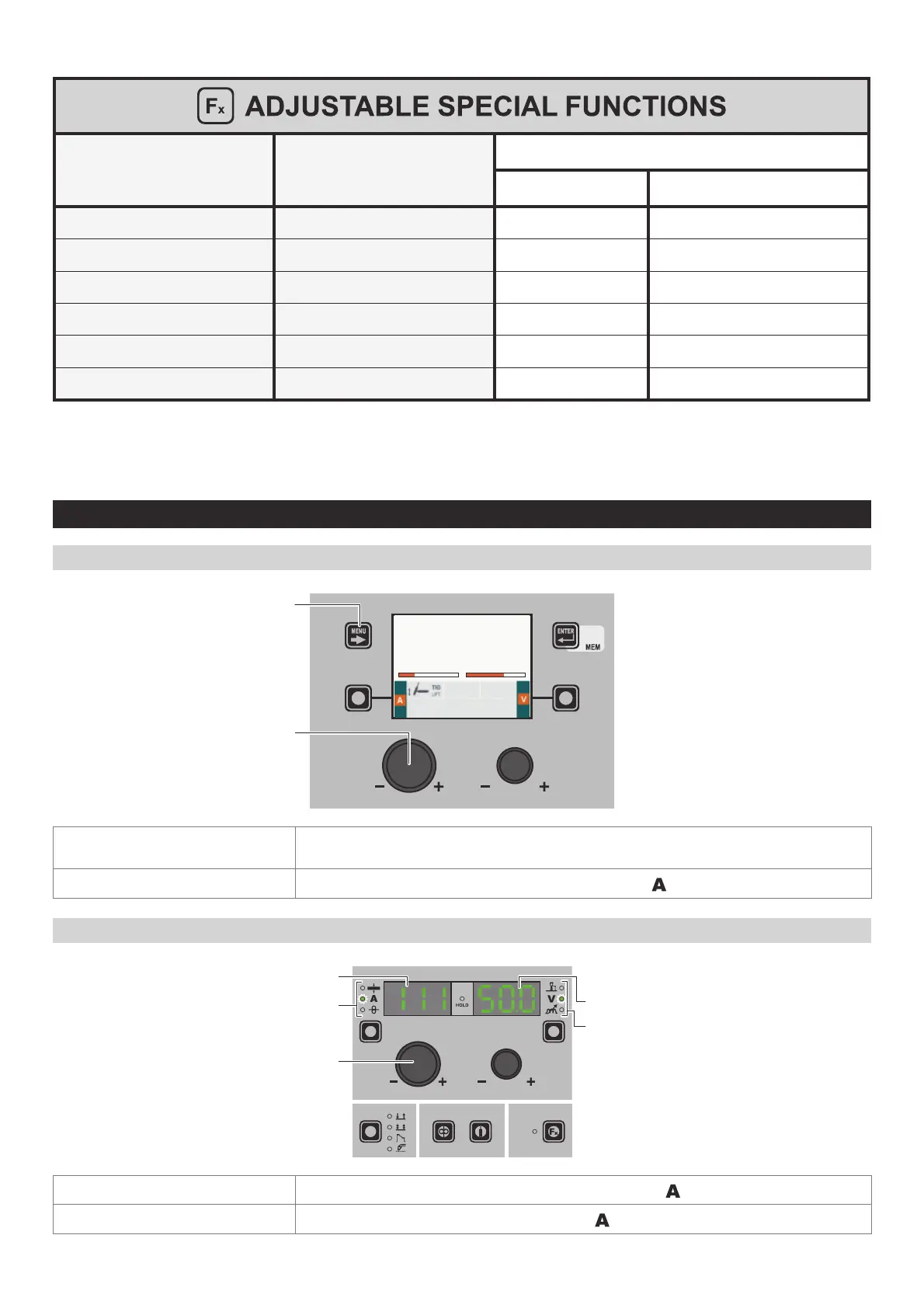
The SPECIAL FUNCTIONS (Fx) related to the TIG LIFT process correspond as follows to those on the wire feeder:
Special function PARAMETER DISPLAY Screen - A
PARAMETER DISPLAY Screen - V
Default Range
UP SLOPE F29 0.0s (0.0 - 5.0)s
DOWN SLOPE F30 2.0s (0.0 - 8.0)s
TIG PULSE DELTA CURRENT F23 -50% (-100 ÷ 1000)%
TIG PULSE BALANCE F25 0 (-40 ÷ 40)%
TIG PULSE FREQUENCY F26 100.0Hz (0.1 ÷ 500.0)Hz
SWS VOLTAGE THRESHOLD F31 0 -30 - +30
WARNING:
• It is possible to access editing of the SPECIAL FUNCTIONS (Fx) during welding.
•
Some of the values edited will be used immediately by the operator, while others will be active from when the next welding
task begins.
• The HOLD function is not active within the SPECIAL FUNCTIONS Menu (SET UP Fx).
2 - PRE-SETTING TIG LIFT
“DH” / “VS” CONTROL PANEL
MENU KEY
ENCODER KNOB - SX
AV
111 50.0
MENU KEY
Used to access the PROCESS SELECTION Menu (PROCESS) and subsequent menus, as
applicable.
ENCODER K
NOB - SX
Adjust the value of the parameter WELDING CURRENT (
).
“HT5” CONTROL PANEL (not used with DH 32 and VS 32)
ENCODER KNOB - A
PARAMETER SELECTION LED - A
PARAMETER DISPLAY S
CREEN - A
PARAMETER SELECTION LED - V
PARAMETER DISPLAY SCREEN - V
PARAMETER DISPLAY SCREEN - A
Displays the value of the parameter WELDING CURRENT (
).
PARAMETER SELECTION LED - A
The LED unit shows the WELDING CURRENT (
) switched on.
(continued)












 To Next Page