25
ENCODER KNOB - A
Adjust the value of the parameter WELDING CURRENT (
).
PARAMETER DISPLAY S
CREEN - V
Displays the value of the parameter WELDING VOLTAGE (
).
The WELDING VOLTAGE shown is the measured voltage.
PARAMETER SELECTION LED - V
The LED unit shows the WELDING VOLTAGE ( ) switched on.
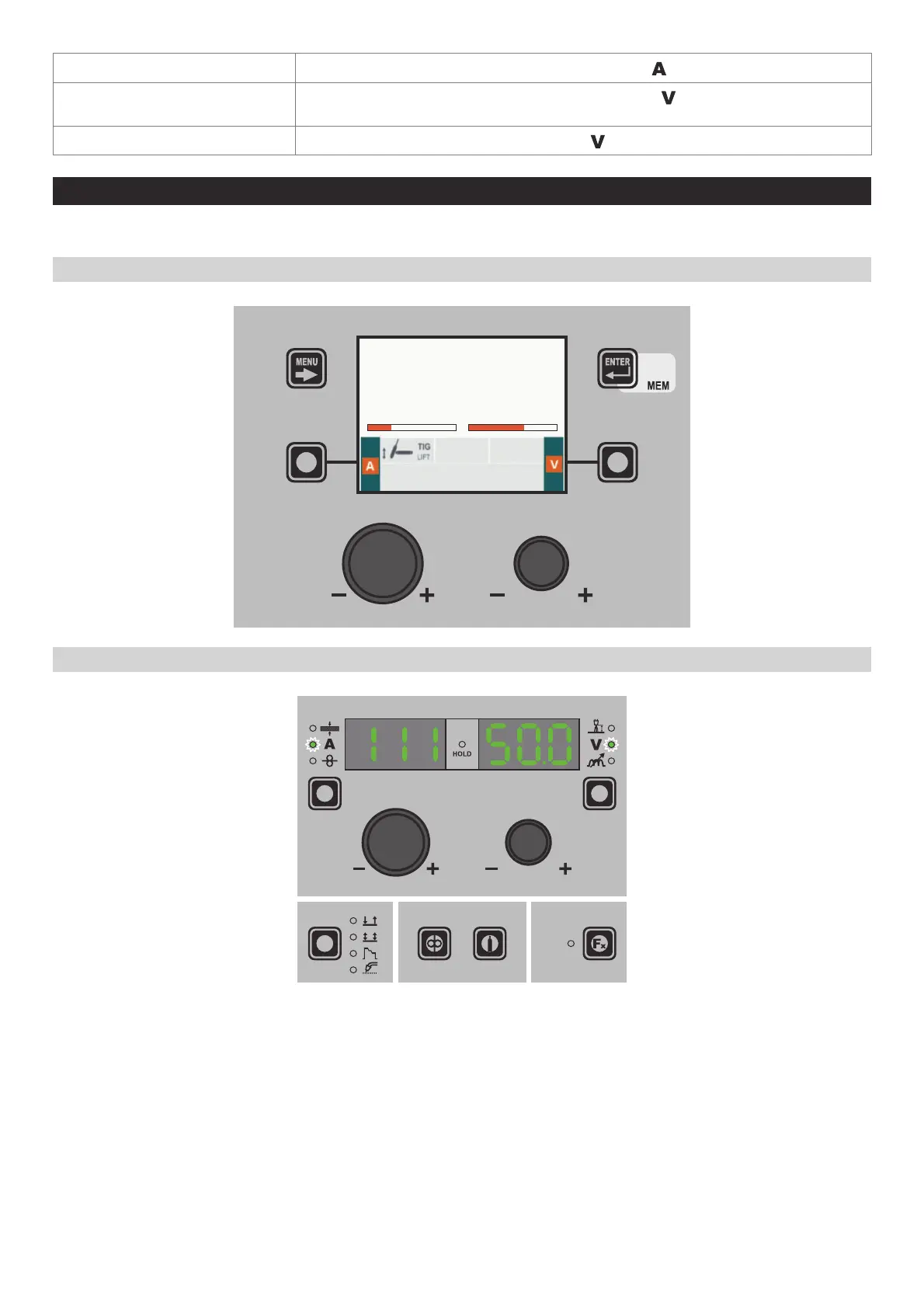
3 - WELDING TIG LIFT
When welding takes place the fields in the displays show the same values as those included for pre-setting with the difference
that now they are those measured.
“DH” / “VS” CONTROL PANEL
AV
111 50.0
“HT5” CONTROL PANEL (not used with DH 32 and VS 32)












 To Next Page