55
EQUIPMENT LAYOUT ADVANCED SETUP Menu
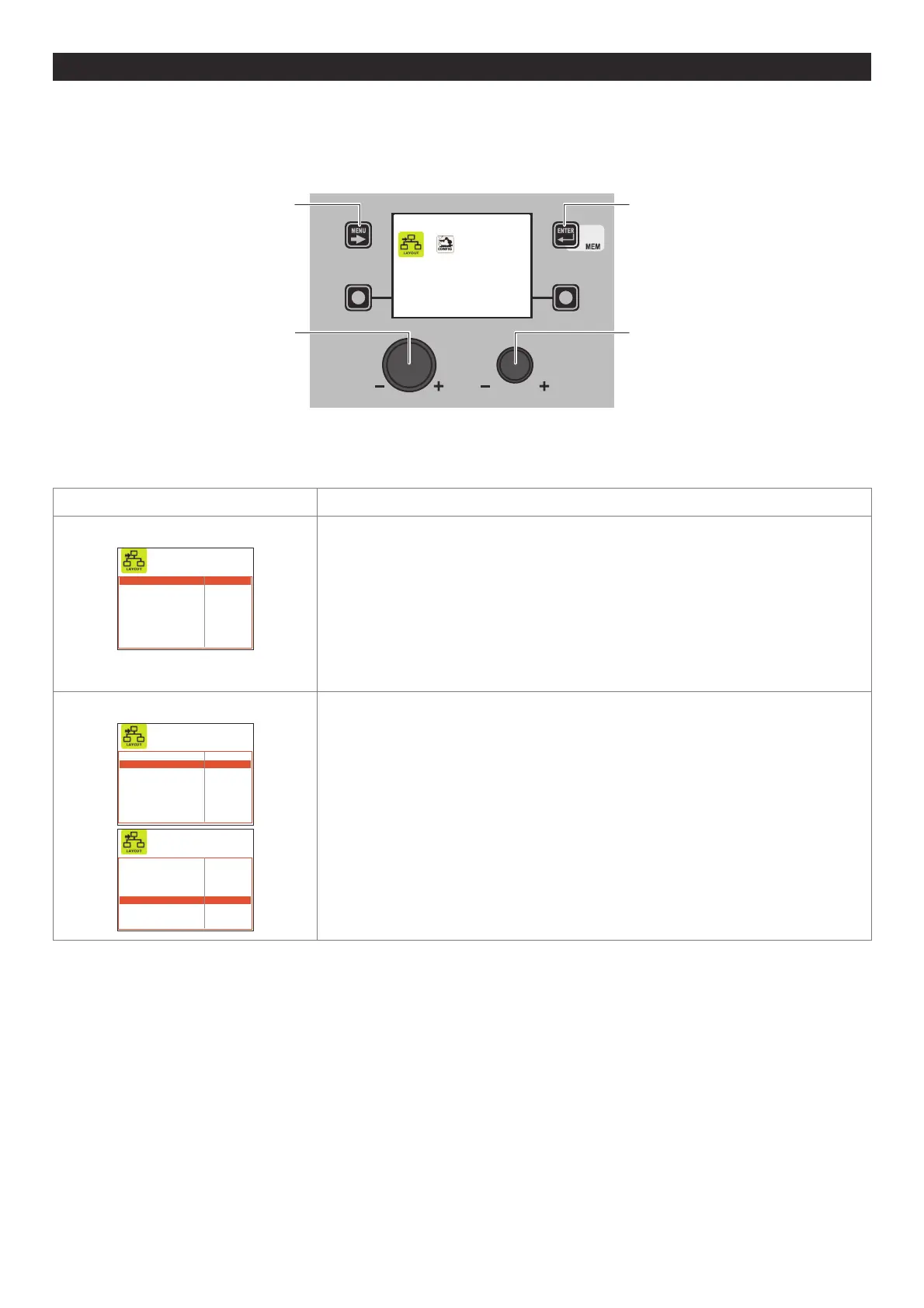
The purpose of this menu is to allow the operator to manage connections of components and accessories that are part of the
welding plant.
To access the EQUIPMENT LAYOUT Menu from the SETUP Menu:
• Turn the ENCODER K
NOB - SX to select the desired icon.
• Push the ENTER/MEM K
EY.
MENU KEY ENTER/MEM KEY
ENCODER KNOB - SX ENCODER KNOB - DX
EQ. LAYOUT
Within the EQUIPMENT LAYOUT Menu, it is possible, by rotating the ENCODER KNOB - SX, to select the component of the welding
plant, while by rotating the ENCODER K
NOB - DX, you can decide the type of connection required (e.g. Optional) or the type of com-
ponent (e.g. Torch 400 A H2O) that is to be connected to the plant (this operation does not require confirmation).
Advanced function Description
WATER COOLER
WATER COOLER OPTIONAL
WIRE FEEDER 1 OPTIONAL
REMOTE CONTROL 1 RC OPTIONAL
TORCH TYPE 1 400A H2O
SAFETY CALIBRATION CODE 1 013
WIRE FEEDER 2 ABSENT
REMOTE CONTROL 2 RC OPTIONAL
TORCH TYPE 2 400A H2O
SAFETY CALIBRATION CODE 2 013
OPTIONAL - Means that the water cooler system may or may not be connected to the
welding machine.
OBLIGATORY - Means that it is obligatory for the water cooler system to be connected to
the welding plant.
A error condition is generated when:
• Switching on or at any other time if the welding plant does not detect the presence.
• During normal operation if the water cooler system is disconnected.
Also see the CONFIG menu if it is necessary to keep the cooling system working
continuously.
WIRE FEEDER 1 / WIRE FEEDER 2
WATER COOLER OPTIONAL
WIRE FEEDER 1 OPTIONAL
REMOTE CONTROL 1 RC OPTIONAL
TORCH TYPE 1 400A H2O
SAFETY CALIBRATION CODE 1 013
WIRE FEEDER 2 ABSENT
REMOTE CONTROL 2 RC OPTIONAL
TORCH TYPE 2 400A H2O
SAFETY CALIBRATION CODE 2 013
WATER COOLER OPTIONAL
WIRE FEEDER 1 OPTIONAL
REMOTE CONTROL 1 RC OPTIONAL
TORCH TYPE 1 400A H2O
SAFETY CALIBRATION CODE 1 013
WIRE FEEDER 2 ABSENT
REMOTE CONTROL 2 RC OPTIONAL
TORCH TYPE 2 400A H2O
SAFETY CALIBRATION CODE 2 013
OPTIONAL - This means that FEEDER 1-2 can or cannot be connected to the welding
plant. Once feeder 1-2 is detected when the plant is switched on, its presence becomes
obligatory.
OBLIGATORY - This means that it is obligatory for FEEDER 1-2 to be connected to the
welding plant, even when the plant is switched on.
A error condition is generated when:
• When switched on, if the welding plant does not detect its presence.
• During normal operation if the wire feeder is disconnected.
MISSING - Means that feeder 2 must not be managed by the plant, even if it is
connected up.
NOTE: If the second feeder is not connected up, all the settings relate to feeder 1.
NOTE: The FEEDER 2 section must also be set to allow feeder 2 to work in a robotised
plant.
(continued)












 To Next Page