37
SEQ EDIT SETUP Menu
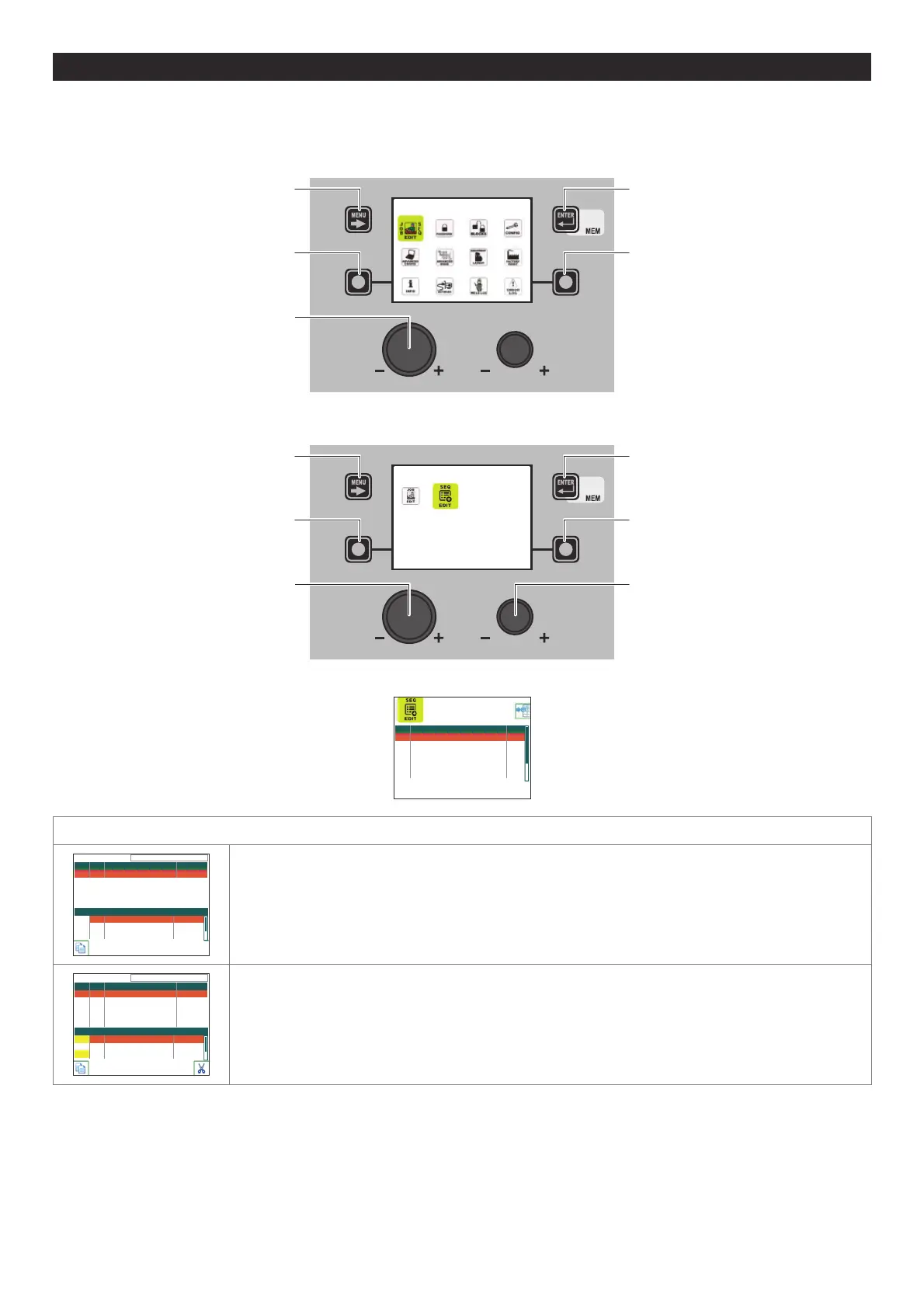
The purpose of this menu is to allow the operator to create, copy, overwrite, or delete a welding sequence.
To access the SEQ EDIT Menu from the SETUP Menu:
• Turn the ENCODER K
NOB - SX to select the desired icon.
• Push the ENTER/MEM K
EY.
SETUP
MENU KEY ENTER/MEM KEY
ENCODER KNOB - SX
SX K
EY DX KEY
• Turn the ENCODER KNOB - SX to select the desired icon.
• Push the ENTER/MEM K
EY.
JOB/SEQUENCES
MENU KEY ENTER/MEM KEY
ENCODER KNOB - SX ENCODER KNOB - DX
SX K
EY DX KEY
The following image appears:
SEQ NAME # JOB
001 --- ---
002 --- ---
003 --- ---
004 --- ---
005 --- ---
006 --- ---
CREATING A SEQUENCE
AVAILABLE JOBS: 5
001 1011 MIG PULSE 100A
002 7011 VISION.ULTRASPEED 124A
003 2011 MIG DUAL PULSE 100A
JOB PRG PROCESS SYN
--- --- --- ---
SEQ 001 NAME
Use the ENTER/MEM KEY to create a new sequence.
AVAILABLE JOBS: 5
001 1011 MIG PULSE 100A
002 7011 VISION.ULTRASPEED 124A
003 1011 MIG PULSE 100A
JOB PRG PROCESS SYN
001 1011 MIG PULSE 100A
003 2011 MIG DUAL PULSE 100A
--- --- --- ---
SEQ 001 NAME
Use the SX KEY to add the JOB selected using the ENCODER KNOB - DX to the section of the sequence
selected using the ENCODER K
NOB - SX.
The image shows the two jobs (001 and 003) added to the sequence. The yellow colour indicates that
the JOBS have already been used. The JOBS already used can be used again in other sections of the
sequence.
(continua)












 To Next Page