38
AVAILABLE JOBS: 5
001 1011 MIG PULSE 100A
002 7011 VISION.ULTRASPEED 124A
003 1011 MIG PULSE 100A
JOB PRG PROCESS SYN
001 1011 MIG PULSE 100A
003 2011 MIG DUAL PULSE 100A
--- --- --- ---
SEQ 001 NAME Sequenza Saldatura
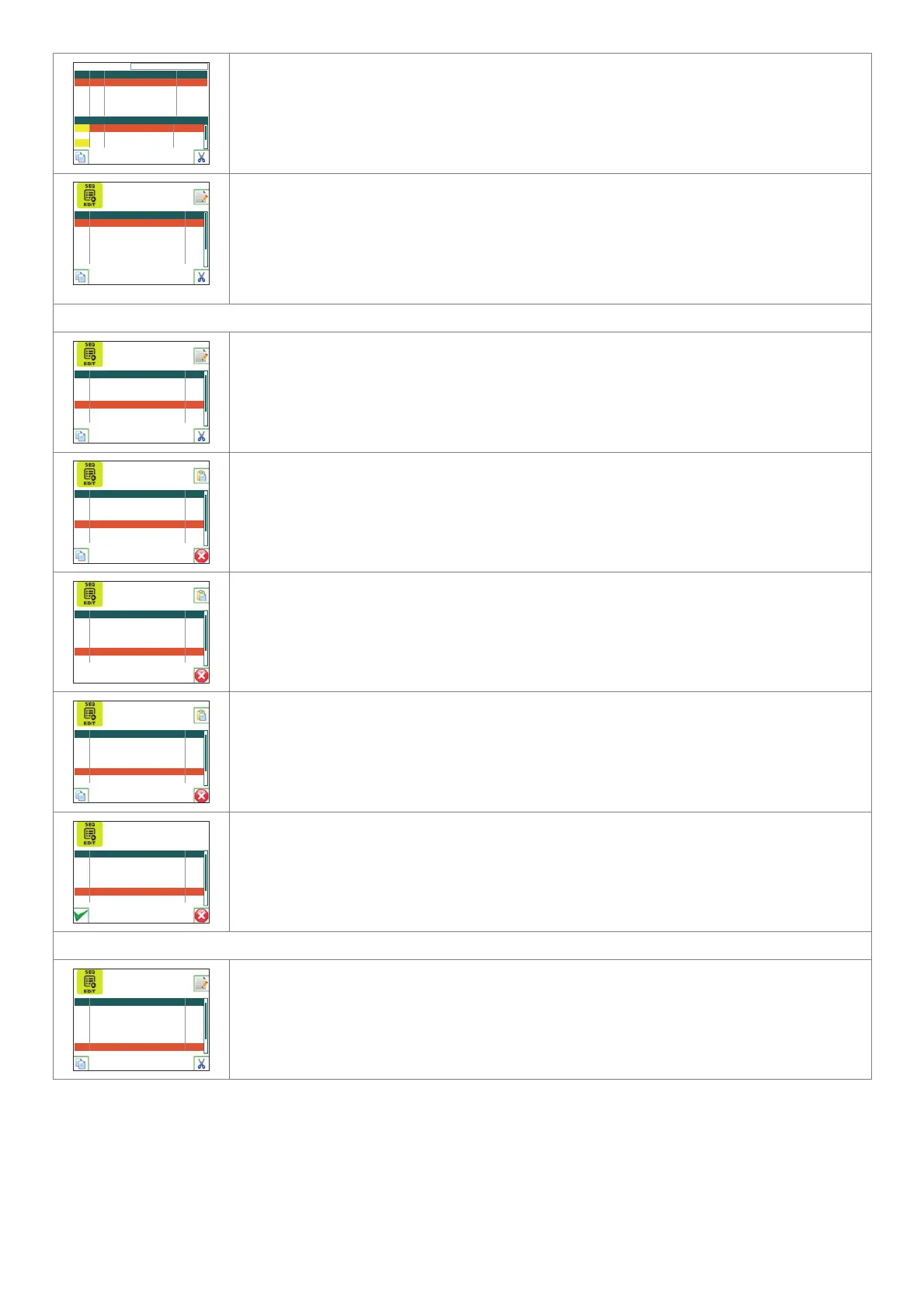
Use the DX KEY to remove the JOB from the section of the sequence selected using the
ENCODER K
NOB - SX.
Push the ENTER/MEM K
EY to be able to edit the sequence name.
SEQ NAME # JOB
001 Welding sequence 2
002 --- ---
003 --- ---
004 --- ---
005 --- ---
006 --- ---
Use the ENCODER KNOB - DX and the ENCODER KNOB - SX SX respectively to select the which of the
characters available is required, and to move to the position of the next or the previous character.
Once creation of the sequence has been completed, push the MENU K
EY to save it.
As you can see, the sequence number is shown on the left, the name of the sequence in the centre,
and the total number of jobs used for the sequence on the right.
Once the welding sequence has been created, the SX K
EY can be used to copy it, the DX KEY to delete it,
or the ENTER/MEM K
EY to edit it.
COPYING A SEQUENCE
SEQ NAME # JOB
001 Welding sequence 2
002 Welding sequence 1 4
003 --- ---
004 Welding sequence 2 4
005 --- ---
006 --- ---
Select the sequence to be copied using the ENCODER KNOB - SX and push the SX KEY.
SEQ NAME # JOB
001 Welding sequence 2
002 Welding sequence 1 4
003 --- ---
004 Welding sequence 2 4
005 --- ---
006 --- ---
COPY SEQ. 004
The copy sequence 004 message displayed indicates that sequence 4 has been selected.
SEQ NAME # JOB
002 Welding sequence 1 2
003 --- ---
004 Welding sequence 2 4
005 --- ---
006 --- ---
007 --- ---
COPY SEQ. 004
Select the position of the sequence to be added, using the ENCODER KNOB - SX (e.g. in this case, position
6).
Until the DX K
EY is pushed of a new sequence is selected using the SX KEY, sequence 004 can be added
in all the positions it is required.
SEQ NAME # JOB
002 Welding sequence 1 2
003 --- ---
004 Welding sequence 2 4
005 --- ---
006 Welding sequence 2 4
007 --- ---
COPY SEQ. 004
Push the ENTER/MEM KEY to copy the sequence.
SEQ NAME # JOB
002 Welding sequence 1 2
003 --- ---
004 Welding sequence 2 4
005 --- ---
006 Welding sequence 2 4
007 --- ---
OVERWRITE SEQ. 006 WITH SEQ. 004?
If the sequence position chosen is already in use, when the ENTER/MEM KEY is pushed the image to the
left is displayed.
Push the SX K
EY and sequence4 6 will be replaced by sequence 4, whereas the DX KEY cancels
everything.
DELETING A SEQUENCE
SEQ NAME # JOB
001 Welding sequence 2
002 Welding sequence 1 4
003 --- ---
004 Welding sequence 2 4
005 --- ---
006 Welding sequence 2 4
Select the sequence to be deleted using the ENCODER KNOB - SX and push the SX KEY.
(continua)












 To Next Page