60
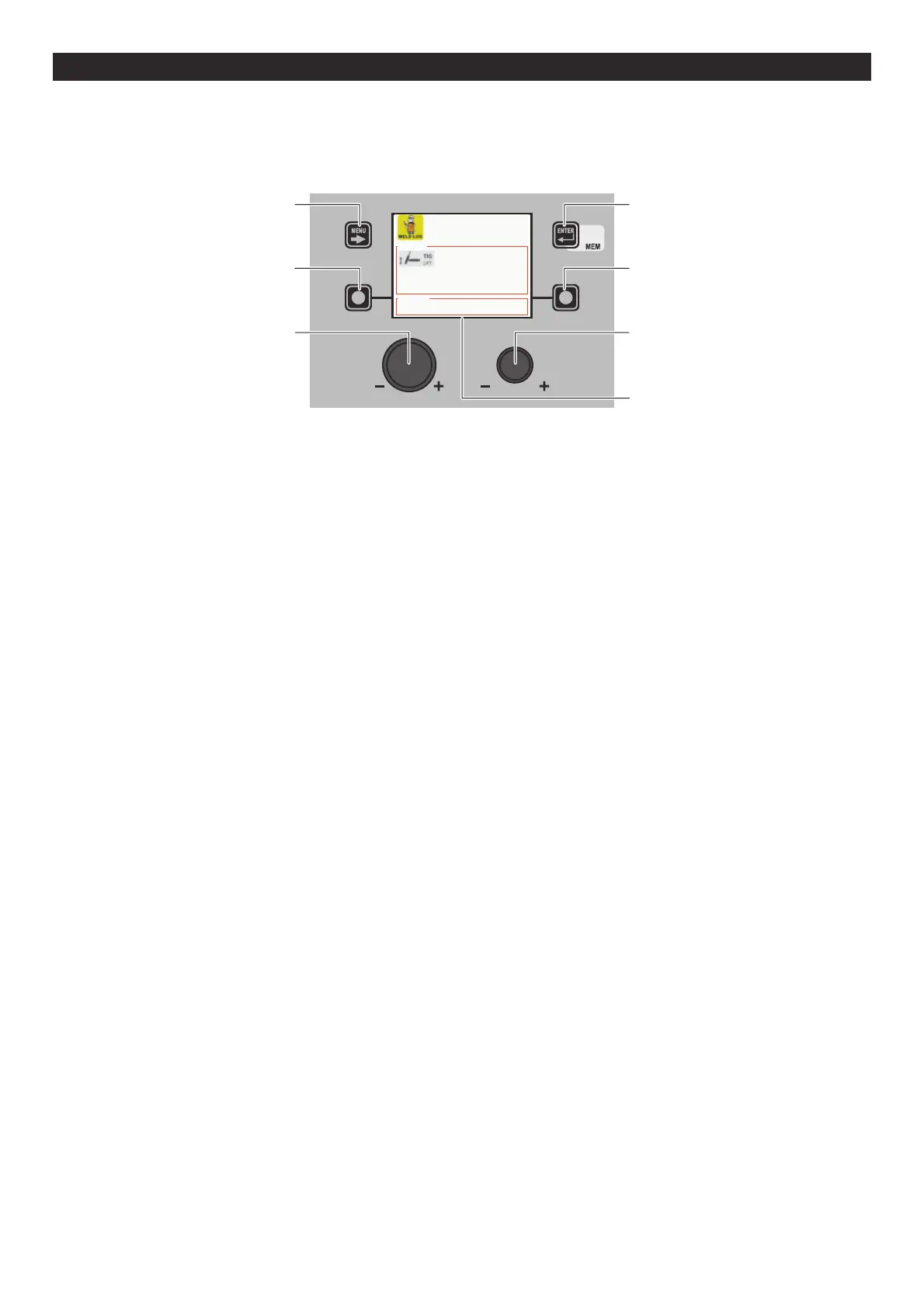
WELD LOG ADVANCED SETUP Menu
The purpose of this menu is to allow the operator to know the latest welding parameters set on the machine, as well as the lat-
est data saved on the machine.
To access the WELD LOG Menu from the ADVANCED SETUP Menu:
• Turn the ENCODER K
NOB - SX to select the desired icon.
• Push the ENTER/MEM K
EY.
MENU KEY ENTER/MEM KEY
ENCODER KNOB - SX ENCODER KNOB - DX
VISION SCREEN
SX KEY DX KEY
HOLD DATA
CURRENT 39 [A] VOLTAGE 1.2 [V]
CURRENT 39 [A] VOLTAGE 1.2 [V]
SET POINT
The content of this menu is for information only, the operator cannot make any changes, they can only read the information avail-
able on the screen.
To exit the WELD LOG Menu and go back to the ADVANCED SETUP Menu:
• Push the MENU K
EY.












 To Next Page