53
Advanced function Description
ENERGY SAVING
ARC ON TIMER 0 gg. 0:00:00
TIMER WELDER ON 0 gg. 0:12:49
ENERGY SAVING ULTRA
ERROR FILTER TIME 300 ms
By rotating the ENCODER KNOB - DX (this operation does not require confirmation) it
is possible to choose the energy saving mode you prefer from the 3 available for the
welding plant:
• STANDARD - Energy saving is achieved by the screen saver being activated for the
screens on both the generator and the feeder after a set time that cannot be changed
by the operator (see the relevant paragraph).
• ULTRA - Energy saving is obtained by the screens on the generator and the feeder
being switched off after a set time, equal to that for the screen saver, which cannot be
changed by the operator.
• EXTRA - Energy saving is obtained by the screens on the generator and the feeder
switching off as soon as the machine is switched on.
ERROR FILTER TIME
ARC ON TIMER 0 gg. 0:00:00
TIMER WELDER ON 0 gg. 0:13:20
ENERGY SAVING ULTRA
ERROR FILTER TIME 300 ms
This is used to set the minimum time an alarm remains active before it is displayed.
To exit the ADVANCED CONFIG Menu and go back to the ADVANCED SETUP Menu:
• Push the MENU K
EY.
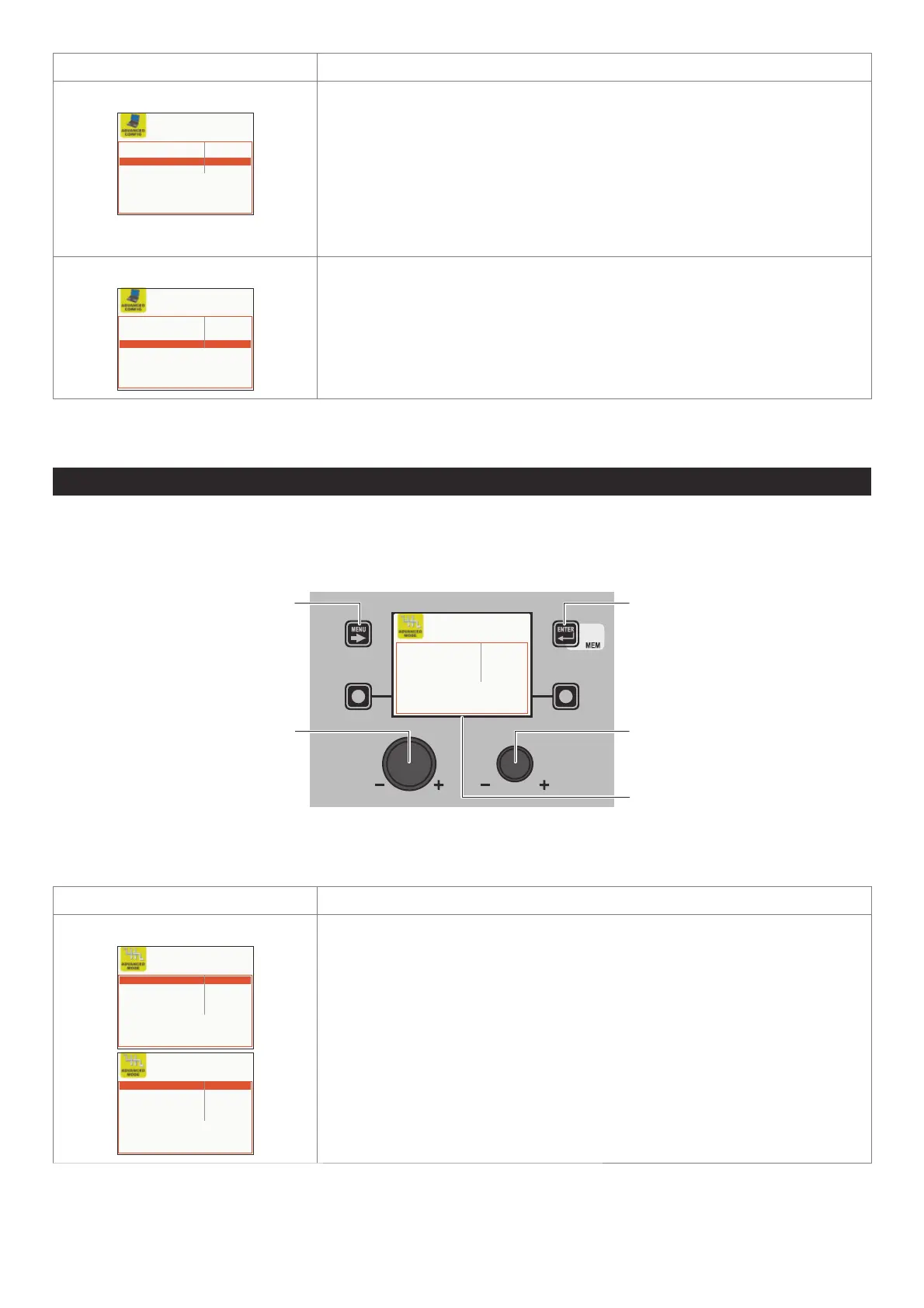
ADVANCED MODE ADVANCED SETUP Menu
The purpose of this menu is to allow the operator to further refine adjustments to the welding parameters for the machine.
To access the ADVANCED MODE Menu from the ADVANCED SETUP Menu:
• Turn the ENCODER K
NOB - SX to select the desired icon.
• Push the ENTER/MEM K
EY.
MENU KEY ENTER/MEM KEY
ENCODER KNOB - SX ENCODER KNOB - DX
VISION SCREEN
CYCLE DISABLED
CRATER STANDARD
DUAL PULSE STANDARD
ARC LENGTH ADJUSTMENT VOLTAGE
TIG LIFT MODE DISABLED
Within the ADVANCED MODE Menu it is possible, by rotating the ENCODER KNOB - SX, to choose the advanced welding mode re-
quired from the 4 available (according to the welding process selected) and this can be ACTIVATED (this operation does not
require confirmation) by rotating the ENCODER K
NOB - DX.
Advanced function Description
CYCLE
CYCLE STANDARD
CRATER STANDARD
DUAL PULSE STANDARD
ARC LENGTH ADJUSTMENT VOLTAGE
TIG LIFT MODE DISABLED
CYCLE ADVANCED
CRATER STANDARD
DUAL PULSE STANDARD
ARC LENGTH ADJUSTMENT VOLTAGE
TIG LIFT MODE DISABLED
If enabled, when operating in STANDARD or ADVANCED mode, this function provides
the operator with a further welding mode (CYCLE) and the special functions associated
with it, when using MIG (pulsed, double pulsed, synergic, or manual) welding processes:
• CURRENT CYCLE, CYCLE WIRE SPEED (see TAB. A/B parameter F19).
• CYCLE ARC LENGTH, CYCLE VOLTAGE (see TAB. A/B parameter F20).
• FIRST SLOPE (from I1 to I2) see TAB. A/B parameter F18) - advanced cycle only.
• SECOND SLOPE (from I2 to I1) (see TAB. A/B parameter F21) - advanced cycle only.
The WELDING MODE SELECTION Menu (MODE) menu will therefore be changed.
This function can only be activated, with the above procedure, on the VISION Display,
whilst it can also be set on the HT5 drag-and-drop once it is activated.
See the special “WELD MODE SELECTION Key” paragraph for correct functioning of the
CYCLE welding mode.
(continued)












 To Next Page