42
Advanced function Description
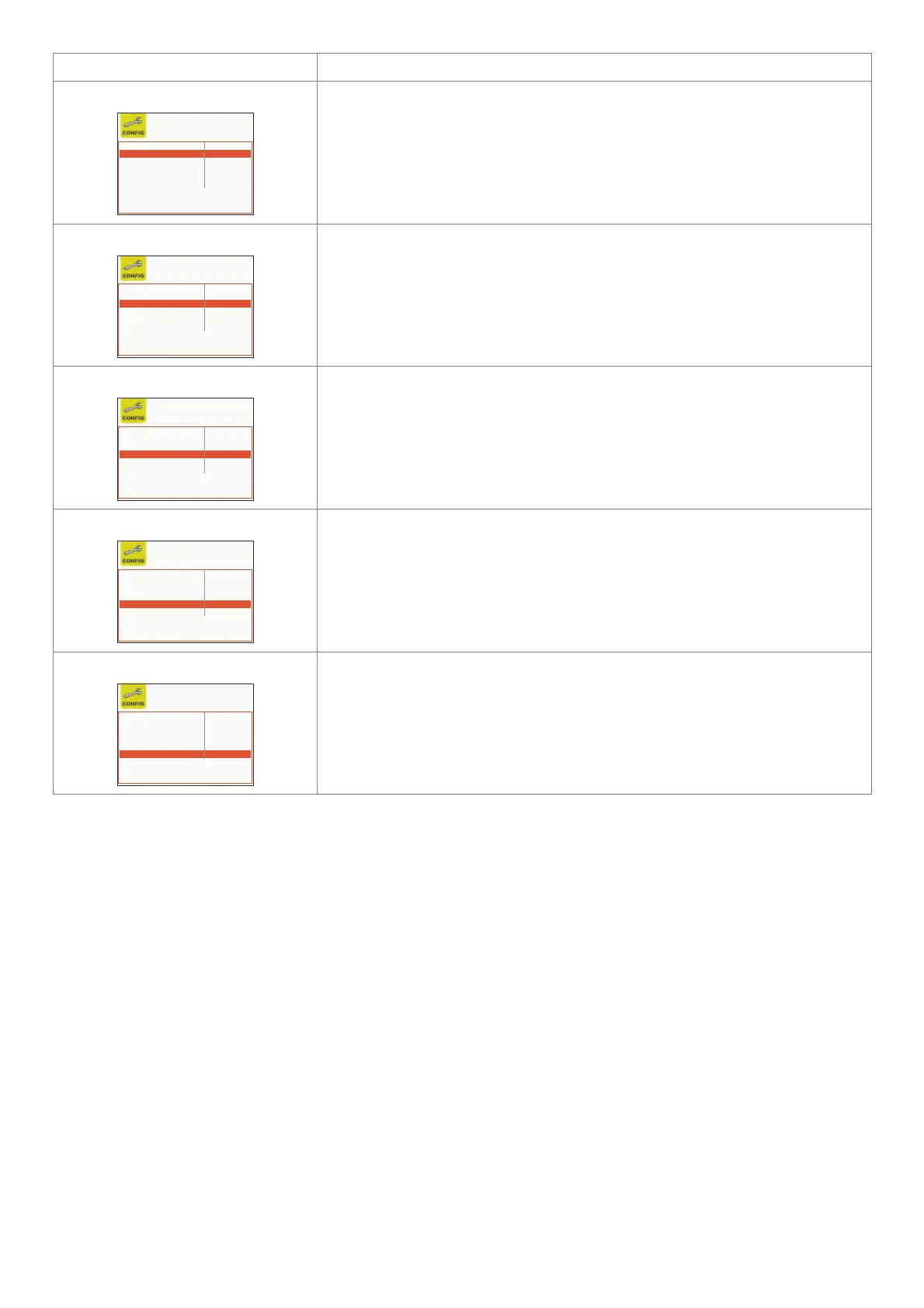
ADVANCED CONFIGURATION
LANGUAGE ENGLISH
ADVANCED CONFIGURATION ENABLED
ADVANCED WELDING MODE DISABLED
COOLING MODE ON DEMAND
WIRE LOAD BY GUN DISABLED
WIRE LOAD SPEED 8.0 m/min
If enabled, this configuration offers the welder the following additional menus (the
following icons will be created in the ADVANCED SETUP Menu):
• ADVANCED CONFIG
• WELD LOG
ADVANCED WELDING MODE
LANGUAGE ENGLISH
ADVANCED CONFIGURATION DISABLED
ADVANCED WELDING MODE ENABLED
COOLING MODE ON DEMAND
WIRE LOAD BY GUN DISABLED
WIRE LOAD SPEED 8.0 m/min
If enabled, this configuration allows the welder to have further welding modes available to
them (the following icons will be created in the ADVANCED SETUP Menu):
• ADVANCED MODE
COOLING MODE
LANGUAGE ENGLISH
ADVANCED CONFIGURATION DISABLED
ADVANCED WELDING MODE DISABLED
COOLING MODE ON DEMAND
WIRE LOAD BY GUN DISABLED
WIRE LOAD SPEED 8.0 m/min
This configuration allows the welder to set cooling as follows:
• WHEN REQUESTED. IIn this case, cooling is managed in relation to the welding done.
• ALWAYS ON. In this case, cooling comes on when the machine is switched on,
and stays on until the machine is switched off. Cooling only stops when an alarm is
activated.
WIRE LOAD BY GUN
LANGUAGE ENGLISH
ADVANCED CONFIGURATION DISABLED
ADVANCED WELDING MODE DISABLED
COOLING MODE ON DEMAND
WIRE LOAD BY GUN DISABLED
WIRE LOAD SPEED 8.0 m/min
This configuration allows the welder to enable or disable the type of wire loading from the
torch:
• ACTIVE. In this case wire loading is activated from the torch (also see relevant section).
• NOT ACTIVE. In this case, wire loading can only be done using the relevant button on
the feeder.
WIRE LOAD SPEED
LANGUAGE ENGLISH
ADVANCED CONFIGURATION DISABLED
ADVANCED WELDING MODE DISABLED
COOLING MODE ON DEMAND
WIRE LOAD BY GUN DISABLED
WIRE LOAD SPEED 8.0 m/min
The parameter is used to set the loading speed, both for the torch (if active) and for the
feeder.
The range for this parameter is 1,0 m/min to 22,0 m/min.
WARNING: The additional menus are explained in the manual, in the “ADVANCED SETUP Menu” paragraph.
To exit the CONFIG Menu and go back to the SETUP Menu:
• Push the MENU K
EY.












 To Next Page