34
Calibrations
Calibrations
Temperature
Contact CEM Corporation or one of its authorized dealers.
Pressure
Pressure can only be calibrated by CEM Corporation. Contact CEM Corporation or one of its authorized dealers.
Autosampler
An administrator must be logged in as the current user to perform the autosampler calibration.
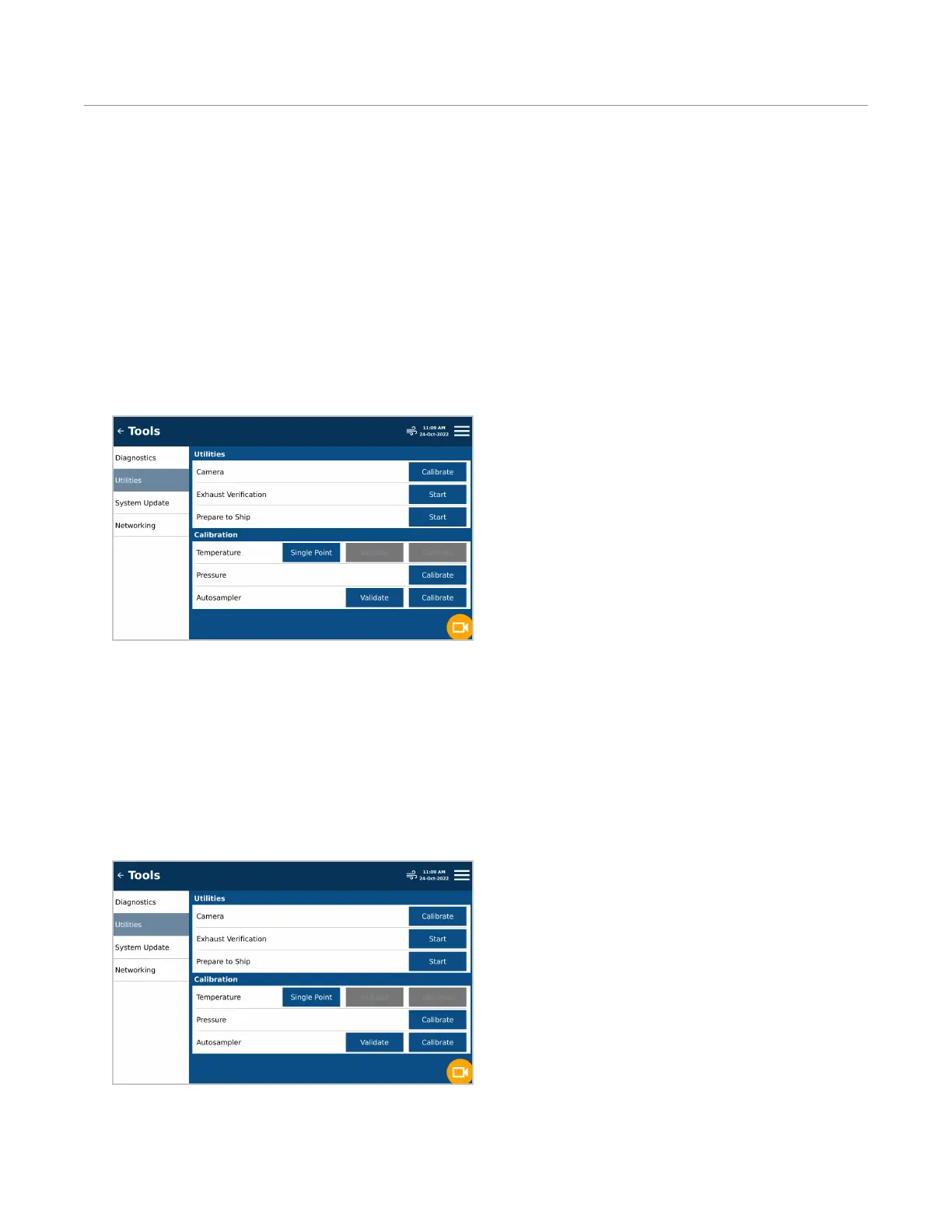
1. Press the System Menu icon located in the top right corner of the screen.
2. Press “Tools” and the “Utilities” tab.
3. Locate Autosampler and press “Calibrate.”
4. Follow instructions located on the screen to complete calibration. If the Autosampler Calibrations results in an
error, Contact CEM Service.
Camera Calibration
1. Place a vessel with a stir bar into the attenuator.
1. Press the System Menu icon in the top right corner of the display.
2. Press “Tools” and press the Utilities tab.
3. Locate Camera and select “Calibrate”.


 To Next Page