15System Installation
System Installation
Unboxing
1. View the Site Preparation Guide (P/N FM0082) or “System Specications” section of this manual and select a
location that meets requirements before installing the BLADE instrument.
2. Carefully inspect the shipping carton, the instrument, and accessories for any damage that may have occurred
during shipping. If the instrument or accessories have damage, contact the freight carrier to report the damage
and le a damage report. Contact your CEM Representative for assistance.
WARNING
If any damage to the instrument is noted, DO NOT attempt instrument operation.
DO NOT tamper with the instrument.
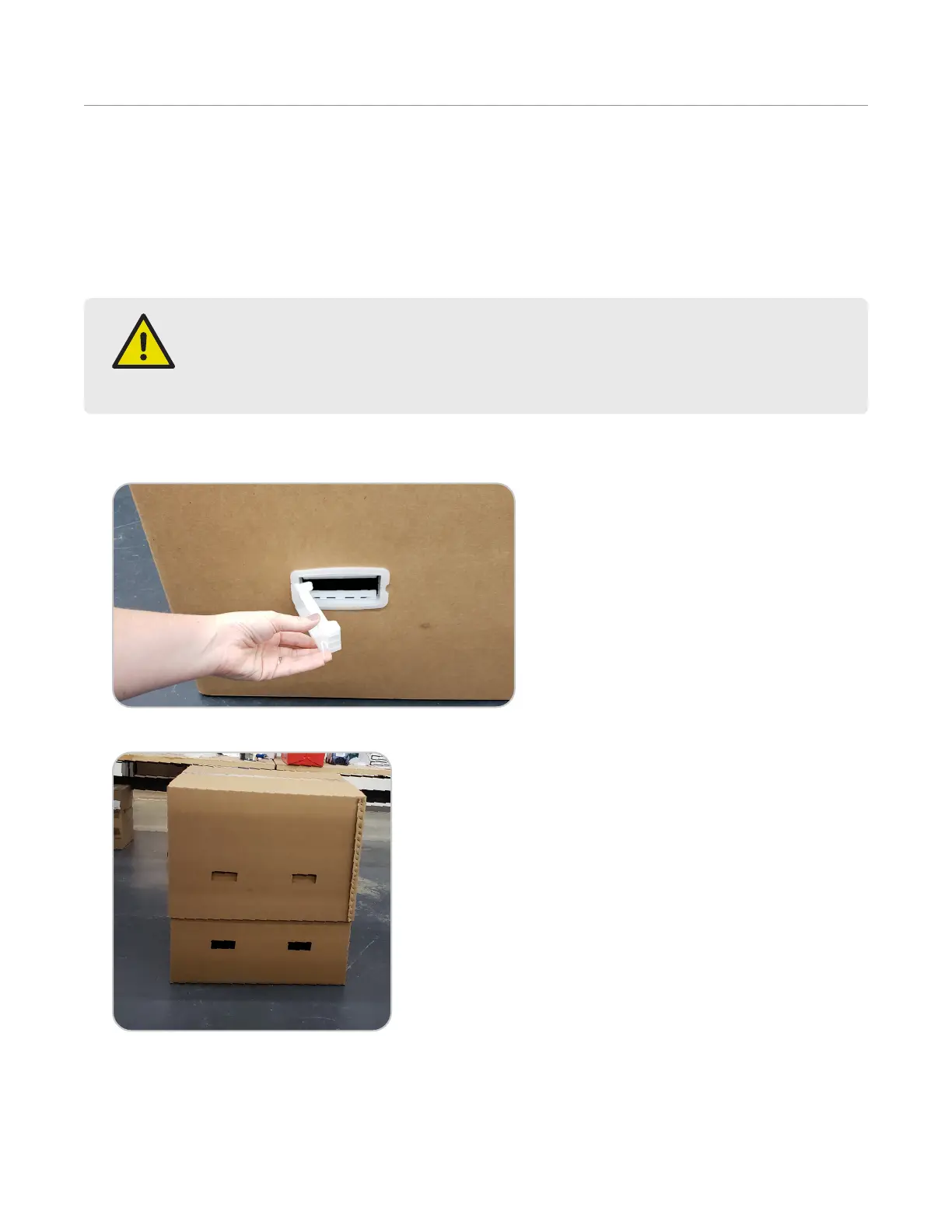
3. Pull plastic tab, swing handle open, and remove the plastic clip from the box. Repeat process on the remaining
handles.
4. Use handles to pull up and remove outer box.
5. Carefully cut the tape on both sides of the inner box.


 To Next Page