31
9
Install the Station and Charging
Cable
Mount the Station
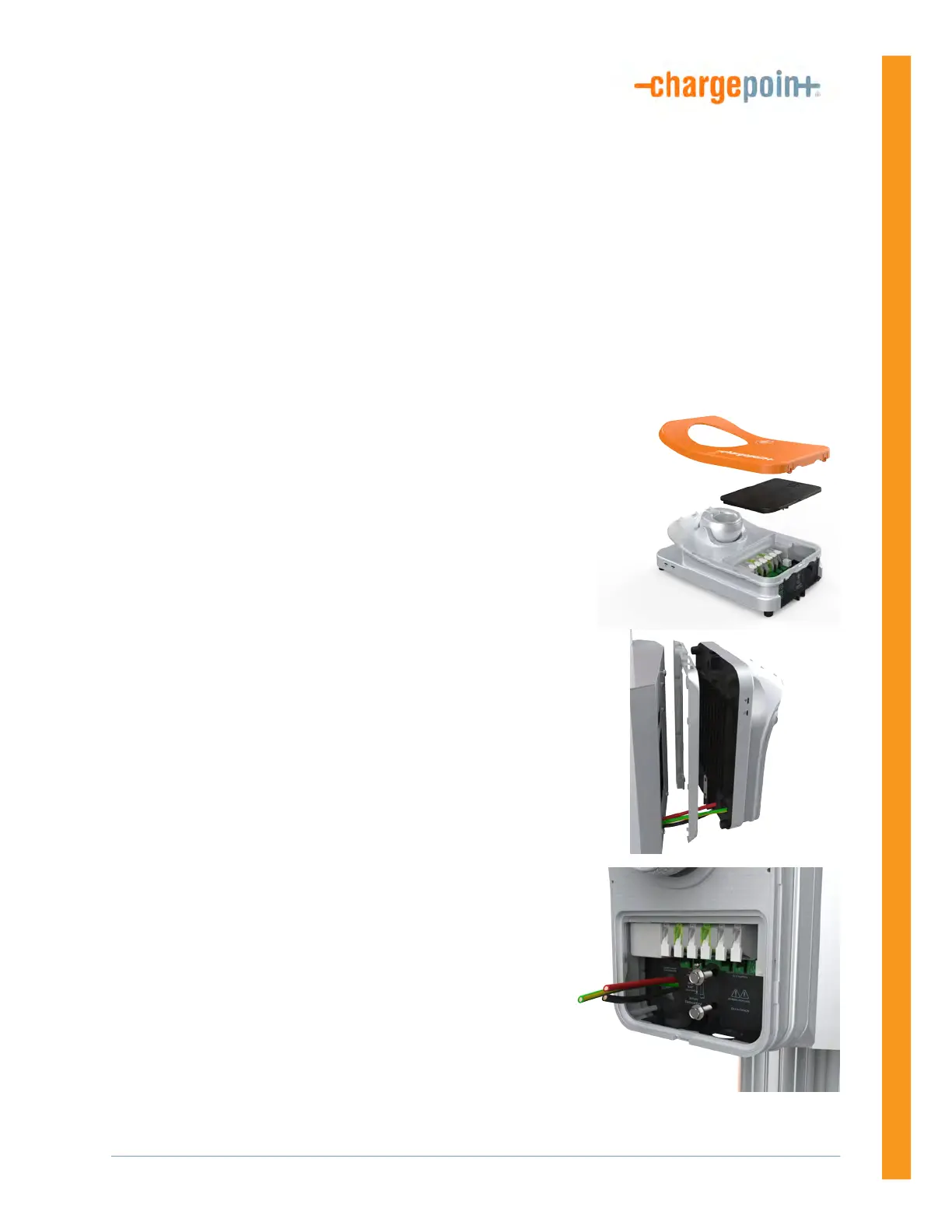
1. Remove the faceplate and the wire cover from the
charging station. Set them aside.
2. Insert a 3/8 in screw into the top center hole on the front
of the bracket using a #2 Phillips screwdriver. Leave the
screw protruding approximately 6 mm (1/4 in) to create a
3 mm (1/8 in) gap between the back of the screw head
and the bracket.
3. Position the mounting skirt against the back of the main
unit.
4. Route the service wiring through the knockout in the
back or bottom of the main unit. (This varies by
configuration.)
5. Hang the mounting skirt and the main unit on the top
protruding screw on the bracket.
6. Secure the main unit by inserting the 3/4 in hex screws
through the main unit near the bottom center.
7. Tighten the hex screws using a 3/8 in hex driver.












 To Next Page