Introduction
3
Overview of the Installation Process
1. Check for the correct number of shipping boxes for your configuration.
2. Check the contents of each shipping box.
3. Proceed to the appropriate Section for your configuration:
• Wall Mount with no CMK - Section 2.
• Wall Mount with CMK - Section 3.
• Pedestal Mount - Section 4 and the applicable section from Section 5-8.
4. Mount the station and connect the service wiring - Section 9.
5. Document the radio group and complete the Post-Installation Checklist - Section 10.
Check for the Correct Shipping Boxes
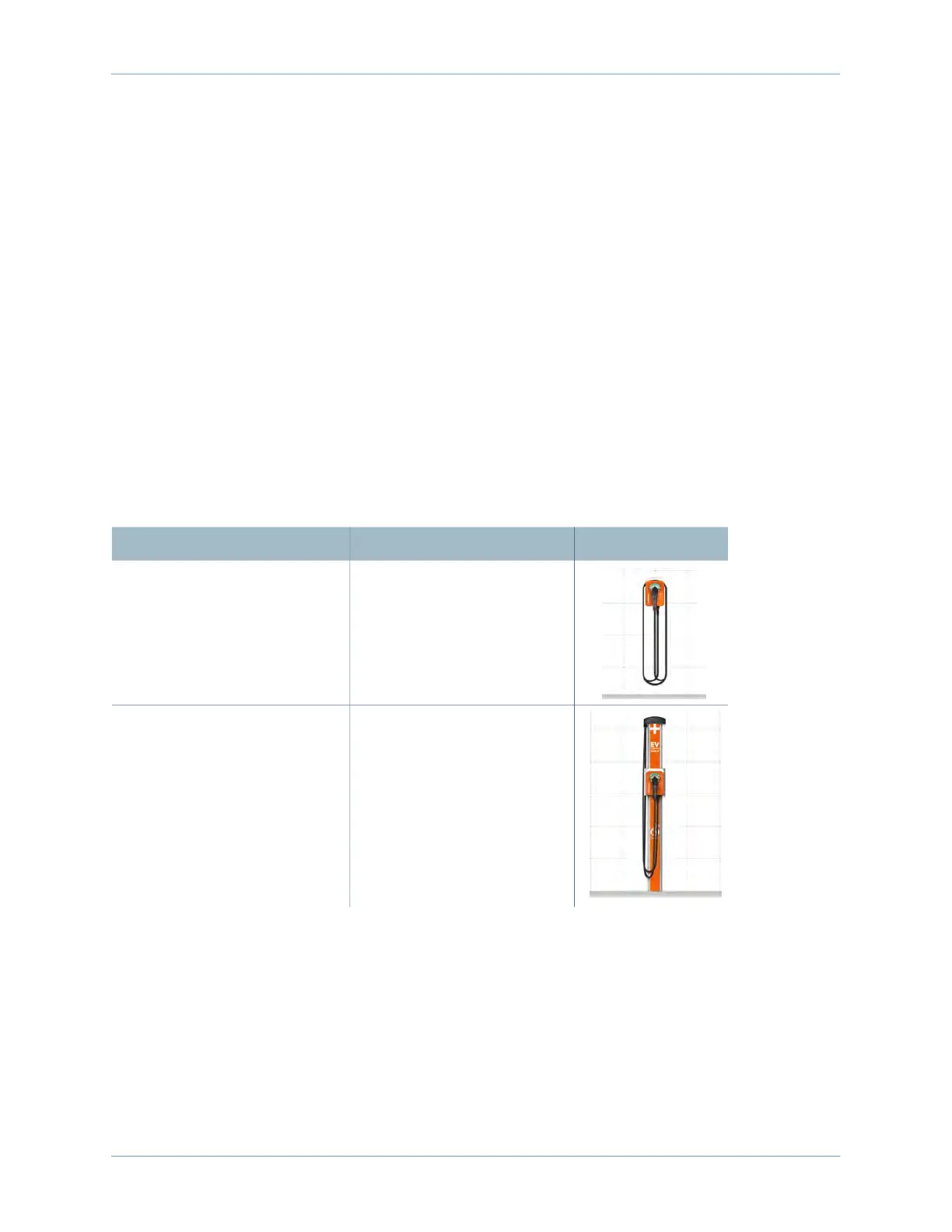
The CPF50 includes nine possible configurations. Verify the number of boxes expected for your
configuration. Open the Main Unit box first to access this guide.
Configuration Box List Completed Installation
Wall Mount • Main Unit
Wall Mount with CMK6 • Main Unit
• Mounting Kit for CMK
• CMK6












 To Next Page