21
6
Mount a Single Station Bracket
and CMK
Prepare the CMK
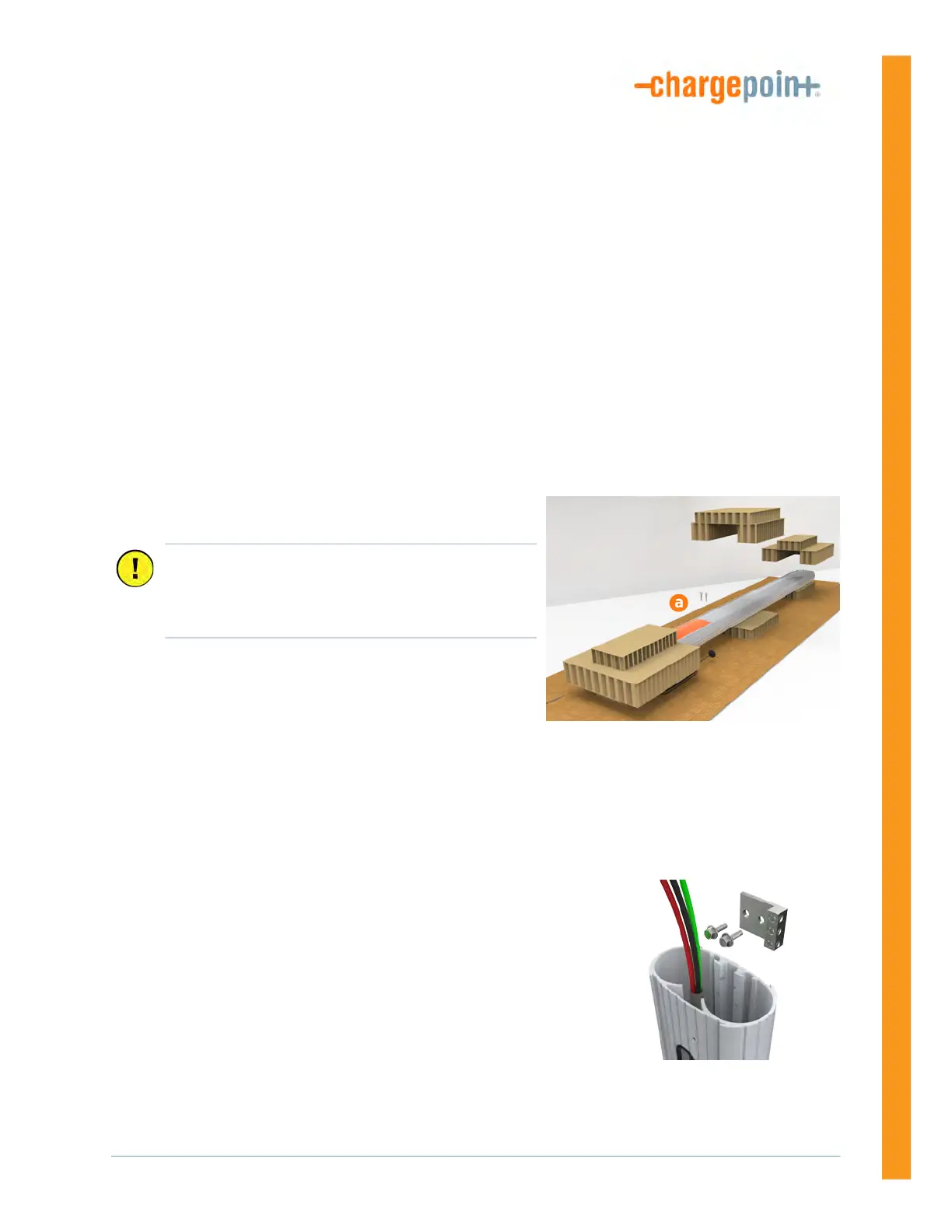
1. Position the CMK packaging so its bottom is located near where the charging station will be
installed.
Note: Do not unwrap the ropes.
2. Remove and discard the two shipping screws (a) from
the front of the CMK.
3. Remove the cardboard packaging.
Mount the Bracket and CMK
1. Remove the ground lug from the pedestal using a 7/16 in
wrench. Save the screws to reinstall later.
Important: Do not tilt or carry the assembly with
the top end lower than the bottom end. When you
remove the shipping screws, the counterweights
are free to move in either direction.












 To Next Page