11
2
Install a Wall Mount CPF50
(Without a CMK)
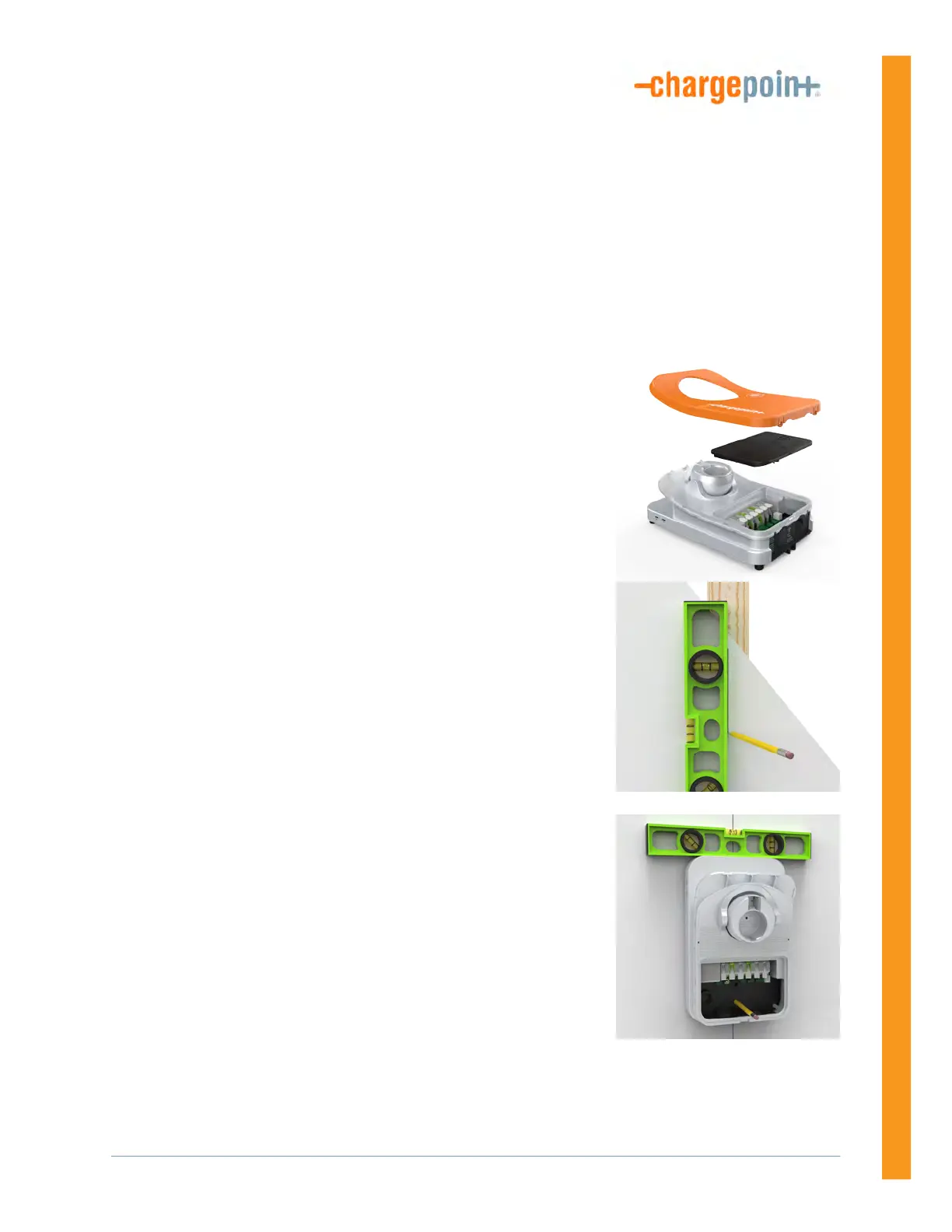
1. Remove the faceplate and the wire cover from the charging
station. Set them aside.
2. Mark the location.
• For wood stud mounting, mark the center of the stud with a
line from 1000-1100 mm (39-43 in) above the finished floor.
• For masonry or concrete, mark approximate mounting
location with a vertical line from 1000-1100 mm (39-43 in)
above the finished floor.
3. Hold the station against the wall, with the top of the station
approximately 1270 mm (50 in) above ground level.
4. Ensure the charging station is level using a bubble level.
5. Mark the two lower mounting holes.












 To Next Page